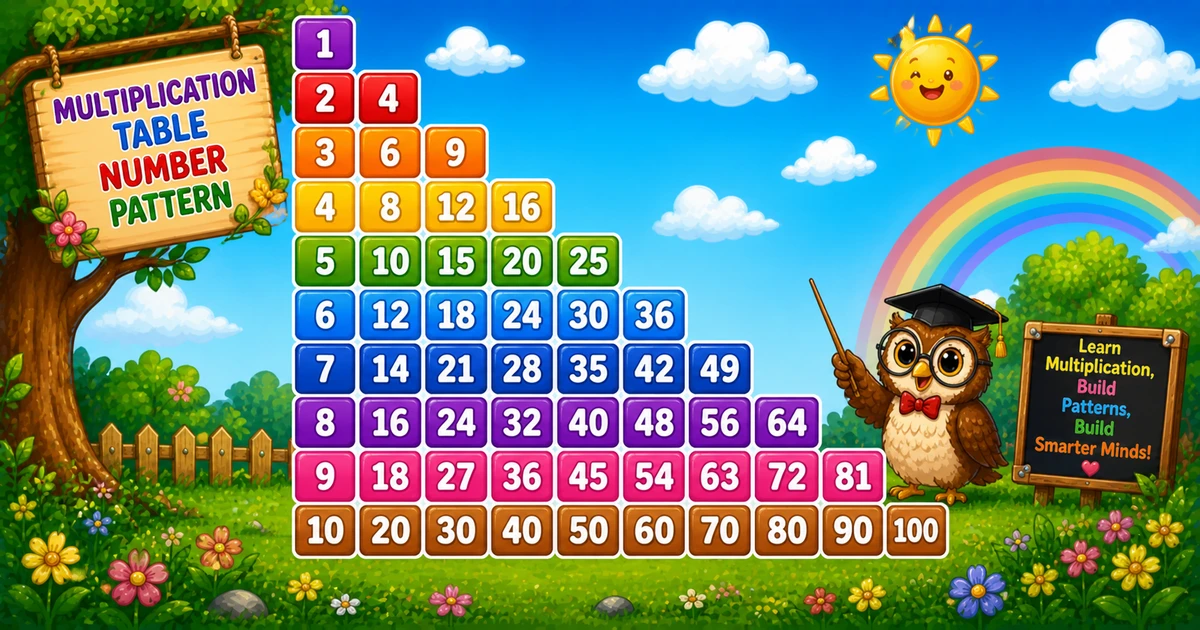
A triangular multiplication pattern prints the products i×1, i×2, … up to i×i on each row.
Remember
Rule: on row i, print i*j for j = 1..i

1
2 4
3 6 9
4 8 12 16
5 10 15 20 25   ← rows = 5
Follows the powers of 11 in Program 48; next is the rotating number pattern in Program 50.
Approach
How to Solve It
One nested loop: outer picks the row base i, inner prints the first i multiples.
Method
Idea
Best for
Space-separated
Print i * j for j = 1..i
Learning, interviews, exams
Fixed width
Same products with f"{i * j:3d}"
Neater columns
Pseudocode
Pseudocode
for i from 1 to rows:
    for j from 1 to i:
        print i * j and a space
    print newline
Cheat sheet
Goal
Pattern
Walk rows
for i in range(1, rows + 1):
Walk columns
for j in range(1, i + 1):
Print product
print(i * j, end=" ")
Align columns
print(f"{i * j:3d}", end="")
End the row
print()
Printing Numbers vs Starting a New Line
API
Effect
Use for
print(i * j, end=" ")
Stays on the same line
Each product plus a trailing space
print()
Ends the current line
After the column loop finishes a row
Print products without a newline, then end the row once.
Try it
Live Preview
Change the row count and the multiplication triangle updates instantly.
Whole numbers from 1 to 10. Tap a chip or type a value — the preview redraws as you go.
Live result5 rows · 15 products
1
2 4
3 6 9
4 8 12 16
5 10 15 20 25
Trace
Worked Walkthrough — rows = 4
Trace each row’s products from i*1 through i*i.
i
Products i*j
Printed row
1
1
1
2
2, 4
2 4
3
3, 6, 9
3 6 9
4
4, 8, 12, 16
4 8 12 16
Total products for n rows = n(n+1)/2. Last value on row i is always i*i.
Code
Python Programs
Three complete programs: fixed 5 rows, input() rows, and fixed-width columns. Use View Output for sample results.
Example 1 — Fixed rows = 5
Nested loops print i * j with a trailing space.
Python
for i in range(1, 6):
    for j in range(1, i + 1):
        print(i * j, end=" ")
    print()
Output
1
2 4
3 6 9
4 8 12 16
5 10 15 20 25
How It Works
1. Outer loop.i is the row multiplier — row 3 uses 3 as the base.
2. Inner loop.j runs from 1 to i; each cell prints i * j.
3. Newline. Bare print() after the inner loop starts the next row.
Example 2 — User Input Rows
Read the row count with input() and build the same triangle.
Python
try:
    rows = int(input("Enter number of rows: "))
except ValueError:
    print("Please enter a positive whole number.")
    raise SystemExit(1)

if rows < 1:
    print("Please enter a positive whole number.")
    raise SystemExit(1)

for i in range(1, rows + 1):
    for j in range(1, i + 1):
        print(i * j, end=" ")
    print()