Right-Aligned Number Triangle in Python
What You’ll Learn
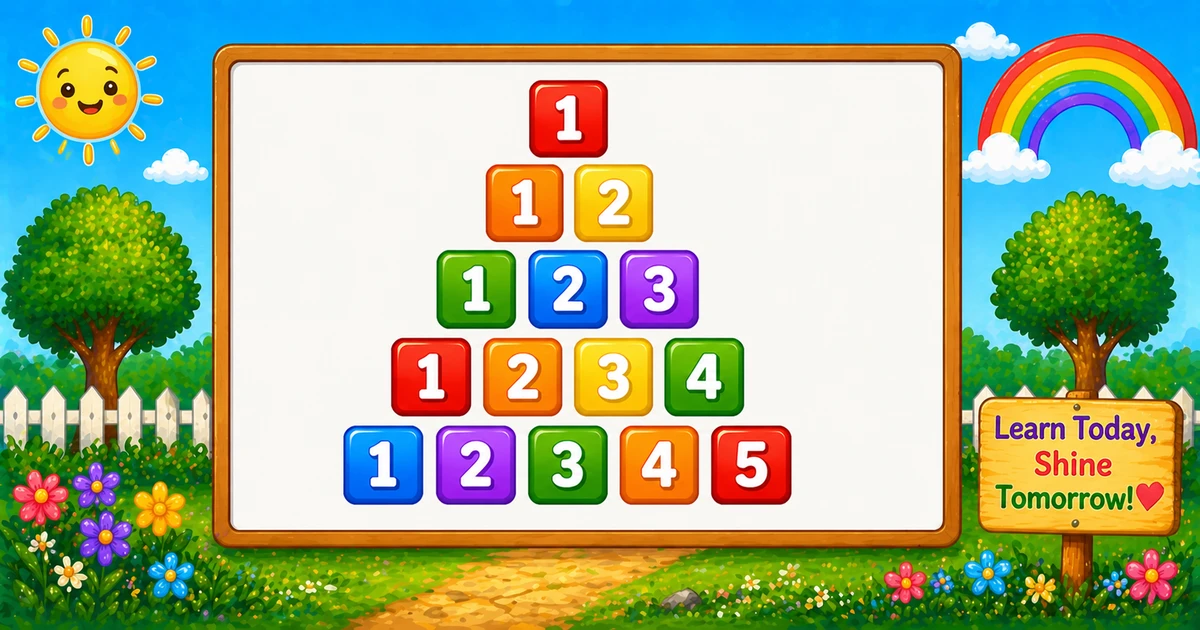
How to print a right-aligned number triangle in Python. Each row prints numbers starting from 1 up to the row number, and leading spaces are used to align the triangle to the right.
This pattern teaches you how to combine spacing (alignment) with nested loops (row/column printing).
⭐ Pattern Output
For rows = 5, the pattern looks like this:
    1
   1 2
  1 2 3
 1 2 3 4
1 2 3 4 5Complete Python Program
First we print spaces to shift the row to the right. Then we print 1 through i with a trailing space for readability.
rows = 5

for i in range(1, rows + 1):
    for _ in range(rows, i, -1):
        print(" ", end="")
    for k in range(1, i + 1):
        print(k, end=" ")
print()🧠 How It Works
Choose the row count
rows = 5 sets the height of the triangle.
Outer loop (rows)
for i in range(1, rows + 1) prints one row at a time.
Print leading spaces
The loop for _ in range(rows, i, -1) prints rows-i spaces so the row becomes right-aligned.
Print numbers 1..i
for k in range(1, i + 1) prints increasing numbers on each row using end=" ".
Right-aligned triangle
Total printed numbers are 1+2+…+n = n(n+1)/2, so runtime is O(n²) for n rows.
Variation — User Input Version
Let the user choose the number of rows at runtime. The logic stays the same: print spaces, then print 1..i.
rows = int(input("Enter the number of rows: "))

for i in range(1, rows + 1):
    print(" " * (rows - i), end="")
    for k in range(1, i + 1):
        print(k, end=" ")
print()💡 Tips for Enhancement
Try These
- Remove the trailing space by printing with
end=""and adding your own separator - Print repeated numbers per row (like
1 1,2 2 2) - Turn it into a centered pyramid by printing extra spaces between numbers
- Reverse the triangle by counting the outer loop down
- Replace numbers with letters to build alphabet patterns
Avoid
- Forgetting the newline
print()after each row - Mixing alignment and number-printing logic in one loop (harder to read)
- Using tabs for spacing (results vary across consoles)
- Assuming user input is always valid (wrap
int()if needed)
Key Takeaways
Leading spaces create the right alignment.
The inner loop prints numbers from 1 to the current row i.
Total printed numbers follow n(n+1)/2.
The same alignment trick works for many other pyramid patterns.
❓ Frequently Asked Questions
print(k, end=" ") to print(k, end=""). You can also format multi-digit values with padding if needed.Explore More Python Number Patterns!
Try left-aligned, right-aligned, and centered triangles to master nested loops.
The total numbers printed in an increasing triangle of n rows is the triangular number n(n+1)/2.
About the author


8 people found this page helpful