Right-Aligned Number Triangle in Python
What You’ll Learn
How to print a right-aligned number triangle in Python where numbers increase continuously across rows (1, 2, 3, …).
You’ll learn a common technique: print leading blanks before printing numbers to create alignment.
⭐ Pattern Output
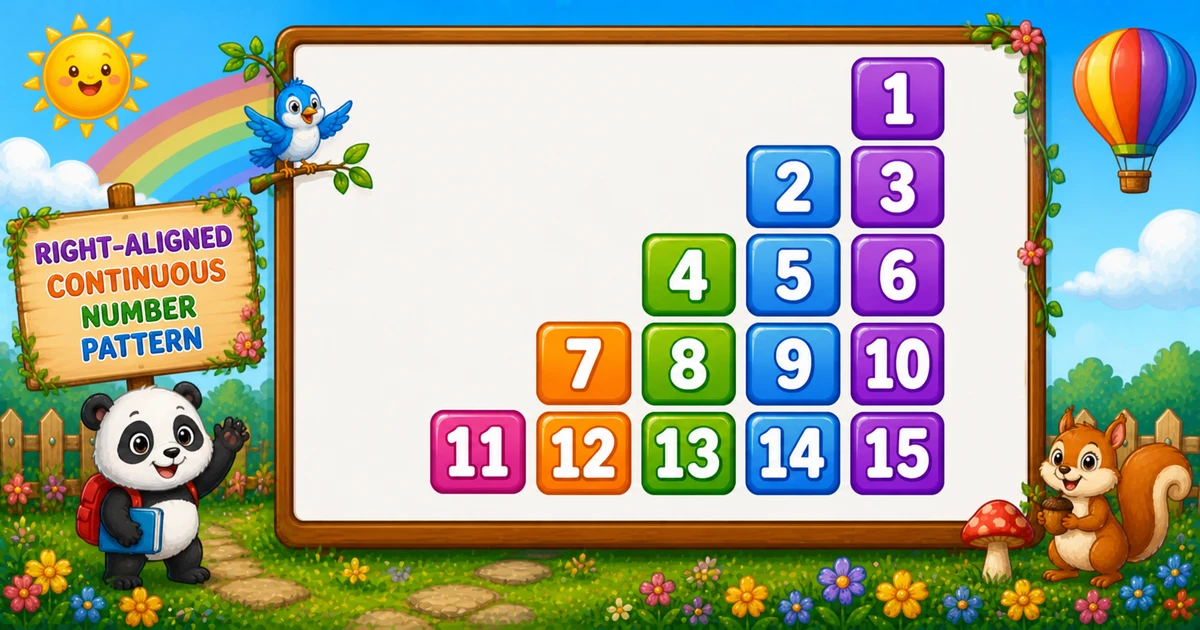
For rows = 5, the pattern looks like this:
        1
      2  3
    4  5  6
  7  8  9 10
11 12 13 14 15Complete Python Program
Use a counter k that increments only when a number is printed. Print blanks for positions before the triangle starts.
rows = 5
k = 0

for i in range(1, rows + 1):
    for j in range(rows, 0, -1):
        if j > i:
            print("   ", end="")
        else:
            k += 1
            print(f"{k:2d} ", end="")
print()🧠 How It Works
Initialize the counter
k = 0 tracks the next number to print.
Outer loop (rows)
for i in range(1, rows + 1) builds each row of the triangle.
Inner loop (fixed width)
for j in range(rows, 0, -1) keeps each line the same width so alignment is consistent.
Print blanks or numbers
If j > i, print blanks. Otherwise increment k and print it using fixed-width formatting.
Right-aligned triangle
Total numbers printed are 1+2+…+n = n(n+1)/2, so time complexity is O(n²) for n rows.
Variation — User Input Version
Let the user choose the number of rows at runtime:
rows = int(input("Enter the number of rows: "))
k = 0

for i in range(1, rows + 1):
    for j in range(rows, 0, -1):
        if j > i:
            print("   ", end="")
        else:
            k += 1
            print(f"{k:2d} ", end="")
print()💡 Tips for Enhancement
Try These
- Validate input (reject
rows < 1) before printing - Change alignment by printing fewer or more leading blanks
- Print zero-padded numbers using
{k:02d}formatting - Print the same pattern left-aligned by skipping the blank-printing branch
- Turn it into Floyd’s triangle by printing sequential numbers without right alignment
Avoid
- Forgetting
print()after each row - Not using fixed-width formatting (alignment will drift for 2+ digits)
- Incrementing
keven when printing blanks - Assuming user input is always valid (wrap
int()if needed)
Key Takeaways
Print leading blanks to create right alignment.
Increment k only when you print a number to keep the sequence continuous.
Use fixed-width formatting ({k:2d}) so two-digit numbers align.
Total printed numbers are n(n+1)/2, giving O(n²) time.
❓ Frequently Asked Questions
{k:2d} keeps columns aligned.j from 1 to i.Explore More Python Number Patterns!
From pyramids to Floyd’s triangle and beyond—practice nested loops with progressively richer patterns.
Right alignment is usually created by printing spaces first. When numbers become two digits, fixed-width formatting makes the pattern stay visually stable.
About the author


12 people found this page helpful