Centered 1 to N Triangle in PHP
What You’ll Learn
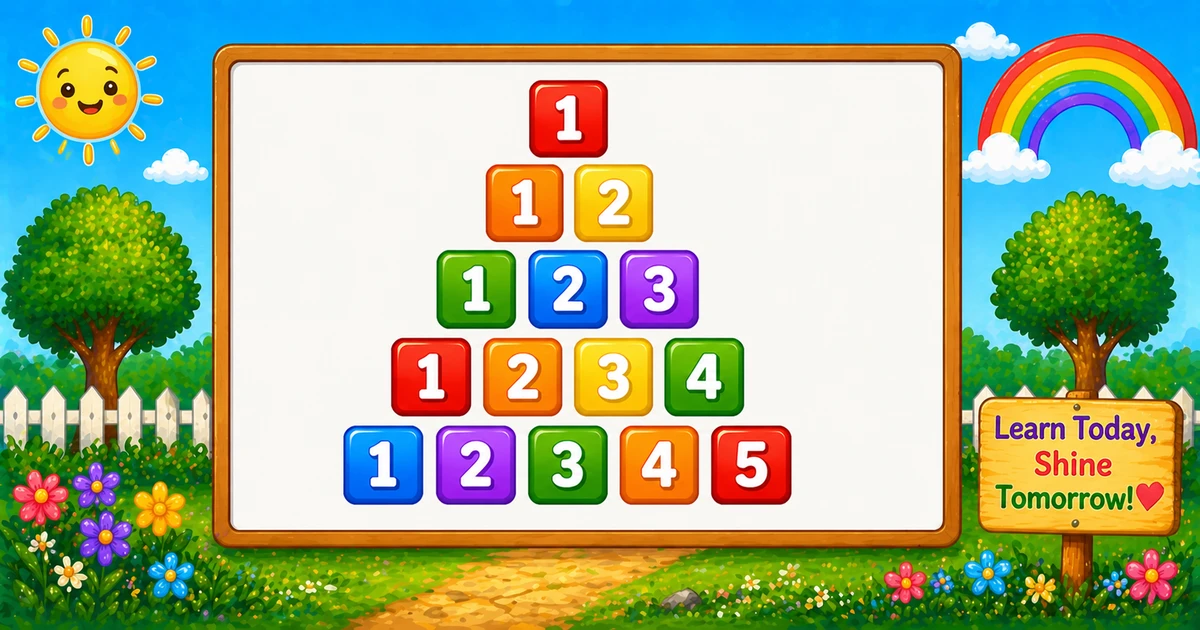
How to print a centered triangle in PHP where each row prints numbers from 1 up to the row index.
We print a few leading spaces first, then print 1..$i with spacing between numbers.
⭐ Pattern Output
For $rows = 5, the pattern looks like this:
    1
   1 2
  1 2 3
 1 2 3 4
1 2 3 4 5Complete PHP Program
The first inner loop prints leading spaces. The second inner loop prints numbers from 1 to $i.
<?php
$rows = 5;

for ($i = 1; $i <= $rows; $i++) {
    for ($j = $rows; $j > $i; $j--) {
        echo " ";
    }
    for ($k = 1; $k <= $i; $k++) {
        echo $k . " ";
    }
    echo PHP_EOL;
}🧠 How It Works
Set the row count
$rows = 5; sets the height of the triangle.
Outer loop (rows)
for ($i = 1; $i <= $rows; $i++) chooses which row we are printing.
Leading spaces
The loop from $rows down to $i+1 prints indentation to center the row.
Print 1..$i
The loop for ($k = 1; $k <= $i; $k++) prints the ascending sequence.
Centered triangle
Total printed numbers are 1+2+…+n = n(n+1)/2, giving O(n²).
Variation — User Input (CLI) Version
Let the user decide the number of rows at runtime using standard input (run from terminal with php):
<?php
echo "Enter the number of rows: ";
$rows = (int) trim(fgets(STDIN));

if ($rows < 1) {
    exit("Rows must be at least 1." . PHP_EOL);
}

for ($i = 1; $i <= $rows; $i++) {
    for ($j = $rows; $j > $i; $j--) {
        echo " ";
    }
    for ($k = 1; $k <= $i; $k++) {
        echo $k . " ";
    }
    echo PHP_EOL;
}💡 Tips for Enhancement
Try These
- Use fixed-width formatting (
str_pad()) for larger row counts - Print descending numbers to create a different centered triangle
- Mirror the triangle to create a diamond
- Replace digits with letters for an alphabet version
- Remove the trailing space by building each row as a string then trimming it
Avoid
- Using HTML entities like
in CLI output - Forgetting to add a newline after each row
- Assuming alignment stays perfect when values become multi-digit
- Skipping input validation for user-provided row counts
Key Takeaways
Row $i prints 1..$i.
Leading spaces center the triangle shape.
Total printed numbers are n(n+1)/2.
Runtime is O(n²) for n rows.
❓ Frequently Asked Questions
$i=1, the loop 1..$i prints only one value.<br> for line breaks and consider or CSS grid for consistent spacing.Explore More PHP Number Patterns!
Try more centered triangles and pyramids to get comfortable with spacing logic.
Most centered patterns are built by printing a shrinking number of leading spaces as the row index increases.
About the author


12 people found this page helpful