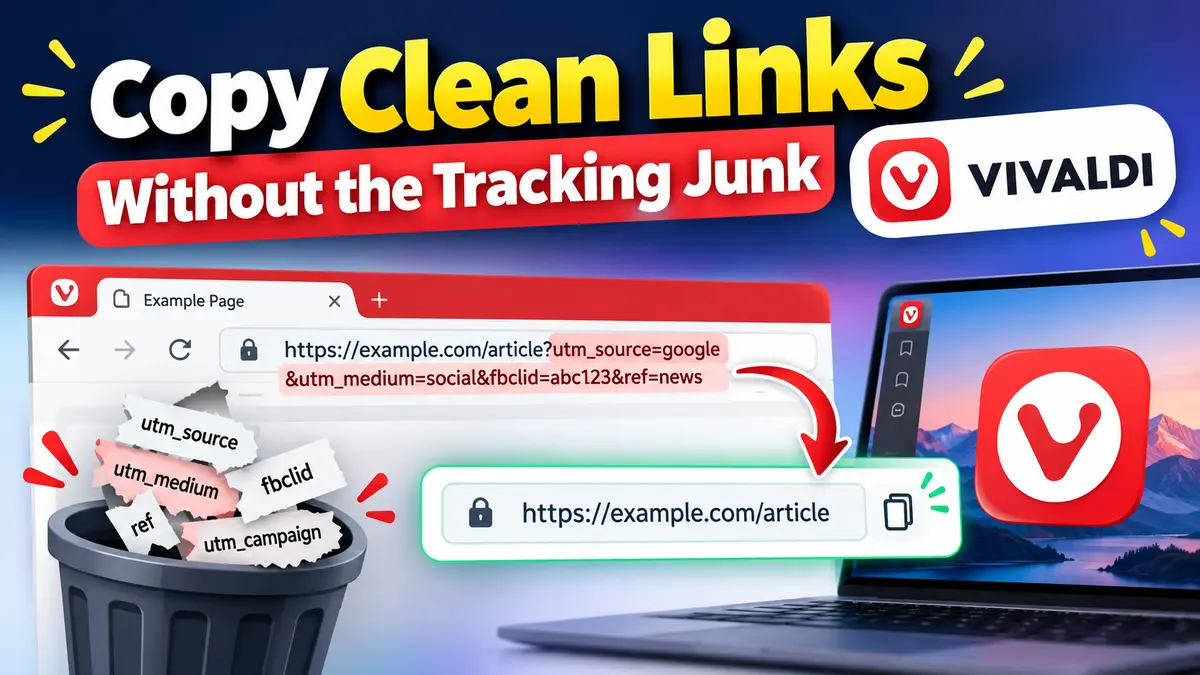
Vivaldi released Android Snapshot 8.3.4176.4 on Oct. 1, 2026. The update is small, but its main addition is one many people will use every day: Copy Sanitized Link.
In simple terms, it lets you copy a cleaner version of a web address. Many links have extra bits of text stuck to the end. This option removes some or all of those bits when you copy the link. The update also fixes two bugs (small problems in the app).
First, what is Vivaldi Android?
A web browser is the app you use to open websites. Chrome, Firefox, and Samsung Internet are all browsers. Vivaldi is another browser, made by Vivaldi Technologies. It does the same job, but it lets you change a lot about how it looks and works.
Vivaldi Android is the version for Android phones and tablets. It's free to download from Google Play. Some of its best-known built-in features include:
- Desktop-style tabs: open pages appear as tabs in a row, like on a computer. You can also group tabs into "Tab Stacks."
- Tracker and ad blocker: stops many websites from following what you do online, and can hide ads if you turn that on.
- Extensions: small add-ons that give the browser extra features, like on a computer browser.
- Notes and translation: write notes and translate a whole webpage into another language without leaving the browser.
- Sync: keeps your bookmarks, passwords, tabs, and notes the same on your phone and computer. The data is locked with end-to-end encryption, so other people can't read it.
- Flexible layout: for example, you can put the address bar (the box that shows the web address) at the top or the bottom of the screen.
Vivaldi also releases early test versions of this browser, called Snapshots. Today's update is one of them, and its biggest new feature is all about links.
What is a sanitized link?
"Sanitized" just means cleaned up. A link's full web address is also called a URL. A sanitized link, or sanitized URL, opens the same page, but with less clutter attached to it.
Here's a normal-looking link you might copy after tapping an article on social media:
https://example.com/article?utm_source=social&utm_medium=share&utm_campaign=testThe page you actually want is https://example.com/article. Everything after the ? is a set of extra values called parameters. Each one is a label and a value, like utm_source=social. In this example, they tell the website where the click came from, how the link was shared, and which marketing campaign it belongs to. Labels that start with utm_ are a common way for websites to count where their visitors come from.
A cleaner copy of that same link would simply look like this:
https://example.com/articleSame page. Shorter link. Much easier to read. That's the idea behind Copy Sanitized Link.
"When you long-press on the Address Bar or the Share menu, you can now copy links with less to no parameters at the end."
Vivaldi, Android Snapshot 8.3.4176.4 announcement
In other words, the copied link will have fewer extra bits at the end, or none at all.
Why do some URLs get so long?
A URL can carry a lot more than just the address of a page. The part after the ? is called the query string, and it can hold many kinds of information:
- The page address: the main part, like
example.com/article. - Search information: what you typed into a site's search box.
- Tracking parameters: where a visitor came from, such as a social network or newsletter.
- Campaign information: which ad, promotion, or email sent the visitor.
- Other website data: settings such as a page number, a filter, or a language choice.
Not every parameter is junk
This is the important part. Some parameters are needed for the page to work. For example:
?q=android+browsermay hold your search words. Remove it, and the search results disappear.?page=2may take you to the second page of a list. Remove it, and you're back on page one.?v=abc123may tell a video site which video to play.
So a sanitized link is not the same as "delete everything after the question mark." That simple trick can break a link.
Keep expectations realistic: Vivaldi says the cleaned link will have "less to no parameters." So some links may come out completely clean, while others may still keep a few extra bits. Vivaldi hasn't said exactly which bits it removes, so don't expect every link to be perfectly clean.
How to copy a cleaner link in Vivaldi Android
Vivaldi put the option in two places you already use: the address bar and the Share menu. To "long-press" means to press and hold your finger on something for a second. Here's how it works:
- Open a pageVisit any webpage in the Vivaldi Android Snapshot app.
- Long-press or sharePress and hold the address bar, or open the Share menu.
- Pick the clean optionChoose "Copy sanitized link" instead of the normal copy option.
- Paste it anywherePaste the cleaner link into a chat, email, note, or post.
That's it. You don't need to edit the link by hand or hunt for the ? on a tiny phone screen.
Quick tip: before sending a cleaned link somewhere important, open it once to make sure it still shows the page you expect. This is a new feature in a test version, so a quick check is a good habit.
Three everyday moments where a clean link helps
Sharing an article with a friend
You find a great story and want to send it on WhatsApp or by text. Instead of pasting a long, messy address, you can share a short link your friend can read at a glance.
Saving a link in your notes
Students, researchers, and anyone building a reading list know the pain. Long links make notes and documents hard to scan. A cleaner URL is easier to read later, and easier to recognize when you come back to it weeks from now.
Posting a link on social media
Links often pick up extra parameters as they get shared around the web. Websites and apps add them to count clicks, measure ad campaigns, show who shared the link, or for other reasons. When you repost a link, you may not want to pass all of that along. Copy Sanitized Link gives you an easy way to share a tidier version.
One thing to remember: this feature only changes the link you copy and share. Vivaldi describes it as a link-copying feature, not as a new privacy or security tool.
It's not just a new feature: two fixes are included too
Every update comes with a changelog, which is simply a list of what changed. The list for Snapshot 8.3.4176.4 is short. Besides the new feature, it fixes two bugs:
- The keyboard wouldn't open inside extensions. Extensions are add-ons that give the browser extra features. If your address bar was at the bottom of the screen, the on-screen keyboard could fail to open inside an extension, so you couldn't type there. This is now fixed.
- "Unknown URL scheme" error messages. Every link starts with a scheme, such as
https:, which tells the app what kind of link it is. Vivaldi says this error was happening in a webview, which is a part of an app that shows web content. Vivaldi calls this bug a regression: something that worked before but broke after a later change. It's now fixed.
Vivaldi didn't share more details about these fixes. That's normal for a short test-version changelog.
What is a Vivaldi Snapshot, and how is it different from stable?
If you're new to Vivaldi, the word "Snapshot" can be confusing. A Snapshot is a work-in-progress version of the browser. It lets people try new features and fixes before they reach the regular, stable version that most people use. Vivaldi calls that regular version "Final."
Think of a Snapshot like a dress rehearsal before a school play. Most things work, but there may still be a few mistakes to fix before the real show.
Vivaldi says Snapshots let users preview changes and help check new fixes. The company also says that if you prefer something already well tested, you should stick with the regular Vivaldi app.
In short: Snapshot 8.3.4176.4 is a test version. It may have more bugs than the regular version, and features can still change before they reach Final.
Snapshots come as a separate app on Google Play called Vivaldi Browser Snapshot. New updates can take a little time to show up there after Vivaldi announces them.
Vivaldi also offers APK files. An APK is an Android app file that you download and install yourself, without the Play Store. There are three versions for different kinds of phone processors (the "brain" chip inside the phone): armeabi-v7a, arm64-v8a, and x86-64. If you're not sure which one you need, the Play Store is the simpler choice.
Should you try Vivaldi Android Snapshot 8.3.4176.4?
It depends on how you use your phone's browser.
Good for
- People who enjoy trying new browser features early.
- Developers who want to see how the feature handles their own site's links. (If you build web apps, our guide to the Clipboard API explains how copying works on the web.)
- People who don't mind finding and reporting bugs.
- Anyone curious about what's coming next to Vivaldi on Android.
Maybe wait if
- You want a browser that just works, with as few problems as possible.
- You don't want to test unfinished software.
- You need your browser for important schoolwork or daily tasks.
- Your phone is managed by your school or family, and you need permission to install apps.
Most people can simply keep using the regular Vivaldi app. Snapshots are where Vivaldi tests changes before adding them to the Final version.
If you do try it, Vivaldi asks testers to read the changelog, try the changes, and share feedback in the blog comments or on the Play Store. When writing a Play Store review, it helps to mention which version you tested.
Bottom line: a small feature for an everyday annoyance
Vivaldi Android Snapshot 8.3.4176.4 isn't a big release. But Copy Sanitized Link solves a problem almost everyone has run into: long, messy links that are hard to read and awkward to share.
It works from the address bar and the Share menu. It aims to give you links with fewer extra bits, or none at all, but it doesn't promise that every link ends up perfectly clean. Add two bug fixes, and this is a useful test version for anyone who wants an early look at what's next for the Vivaldi browser on Android.