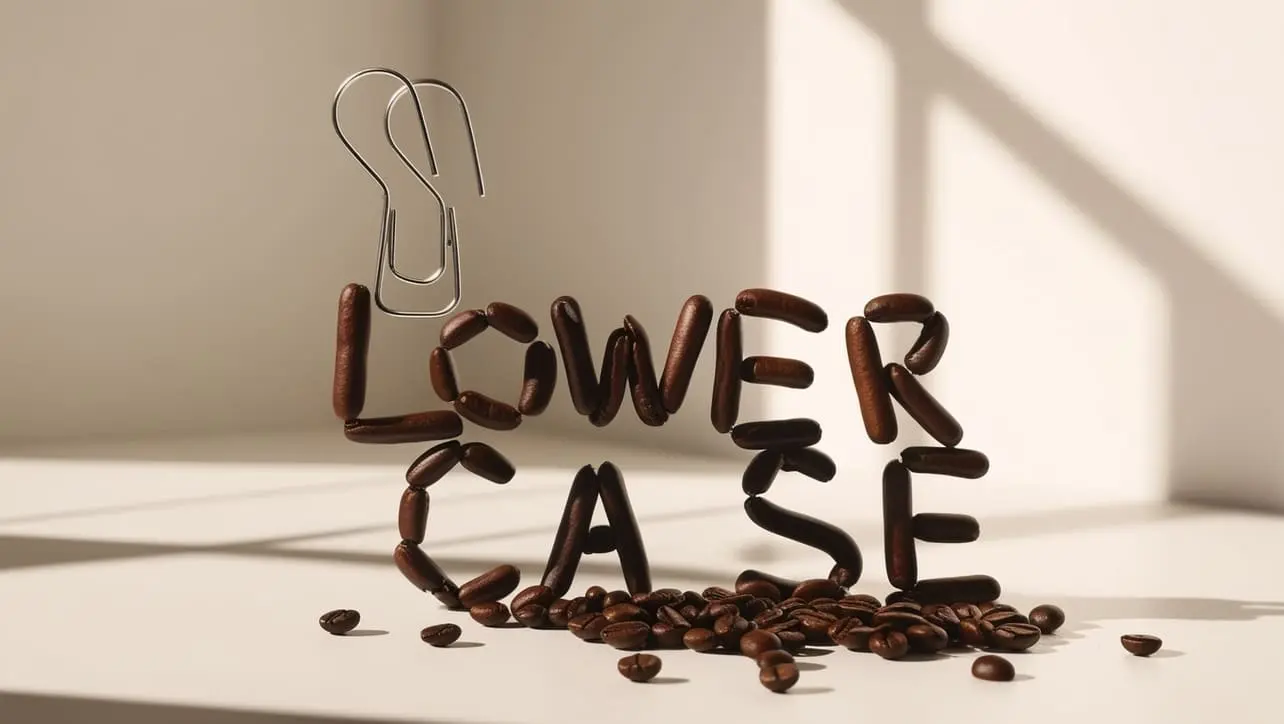
_.lowerCase() is the go-to Lodash helper when you need lowercase text with readable word spacing—ideal for search normalization, display labels from camelCase keys, and data cleanup.
When you only need to change letter case, use toLowerCase(). For URL slugs or CSS tokens, reach for _.kebabCase() instead.
Use for display labels derived from camelCase keys
Pair with includes() for simple case-insensitive filters
Test accented characters for your locales
Import lodash/lowerCase for tree-shaking
❌ Don’t
Use for URL slugs (use kebabCase instead)
Assume it matches toLowerCase() output
Confuse with lowerFirst for identifier casing
Skip normalization on only one side of a comparison
Use when you need to preserve original spacing exactly
Summary
Key Takeaways
Knowledge Unlocked
Five things to remember about _.lowerCase()
5
Core concepts
01
Spaced lower
Words with spaces.
Basics
02
Boundaries
camelCase splits.
Rules
03
Search
Normalize both sides.
Pattern
04
toLowerCase
Case only.
Compare
05
lowerFirst
First char only.
Related
❓ Frequently Asked Questions
It converts a string to lowercase and separates words with spaces, following Lodash word-boundary rules.
toLowerCase() only changes letter case. _.lowerCase() also splits camelCase and symbols into spaced lowercase words.
_.lowerFirst() lowercases only the first character. _.lowerCase() lowercases the entire string and adds spaces between words.
Yes. Lowercasing both the query and haystack with _.lowerCase() helps case-insensitive comparisons.
Lodash lowercases Unicode letters where supported; test with your target locales.
Numbers are preserved. Non-string inputs are coerced to strings first.
Did you know?
_.lowerCase() is the lowercase counterpart of _.upperCase()—both add spaces at word boundaries. For URL slugs use _.kebabCase(); for only the first character, use _.lowerFirst().