Lodash _.kebabCase() Method

Beginner
⏱️ 7 min read
📚 Updated: Jul 2026
🎯 6 Examples + 3 Try It
String utilities

What You’ll Learn

By the end of this tutorial, you’ll confidently use Lodash’s _.kebabCase() method in real JavaScript projects.

01

Core syntax

Call _.kebabCase(string) for hyphenated output.

02

URL slugs

Turn titles into SEO-friendly paths.

03

CSS classes

Generate consistent class name tokens.

04

vs camelCase

Compare with _.camelCase() and _.snakeCase().

05

Punctuation

Symbols become word separators.

06

Production tips

Slugify once, store the result.

What Is _.kebabCase()?

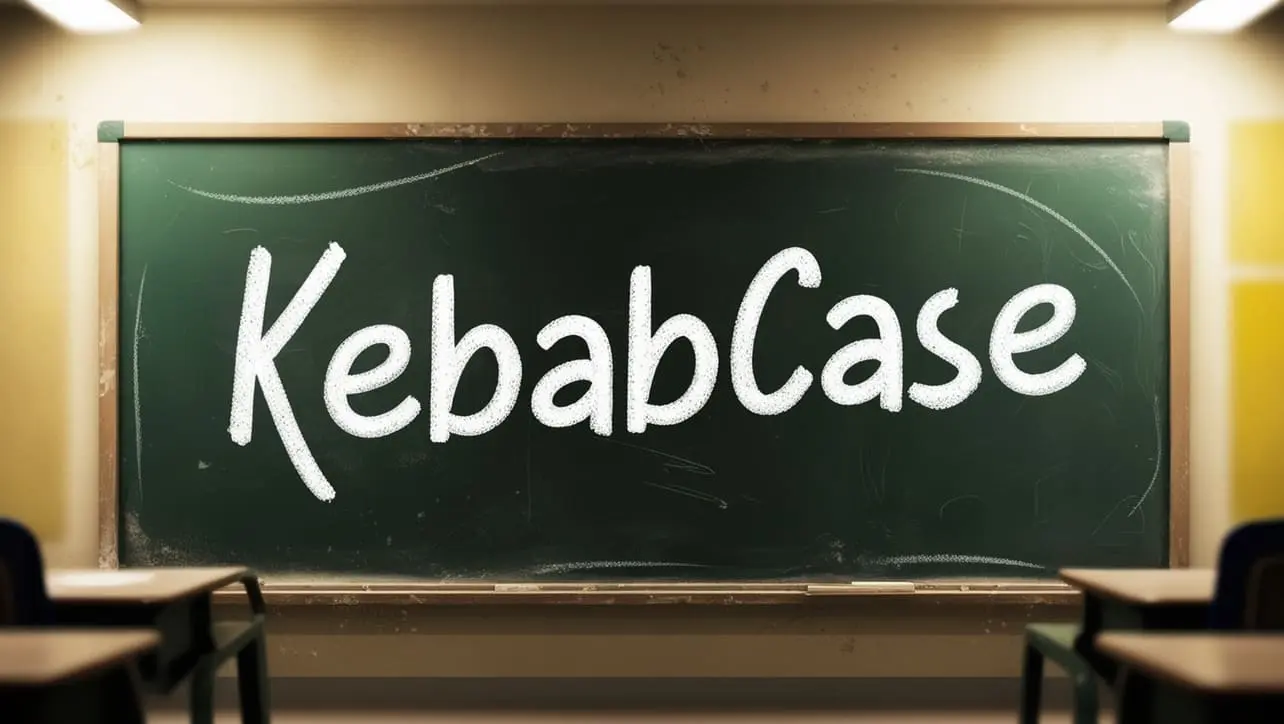
It converts a string to kebab-case: lowercase words separated by hyphens, such as "fooBar" becoming "foo-bar".

💡
Beginner tip

Import only what you need: import kebabCase from "lodash/kebabCase" keeps bundles small.

📝 Syntax

javascript
_.kebabCase([string=''])
javascript
import kebabCase from "lodash/kebabCase";

const title = "Hello World!";
const slug = kebabCase(title);

console.log(slug);
// -> "hello-world"

⚡ Quick Reference

TaskCode patternResult
Basic convert_.kebabCase('Hello World')hello-world
From camelCase_.kebabCase('fooBar')foo-bar
URL slug'/posts/' + _.kebabCase(title)Path segment
CSS class_.kebabCase(componentName)header-component
From CONSTANT_.kebabCase('API_KEY')api-key
Opposite style_.camelCase(str)camelCase output
Mutates?
No

Returns new string

Separator
Hyphen -

kebab-case

Case
Lowercase

All words lower

Related
_.snakeCase()

Underscore variant

🧰 Parameters

Every argument to _.kebabCase() and what it controls:

stringOptional

The string to convert. When omitted or empty, returns an empty string.

_.kebabCase('Hello World')
return valueNew string

A hyphenated lowercase string built from the input words. The original string is unchanged.

// -> 'hello-world'
separatorsImplicit

Spaces, hyphens, underscores, punctuation, and case changes all define word boundaries before joining.

_.kebabCase('foo_bar-baz')
edge casesImportant

Punctuation is stripped, not preserved. Test acronyms like XMLHttp and Unicode text for your locale.

_.kebabCase('Привет Мир')

For JavaScript identifiers, use _.camelCase(). For database columns, prefer _.snakeCase().

Examples Gallery

Practical _.kebabCase() patterns with copy-ready code and interactive Try It Yourself labs.

Getting Started

Convert plain phrases and camelCase strings to kebab-case.

Example 1 — Basic phrase conversion

Turn a simple greeting with spaces into kebab-case.

javascript
const input = "Hello World!";
const result = _.kebabCase(input);

console.log(result);
// -> "hello-world"
Try It Yourself

How It Works

Spaces become hyphens and all letters are lowercased.

Practical Patterns

Build URL paths, CSS classes, and API keys from mixed-case input.

Example 2 — camelCase to kebab-case

Convert a JavaScript-style identifier into a hyphenated slug.

javascript
const component = "HeaderComponent";
const className = _.kebabCase(component);

console.log(className);
// -> "header-component"
Try It Yourself

How It Works

Lodash detects the capital C boundary between "Header" and "Component".

Example 3 — URL slug from page title

Generate an article path from a long title string.

javascript
const pageTitle = "Lodash _.kebabCase() String Method Explained";
const pageURL = "/articles/" + _.kebabCase(pageTitle);

console.log(pageURL);
// -> "/articles/lodash-kebab-case-string-method-explained"
Try It Yourself

How It Works

Punctuation is stripped and words are hyphenated for clean URL segments.

Example 4 — Punctuation as separators

Commas and exclamation marks are treated as word boundaries.

javascript
const input = "Hello, World!";
const result = _.kebabCase(input);

console.log(result);
// -> "hello-world"

How It Works

Special characters do not appear in the output; they separate words instead.

Beyond the Basics

Constants, Unicode text, and comparison with other case helpers.

Example 5 — SCREAMING_SNAKE constant

Convert an uppercase constant name to kebab-case.

javascript
const apiKey = "API_KEY";
const formatted = _.kebabCase(apiKey);

console.log(formatted);
// -> "api-key"

How It Works

Underscores and capitals both signal word boundaries.

Example 6 — Compare case helpers

See kebab-case alongside snake_case and camelCase for the same input.

javascript
import kebabCase from "lodash/kebabCase";
import snakeCase from "lodash/snakeCase";
import camelCase from "lodash/camelCase";

const input = "Foo Bar";
console.log(kebabCase(input));  // -> "foo-bar"
console.log(snakeCase(input));  // -> "foo_bar"
console.log(camelCase(input));  // -> "fooBar"

// camelCase input splits on case boundaries:
console.log(kebabCase("fooBarBaz"));  // -> "foo-bar-baz"

How It Works

Pick the case style that matches your URL, CSS, or JavaScript naming convention.

🧠 How _.kebabCase() Works

1

Receive input string

Lodash normalizes the string (empty string if null/undefined).

Input
2

Split into words

Spaces, punctuation, and case changes define word boundaries.

Split
3

Lowercase each word

Every word segment is converted to lowercase.

Lower
=

Join with hyphens

Words are joined with - to produce kebab-case output.

Output

📝 Notes

  • _.kebabCase() returns a new string; the original is unchanged.
  • Punctuation is removed or treated as a separator—not copied into the result.
  • For database column names, consider _.snakeCase() instead.
  • Slugify once and persist slugs rather than recomputing on every request.
  • Test Unicode and accented characters for your target audience.
  • Pair with _.deburr() when stripping accents from slugs.

Conclusion

_.kebabCase() is the go-to Lodash helper when you need hyphenated, lowercase tokens for URLs, CSS classes, and HTML attributes. Use it on page titles, component names, and config labels.

When you need JavaScript identifiers or database column names, reach for _.camelCase() or _.snakeCase() instead.

💡 Best Practices

✅ Do

  • Use for URL slugs and HTML class name tokens
  • Store generated slugs when URLs must stay stable
  • Combine with deburr for accent-free slugs when needed
  • Keep slug generation in one utility module
  • Test edge cases with punctuation and numbers

❌ Don’t

  • Use kebab-case for JavaScript variable names (prefer camelCase)
  • Assume punctuation will appear in the output
  • Re-slugify on every render if the slug is cached
  • Mix kebab-case and snake_case in the same API
  • Forget locale-specific characters in international apps

Key Takeaways

Knowledge Unlocked

Five things to remember about _.kebabCase()

5
Core concepts
02

All lower

Lowercase output.

Format
03

URL slugs

SEO-friendly paths.

Pattern
04

Boundaries

Case and symbols split.

Rules
05

snakeCase

Underscore variant.

Related

❓ Frequently Asked Questions

It converts a string to kebab-case: lowercase words separated by hyphens, such as "fooBar" becoming "foo-bar".
Kebab-case uses hyphens (foo-bar). Snake_case uses underscores (foo_bar). Lodash provides _.snakeCase() for underscores.
Yes. Punctuation and most symbols act as word separators and are not preserved in the output.
Yes. It is a common choice for turning page titles or product names into URL-safe hyphenated slugs.
Lodash detects case boundaries, so "fooBarBaz" becomes "foo-bar-baz".
Unicode letters are lowercased and separated by rules similar to ASCII; test with your target locales.
Did you know?

_.kebabCase() shares the same word-splitting rules as _.camelCase() and _.snakeCase()—only the join style differs. For display titles (not URL slugs), use _.startCase() instead.

Practice _.kebabCase() in the Live Editor

Open the Try It editor and run the examples with your own input.

Open Try It editor →

About the author

Mari Selvan M P
Mari Selvan M P 🔗

Developer, cloud engineer, and technical writer

  • Experience 12 years building web and cloud systems
  • Focus Full Stack Development, AWS, and Developer Education

I write practical tutorials so students and working developers can learn by doing—from databases and APIs to deployment on AWS.

6 people found this page helpful
