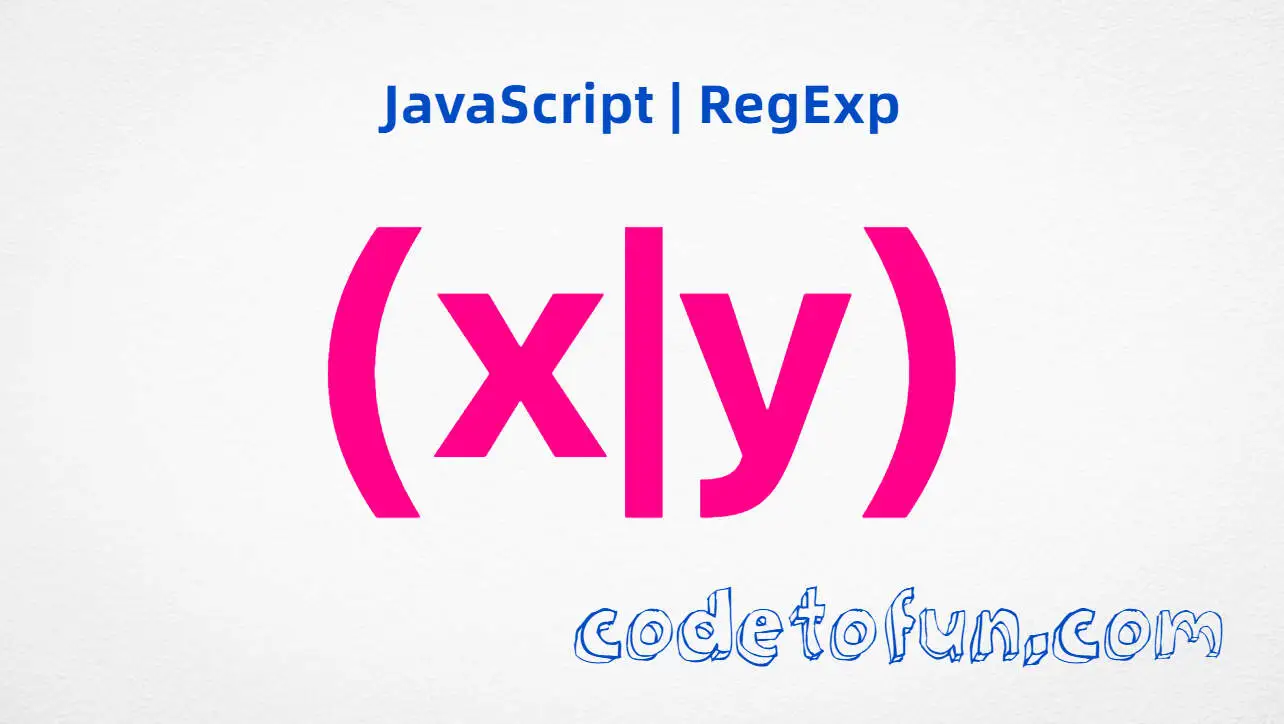
Alternation (x|y) lets a regular expression match either sub-pattern x or sub-pattern y. It is the regex “OR” operator—essential for validating file types, parsing keywords, normalizing URLs, and building flexible search rules.
01
Pipe OR
(x|y)
02
Group
Parentheses
03
Words
(cat|dog)
04
Chain
(a|b|c)
05
vs [xy]
One char only
06
Capture
Group $1
Fundamentals
Introduction
Character classes like [abc] choose among single characters. Alternation goes further: you can match whole words, prefixes, or multi-character sequences with one pattern.
The pipe character | inside a group means “try this branch, or try that branch.” Wrap alternatives in parentheses so the OR applies to complete patterns, not just the character beside the pipe.
Concept
Understanding (x|y) Alternation
In (x|y), the engine evaluates the left alternative first. If it matches at the current position, that branch wins. Otherwise it backtracks and tries the right alternative.
JavaScript
/(cat|dog)/.test("I have a dog");  // true
/(cat|dog)/.test("catalog");       // true ("cat" matches start)
/(cat|dog)/.test("fish");          // false

/(http|https)/.test("https://example.com"); // true
Each side of the pipe can be any valid regex fragment—literal text, character classes, quantifiers, or even nested groups.
💡
Beginner Tip
Think of (x|y) as “match x or match y.” Without parentheses, cat|dog means “cat” OR “dog” as whole-pattern alternatives—parentheses control where the OR applies inside a larger pattern.
Usage
How to Use (x|y) in JavaScript
Alternation appears in detection, extraction, replacement, and validation workflows:
Use test() for yes/no checks, match() to collect which alternative appeared, and replace() to normalize one branch to another.
Foundation
📝 Syntax
JavaScript
/(x|y)/              // match x or y
/(cat|dog)/          // whole-word alternatives
/(red|green|blue)/   // three or more branches
/(?:x|y)/            // non-capturing group
/\.(jpg|jpeg|png)$/  // file extension check
Common patterns
/(cat|dog)/ — match the word “cat” or “dog”.
/(https|http)/ — match either protocol prefix.
/\.(jpg|png|gif)$/i — validate image extensions at end of string.
/(Mr\.|Mrs\.|Ms\.|Dr\.)/ — match common name titles.
Cheat Sheet
⚡ Quick Reference
Goal
Pattern
Match either word
(cat|dog)
Three+ choices
(red|green|blue)
File extension
\.(jpg|png|gif)$
Protocol prefix
https? or (http|https)
Non-capturing OR
(?:x|y)
Single-char OR
[xy] (character class)
Compare
📋 (x|y) vs [xy] vs (abc)
Three grouping tools beginners often mix up.
Alternation
(cat|dog)
Whole words
Char class
[cd]
One letter
Literal group
(abc)
Exact sequence
Non-capture
(?:x|y)
OR without $1
Hands-On
Examples Gallery
Open DevTools Console (F12) or use Try-it links. Examples cover pets, colors, URL normalization, file extensions, and title prefixes.
📚 Getting Started
Detect whether text contains one of several word alternatives.
Example 1 — Test for “cat” or “dog”
Return true when the string mentions either pet.
JavaScript
const pet = /(cat|dog)/;

console.log(pet.test("I have a dog"));  // true
console.log(pet.test("catalog"));       // true ("cat" matches)
console.log(pet.test("I love fish"));   // false
The engine tries cat first. In "catalog", that prefix matches, so the overall test succeeds even though dog is never needed.
📈 Practical Patterns
Extract, replace, and validate with alternation.
Example 2 — Find Color Names in a Sentence
Collect every occurrence of red, green, or blue.
JavaScript
const sentence = "The red door and green grass look blue today.";

const colors = sentence.match(/(red|green|blue)/g);
console.log(colors); // ["red", "green", "blue"]

const first = sentence.match(/(red|green|blue)/);
console.log(first[0]); // "red"
Each title ends with an escaped period. The capturing group stores whichever title matched, available as match[1] or $1 in replacements.
Applications
🚀 Common Use Cases
Keyword detection — match any of several trigger words in user input.
File type validation — allow uploads only for approved extensions.
URL normalization — rewrite http and https consistently.
Date/time formats — accept AM or PM, Jan or January.
Routing rules — match path segments like (admin|dashboard).
Search filters — highlight any synonym from a pipe-separated list.
Watch Out
Important Considerations
Order matters — put longer or more specific alternatives first: (javascript|java) not (java|javascript).
Partial matches — (cat|dog) matches "catalog" because cat is a prefix; use word boundaries \b(cat|dog)\b when needed.
Precedence — alternation has low precedence; group with parentheses so only the intended part is optional.
Capturing groups — (x|y) creates group 1; use (?:x|y) when you do not need the capture.
Not the same as [xy] — character classes match one character; alternation matches full sub-patterns.
🧠 How (x|y) Matches Text
1
Enter the group
The engine reaches ( and prepares to evaluate branches separated by |.
Group
2
Try left branch
Pattern x is attempted at the current position in the input.
First OR
3
Backtrack if needed
If x fails, the engine tries y without advancing past the group start.
Retry
4
✅
Continue or fail
One branch matched → proceed. Both failed → overall pattern fails here.
Important
📝 Notes
(x|y) is alternation; [xy] is a single-character class.
Chain many options: (a|b|c|d) with no limit on branch count.
Review [abc] for character classes and [^abc] for negated sets.
Next up: ignoreCase for case-insensitive matching with the i flag.
Use \b word boundaries when whole-word matching matters.
Prefer (?:...) when grouping for precedence without polluting capture group numbers.
Compatibility
Browser & Runtime Support
Alternation with grouped parentheses like (x|y) is part of core JavaScript regular expression syntax.
✓ Baseline · ES3+
RegExp (x|y)
Supported in every browser and Node.js version. Pipe alternation inside groups behaves consistently across all JavaScript runtimes.
99%Universal syntax
Google ChromeSupported · Desktop & Mobile
Full support
Mozilla FirefoxSupported · Desktop & Mobile
Full support
Apple SafariSupported · macOS & iOS
Full support
Microsoft EdgeSupported · Chromium
Full support
Internet ExplorerNo native support · Use a polyfill
Polyfill
OperaSupported · Modern versions
Full support
Samsung InternetSupported · Android
Full support
BunSupported · JavaScript runtime
Supported
DenoSupported · JavaScript runtime
Supported
Node.jsSupported · Server runtime
Supported
Android WebViewSupported · Modern WebView
Full support
(x|y)Excellent
Bottom line: Safe everywhere. Alternation is one of the oldest and most stable regex features.
Wrap Up
Conclusion
Alternation (x|y) is how regular expressions express logical OR between sub-patterns. It unlocks flexible matching for keywords, file types, protocols, and formatted text.
Group alternatives with parentheses, order longer branches first, and add word boundaries when partial matches are a problem. Next, explore the ignoreCase property for case-insensitive patterns.
Assume alternation matches whole words without boundaries
Forget to escape dots in literals: Mr\. not Mr.
Order short branches before long overlapping ones
Over-nest alternation when a simple character class suffices
Summary
Key Takeaways
Knowledge Unlocked
Five things to remember about RegExp (x|y)
Match one pattern or another in JavaScript.
5
Core concepts
🔄01
Pipe OR
(x|y)
Syntax
📝02
vs [xy]
One char.
Compare
📈03
Order
Long first.
Pitfall
🛠04
Capture
Group $1.
Groups
✅05
Validate
ext OR.
Pattern
❓ Frequently Asked Questions
(x|y) is alternation: the engine tries to match pattern x first, and if that fails at that position, it tries pattern y. Parentheses group the alternatives so the pipe applies to whole sub-patterns, not just one character.
[xy] is a character class that matches exactly one character—either x or y. (x|y) matches full sub-patterns, which can be multiple characters like (cat|dog) or (https|http).
Yes. Alternation picks the first successful branch. "cat" matches at the start of "catalog", so the overall pattern succeeds even though "dog" was never tried for the whole word.
Yes. Capturing parentheses store whichever alternative matched. Use a non-capturing group (?:x|y) when you only need grouping for precedence, not captured text.
Yes. Write (red|green|blue|yellow) or (jpg|jpeg|png|gif). Each branch is separated by a pipe inside the group.
Alternation with parentheses is core regex syntax since ES3. (x|y) works in every browser and Node.js version.
Did you know?
The optional quantifier ? is related to alternation: https? means http followed by an optional s, which is equivalent to matching http or https at that position—often shorter than writing (http|https) for simple suffixes.