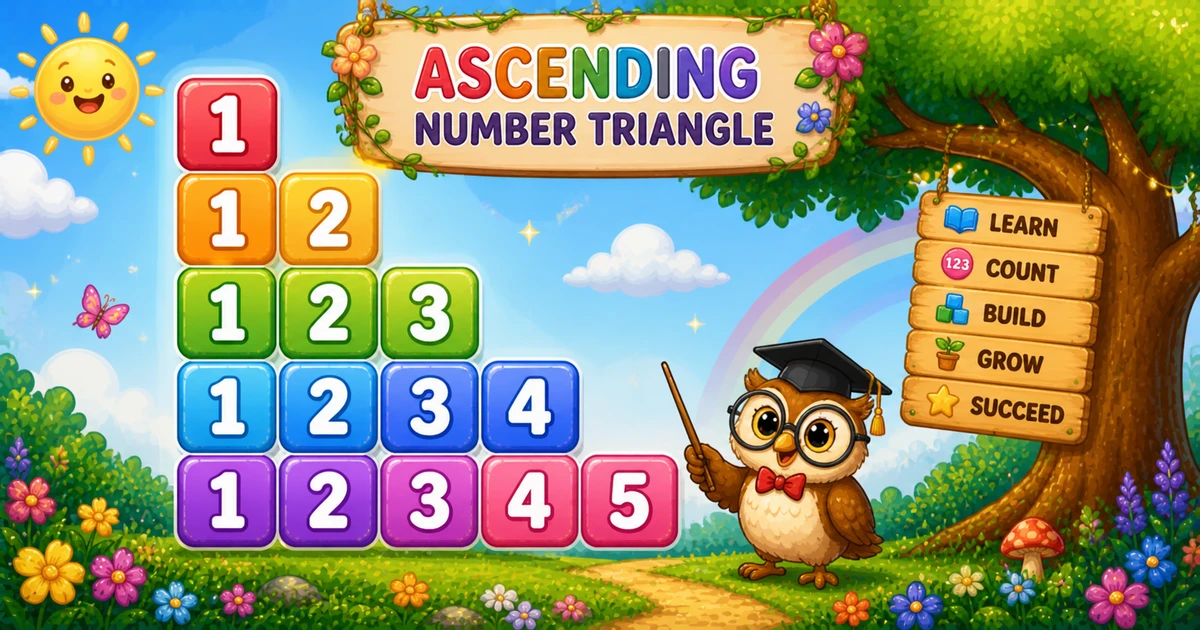
1. Outer loop grows.i runs from 1 to rows — one row per value of i.
2. Inner loop fills the row.j runs from 1 to i; each pass appends the digit j.
3. End the row.console.log(line) after the inner loop starts the next line.
Example 2 — User Input Rows
Read the row count with prompt and validate before drawing.
JavaScript
const rows = parseInt(prompt("Enter number of rows:"), 10);

if (!Number.isFinite(rows) || rows < 1) {
  console.log("Please enter a positive integer.");
} else {
  for (let i = 1; i <= rows; i++) {
    let line = "";
    for (let j = 1; j <= i; j++) {
      line += j;
    }
    console.log(line);
  }
}
2. Add a space.line += j + " " separates digits — useful when values become multi-digit.
3. Same growth rule. Only the formatting changes — compare with Example 1.
Edge Cases & Pitfalls
Check these before calling the solution done.
log early
Call console.log only after the row is built
Logging inside the inner loop prints one digit per line.
Wrong bound
Inner loop must stop at i
Using j <= rows every row makes a rectangle, not a triangle.
rows = 1
Single-row case
Output is just 1 — one digit on one line.
Bad input
Validate parseInt
Check Number.isFinite(rows) and require rows >= 1 before the loops.
Analysis
Time and Space Complexity
Program
Time
Extra space
Fixed / spaced (Examples 1, 3)
O(n²)
O(n) per row string
User input (Example 2)
O(n²)
O(n) per row string
Digits appended are 1 + 2 + … + n = n(n+1)/2 — quadratic in n.
Remember
Key Takeaways
Rule: on row i, append digits 1 through i.
Grow: outer loop counts up so each row is one digit longer.
Break the row: call console.log(line) only after the digit loop.
Complexity:O(n²) — total digits = n(n+1)/2.
One line: nest two loops, append 1..i on each growing row, then log the line.
Frequently Asked Questions
The outer loop runs i from 1 to rows. For each row i, the inner loop runs j from 1 to i and appends j. Row 1 prints 1, row 2 prints 12, and so on.
The outer loop counts up and the inner bound equals i. When i increases, each row prints one more digit than the previous row.
line += appends on the same row. console.log(line) ends the row after digits 1..i finish.
Program 4 prints rows..i in descending order (54321, 5432, …). Program 5 prints 1..i in ascending order — a growing triangle instead of a shrinking one.
Replace 5 with rows in the outer loop bound — see Example 2.
Count the outer loop down: for (let i = rows; i >= 1; i--). Keep the inner loop as for (let j = 1; j <= i; j++) — that is Program 1.
O(n²) for n rows because total appends are 1+2+…+n = n(n+1)/2.
Only one row prints — a single digit 1 on one line.
🤔
Did you know?
Row i appends digits 1 through i. The outer loop counts up from 1 to rows, so each row grows by one digit — total appends = n(n+1)/2.