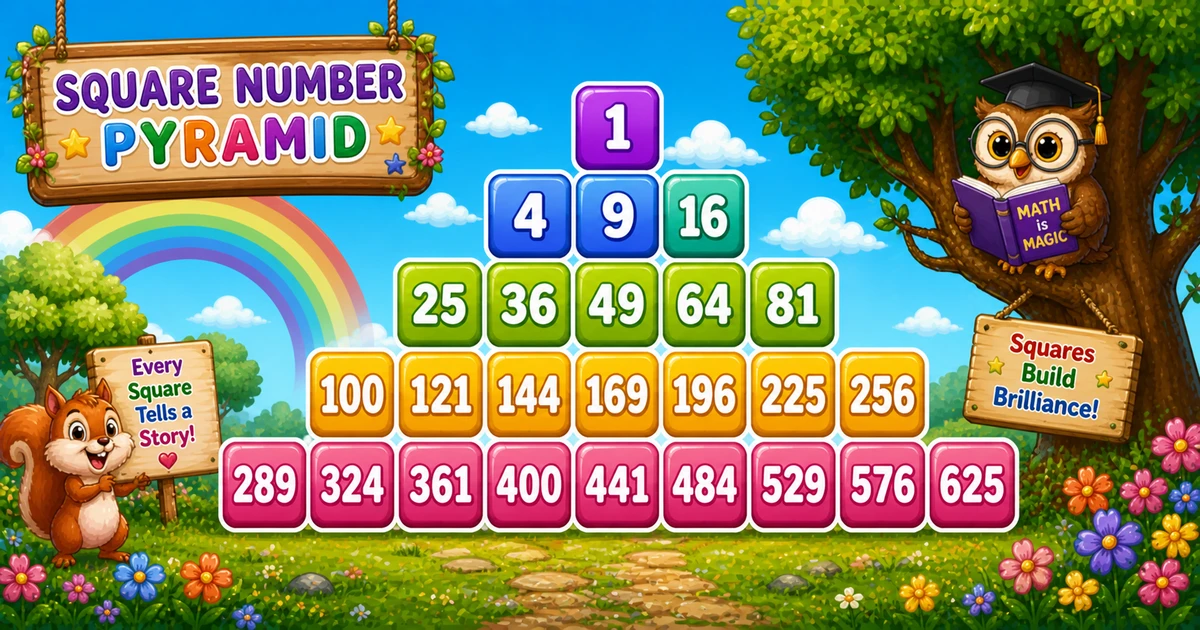
Trace three rows when rows = 5 — watch width, pads, and the next squares from m.
Row r
Width
m values
Squares
1
1
1
1
2
3
2, 3, 4
4 9 16
3
5
5..9
25 36 49 64 81
Leading pad length is 4 * (rows - r) spaces so each cell stays 4 columns wide under the centered pyramid.
Code
JavaScript Programs
Three complete programs: fixed rows = 5, prompt input, and a left-aligned variant. Use View Output for samples, or Try It Yourself to edit and run live.
Example 1 — Fixed rows = 5
Hard-coded height — centered pads, odd widths, running m * m.
JavaScript
const rows = 5;
let m = 0;

for (let r = 1; r <= rows; r++) {
  let line = " ".repeat(4 * (rows - r));
  for (let k = 0; k < 2 * r - 1; k++) {
    m += 1;
    line += String(m * m).padStart(4, " ");
  }
  console.log(line);
}
1. Keep one counter.m lives outside the outer loop so squares continue across rows.
2. Center the row." ".repeat(4 * (rows - r)) shifts narrow rows right.
3. Append odd-width squares. Inner loop runs 2 * r - 1 times; each pass does m += 1 and appends m * m with padStart(4).
Example 2 — User Input Rows
Read the row count with prompt and validate before drawing.
JavaScript
const rows = parseInt(prompt("Enter number of rows:"), 10);
let m = 0;

if (!Number.isFinite(rows) || rows < 1) {
  console.log("Please enter a positive integer.");
} else {
  for (let r = 1; r <= rows; r++) {
    let line = " ".repeat(4 * (rows - r));
    for (let k = 0; k < 2 * r - 1; k++) {
      m += 1;
      line += String(m * m).padStart(4, " ");
    }
    console.log(line);
  }
}
1. Prompt and validate. Use parseInt and reject non-positive values.
2. Same pyramid core. Only the source of rows changes — pads, widths, and m match Example 1.
3. Entering 3 stops early. Nine squares total (3²), ending at 81.
Example 3 — Left-Aligned
Same squares and padStart, without leading-space centering.
JavaScript
const rows = 5;
let m = 0;

for (let r = 1; r <= rows; r++) {
  let line = "";
  for (let k = 0; k < 2 * r - 1; k++) {
    m += 1;
    line += String(m * m).padStart(4, " ");
  }
  console.log(line);
}