Left-Aligned Descending Number Triangle in JavaScript
What You’ll Learn
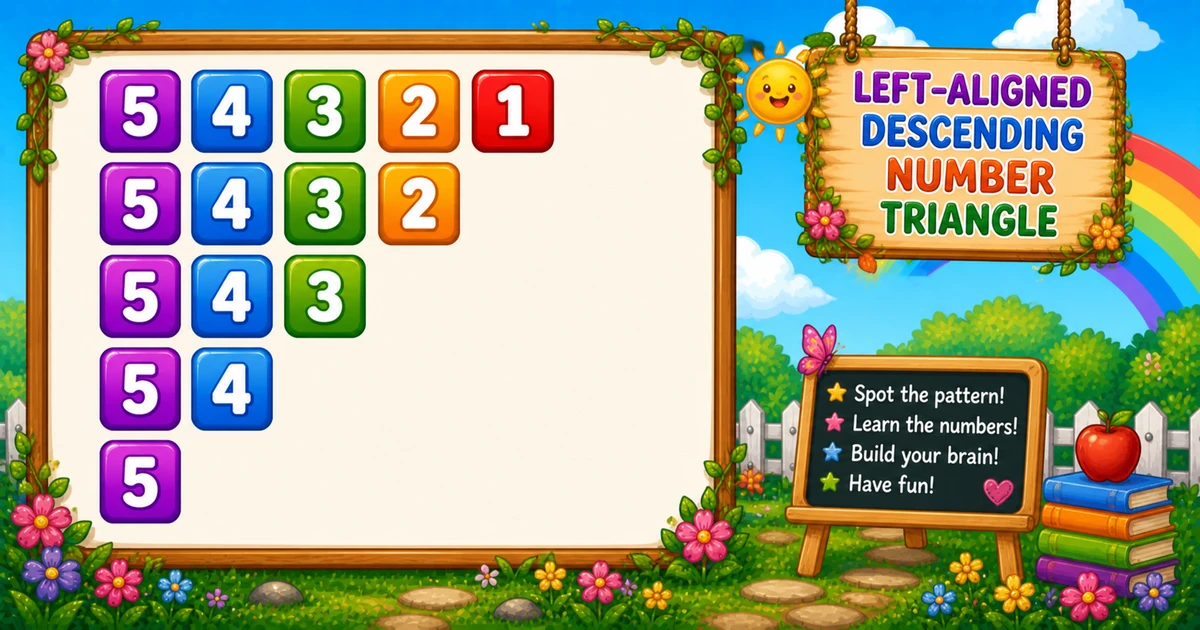
How to print a left-aligned descending number triangle in JavaScript using nested for loops. Every row starts from the same top number, but row length decreases.
This pattern helps you learn how to keep one loop boundary fixed while adjusting the other boundary per row.
⭐ Pattern Output
For rows = 5, the pattern looks like this:
54321
5432
543
54
5Complete JavaScript Program
The outer loop controls row count. The inner loop always starts at rows and prints down to the current row boundary.
const rows = 5;

for (let i = 1; i <= rows; i++) {
  let line = "";
  for (let j = rows; j >= i; j--) {
    line += j;
  }
  console.log(line);
}🧠 How It Works
Choose row count
const rows = 5; sets both pattern size and top value.
Outer loop (row boundary)
for (let i = 1; i <= rows; i++) increases the minimum value allowed in each row.
Inner loop (print rows..i)
for (let j = rows; j >= i; j--) prints from top value down to current boundary i.
Output each row
console.log(line); prints one full row per line.
Left-aligned descending triangle
The total digits printed follow n(n+1)/2, so this pattern also runs in O(n²).
Variation — Browser (document.write) Version
Print the same pattern directly in an HTML page using document.write:
<!DOCTYPE html>
<html>
<body>
<script>
const rows = 5;

for (let i = 1; i <= rows; i++) {
  for (let j = rows; j >= i; j--) {
    document.write(j);
  }
  document.write("<br>");
}
</script>
</body>
</html>💡 Tips for Enhancement
Try These
- Validate row input before generating output
- Insert spaces between numbers for readability
- Use
line += j + " ";and trim right spaces - Swap loop boundaries to generate related descending patterns
- Render output in a DOM element instead of
document.write
Avoid
- Changing both loop limits at once without checking output shape
- Using incorrect comparison signs in descending loops
- Missing newline output between rows
- Relying on
document.writein production interfaces
Key Takeaways
The outer loop controls how much each row shrinks.
The inner loop starts from a fixed top value and stops at the current boundary.
Output shape depends on loop start, end, and direction choices.
This loop strategy is useful across many number pattern variations.
❓ Frequently Asked Questions
rows each time. Only the loop stop value changes row by row.i) and prints down. Program 4 starts from a fixed value (rows) and shrinks the row end.console.log(line), as shown in Example 1.n(n+1)/2.Explore More JavaScript Number Patterns!
Keep practicing nested loops to quickly recognize and build new number pattern combinations.
Small loop-boundary changes can generate entirely new visual patterns. That’s why pattern programming is great loop practice for interviews and coding rounds.
About the author


12 people found this page helpful