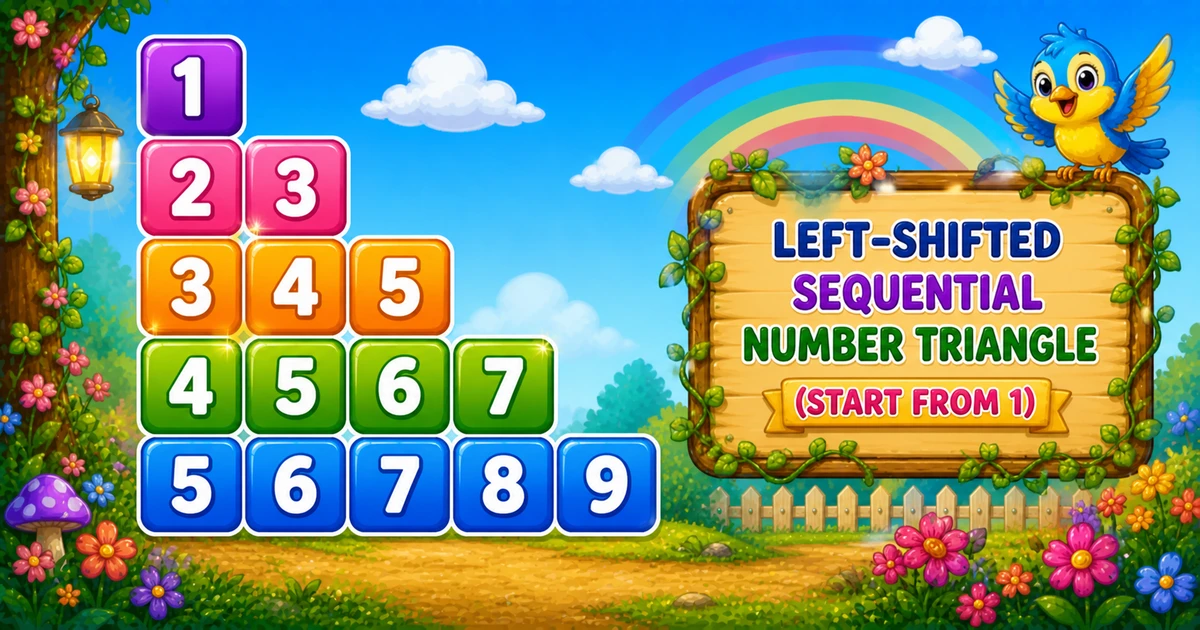
JavaScript Number Triangle Pattern (Consecutive Offset)
Beginner
5 min read
Updated: Sep 2026
3 programs
Live preview
Definition
What Is This Pattern?
An increasing triangle from 1 grows one value per row — each cell is i + j - 1, so row i starts at i and counts upward.
Remember
Rule: for i = 1..rows
        for j = 1..i
          print (i + j - 1) + " "

1
2 3
3 4 5
4 5 6 7
5 6 7 8 9     ← rows = 5
Twin of Program 32 (starts at 11 with 9 + i + j): same nested shape, different formula — next is Program 34’s i + j from 0.
Approach
How to Solve It
Walk i from 1 to rows; on each row append i values using i + j - 1.
Method
Idea
Best for
Nested loops
Outer i; inner j = 1..i; value i + j - 1
Learning, interviews
prompt rows
Same loops; read rows at runtime
Interactive practice
Compact rows = 3
Same formula; easier to trace by hand
Paper walkthrough
Pseudocode
Pseudocode
for i from 1 to rows:
    line = ""
    for j from 1 to i:
        line += (i + j - 1) + " "
    print line (with newline)
Cheat sheet
Goal
Pattern
Set rows
const rows = 5;
Outer loop
for (let i = 1; i <= rows; i++)
Inner loop
for (let j = 1; j <= i; j++)
Value
line += (i + j - 1) + " ";
End row
console.log(line);
First cell of row
i + 1 - 1 = i
vs Program 32
9 + i + j (starts at 11)
Printing Numbers vs Starting a New Line
API
Effect
Use for
line += value + " "
Stays on the same row
Each number
console.log(line)
Ends the line
After the inner loop
Build the row with +=, then break once with console.log. Putting console.log inside the inner loop prints one number per line.
Try it
Live Preview
Change the row count and the i + j - 1 triangle updates instantly.
Whole numbers from 1 to 9. Tap a chip or type a value — the preview redraws as you go.
Live resultrows = 5 · values = 15
1
2 3
3 4 5
4 5 6 7
5 6 7 8 9
Trace
Worked Walkthrough — rows = 3
Trace each outer i, the formula i + j - 1, and the printed row.
i
Values i+j-1
Printed row
1
1+1-1 = 1
1
2
2, 3
2 3
3
3, 4, 5
3 4 5
Each next row starts at i and adds one more consecutive value.
Code
JavaScript Programs
Three complete programs: fixed rows = 5, prompt rows, and compact rows = 3. Use View Output for sample results, or Try It Yourself to edit and run in the playground.
Example 1 — Fixed rows = 5
Hard-coded height — nested loops with formula i + j - 1.
JavaScript
const rows = 5;

for (let i = 1; i <= rows; i++) {
  let line = "";
  for (let j = 1; j <= i; j++) {
    line += (i + j - 1) + " ";
  }
  console.log(line);
}