Forward Alternating 1-0 Triangle in JavaScript
What You’ll Learn
How to print a forward alternating 1-0 triangle in JavaScript where each row starts with 1 and alternates using modulo logic.
This is a clean example of combining nested loops with parity checks in a predictable row-wise pattern.
⭐ Pattern Output
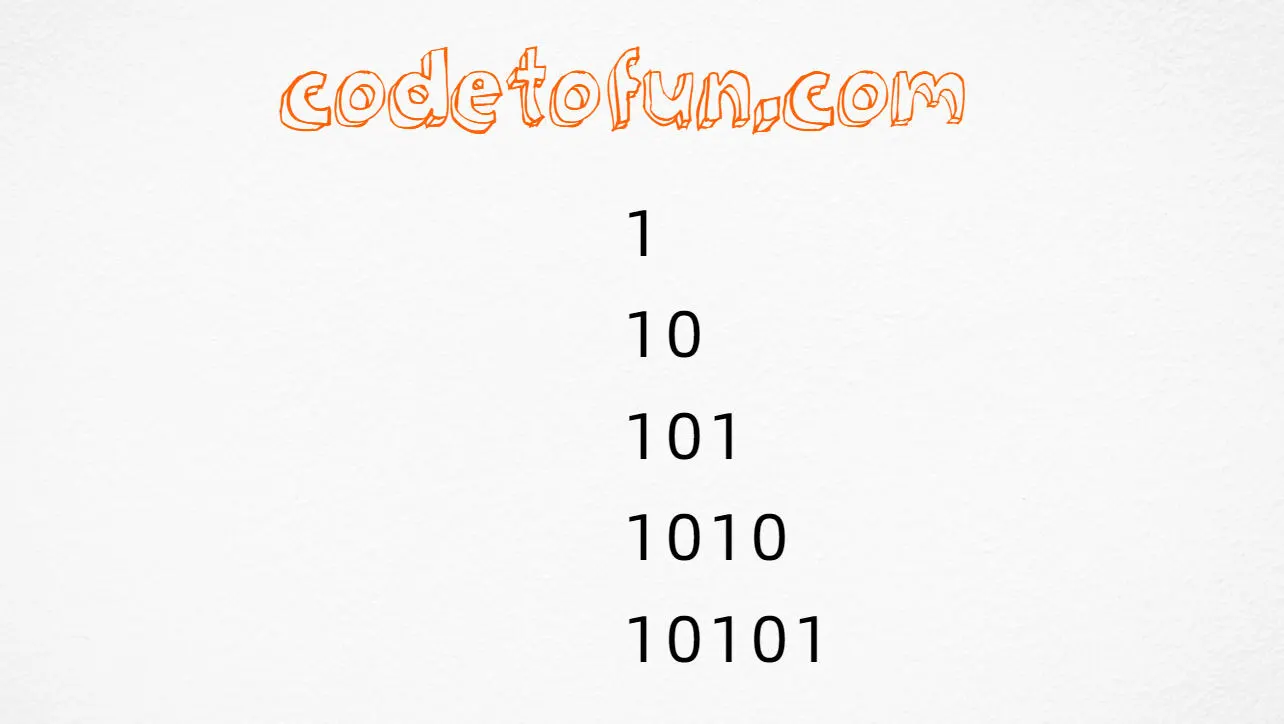
For rows = 5, the pattern looks like this:
1
10
101
1010
10101Complete JavaScript Program
Outer loop increases row size, and inner loop prints j % 2 from left to right.
const rows = 5;

for (let i = 1; i <= rows; i++) {
  let line = "";
  for (let j = 1; j <= i; j++) {
    line += j % 2;
  }
  console.log(line);
}🧠 How It Works
Set row count
const rows = 5; determines triangle height.
Outer loop (grow rows)
for (let i = 1; i <= rows; i++) increases row width one step at a time.
Inner loop + modulo
for (let j = 1; j <= i; j++) prints columns, and j % 2 alternates 1,0,1,0....
Output each row
console.log(line); prints one completed row per iteration.
Forward alternating triangle
Forward column traversal makes every row start with 1, unlike the reverse-loop variation.
Variation — Browser (document.write) Version
Print the same pattern directly in an HTML page using document.write:
<!DOCTYPE html>
<html>
<body>
<script>
const rows = 5;

for (let i = 1; i <= rows; i++) {
  for (let j = 1; j <= i; j++) {
    document.write(j % 2);
  }
  document.write("<br>");
}
</script>
</body>
</html>💡 Tips for Enhancement
Try These
- Take rows as user input to scale the pattern
- Use spaces between digits for visual clarity
- Switch to reverse inner loop to compare with Program 15
- Generate the same pattern using a toggle variable
- Render output inside a
<pre>via DOM methods
Avoid
- Confusing loop direction between Program 15 and 16
- Using incorrect modulo expression or wrong variable
- Skipping checks for invalid row values
- Using
document.writein production interfaces
Key Takeaways
The outer loop controls row count and width growth.
The inner loop prints columns left to right from 1 to i.
j % 2 yields the repeating binary pattern values.
Loop direction alone can change the entire row-start behavior.
❓ Frequently Asked Questions
j = 1, 2 in order, so 1%2 = 1 then 2%2 = 0.j from i down to 1, so even rows may start with 0 instead.document.write.Explore More JavaScript Number Patterns!
Practice modulo-based patterns to build stronger intuition for parity and loop structure.
Modulo operations are widely used in cyclic UI patterns too, like alternating row colors and repeating schedules.
About the author


12 people found this page helpful