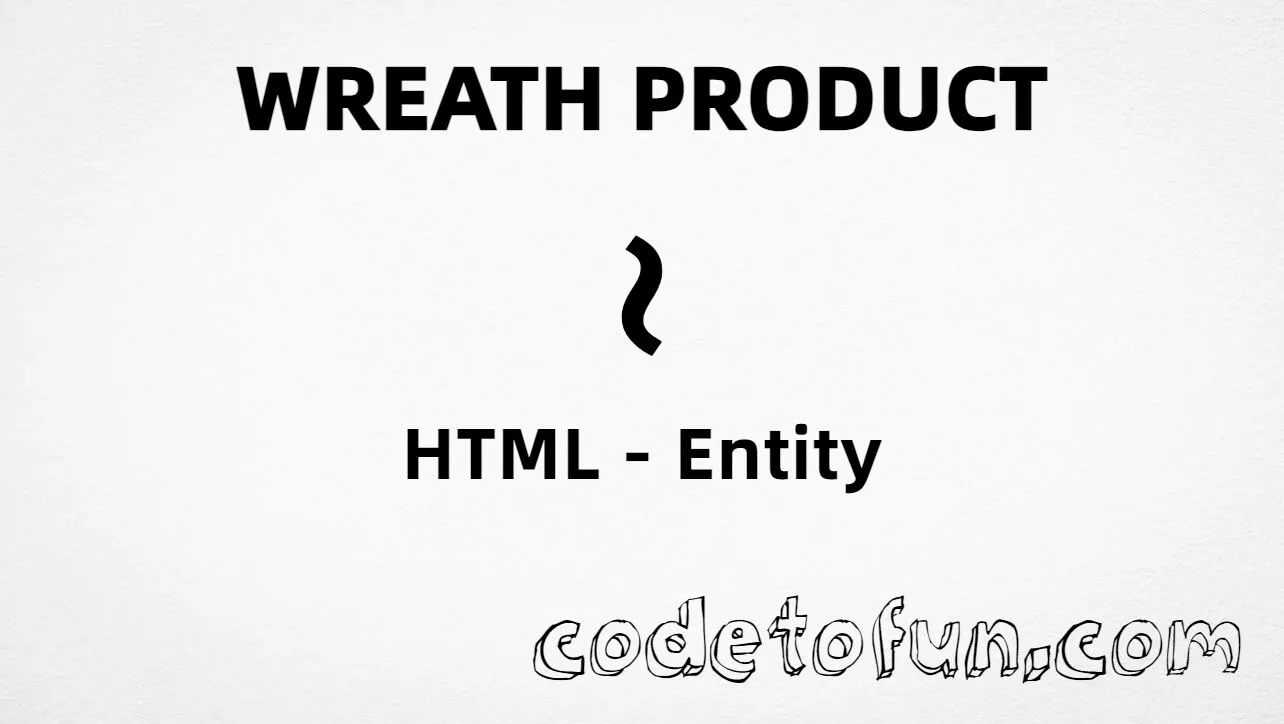
Wreath Product (≀) is the Mathematical Operators character at Unicode U+2240 (WREATH PRODUCT). It is used in group theory and abstract algebra for the wreath product of groups.
Remember
Character     ≀
Unicode       U+2240
Named entity  ≀  (also ≀ · ≀)
Hex entity    ≀
Decimal       ≀
CSS escape    \2240
Not the same  ~ · ⋋ · ×
Prefer ≀ in HTML markup. Numeric forms and typing ≀ in UTF-8 also work. Aliases ≀ and ≀ render the same glyph.
Using Named Entity: ≀
Using Hex Code: ≀
Using HTML Code: ≀
Using CSS Entity: ≀
G ≀ H
How It Works
1. Named:≀ is the clearest HTML form for U+2240. ≀ and ≀ are aliases for the same glyph.
2. Hex:U+2240 → ≀ in HTML. Same glyph as the named entity.
3. Decimal: same code point as 8768 → ≀. Same glyph as hex and named.
4. CSS: use \2240 in content (not an HTML entity). #point::after appends that ≀ after the paragraph text.
5. Sample:G ≀ H shows typical group-theory notation.
Pitfalls & Tips
Common mistakes when working with U+2240.
vs ~
Not ASCII tilde
Keyboard ~ is U+007E. Use ≀ only for the mathematical wreath product.
Aliases
≀ = ≀ = ≀
Three HTML5 names map to the same code point. Prefer ≀ for clarity.
vs ⋋
Not a semidirect product
⋋ (⋋) is left semidirect product. ≀ is wreath product — related algebra, different operator.
CSS vs HTML
Do not mix escapes
\2240 belongs in CSS strings. ≀ / ≀ / ≀ belong in HTML.
A11y
Add nearby words
Pair the glyph with label text (for example G ≀ H) or use aria-label when it stands alone.
Semicolon
End references
Always finish with ; — write ≀, not &wreath.
Compatibility
Browser Support
Wreath Product (U+2240) and its entity forms (≀, ≀, ≀, CSS \\2240) are supported in all mainstream browsers. Visible glyphs depend on Mathematical Operators font coverage.
✓ Universal support
Wreath Product (≀)
Encode with named, hex, decimal, CSS escape, or type the character — same code point everywhere encoding is supported.
100%Browser coverage
Google ChromeSupported
Yes
Microsoft EdgeSupported
Yes
Mozilla FirefoxSupported
Yes
Apple SafariSupported
Yes
OperaSupported
Yes
Internet ExplorerIE 9+
Yes
U+2240 / ≀Full support
Bottom line: Prefer ≀ in HTML. Use \\2240 only inside CSS content. Do not confuse with ASCII ~ or ⋋.
Remember
Key Takeaways
Unicode: this symbol is U+2240 (decimal 8768) — glyph ≀.
HTML: prefer ≀ — or use ≀ / ≀.
Use ≀ (named), ≀ (hex), ≀ (decimal), type ≀ directly in UTF-8, or the CSS escape \2240 in content. Prefer ≀ in normal HTML. Aliases ≀ and ≀ also work.
U+2240 (WREATH PRODUCT). Hex 2240, decimal 8768. It belongs to Mathematical Operators (U+2200–U+22FF).
Yes. Use ≀. HTML5 also defines ≀ and ≀ for the same character.
No. ≀ is U+2240 (wreath product). ASCII tilde is U+007E. Semidirect products use different operators such as ⋋ (U+22CB).
Use it in group theory and abstract algebra when you need the wreath product operator — for example G ≀ H.
HTML entities (≀, ≀, or ≀) go in markup. The CSS escape \2240 goes in stylesheet strings (usually content on ::before/::after).
🤔
Did you know?
Wreath Product is Unicode U+2240 (decimal 8768) — WREATH PRODUCT in Mathematical Operators. HTML5 provides ≀ (also ≀ and ≀). Prefer ≀ for readable source. Used in group theory for the wreath product of groups (often written G ≀ H). Do not confuse it with ASCII tilde ~ or semidirect product operators.