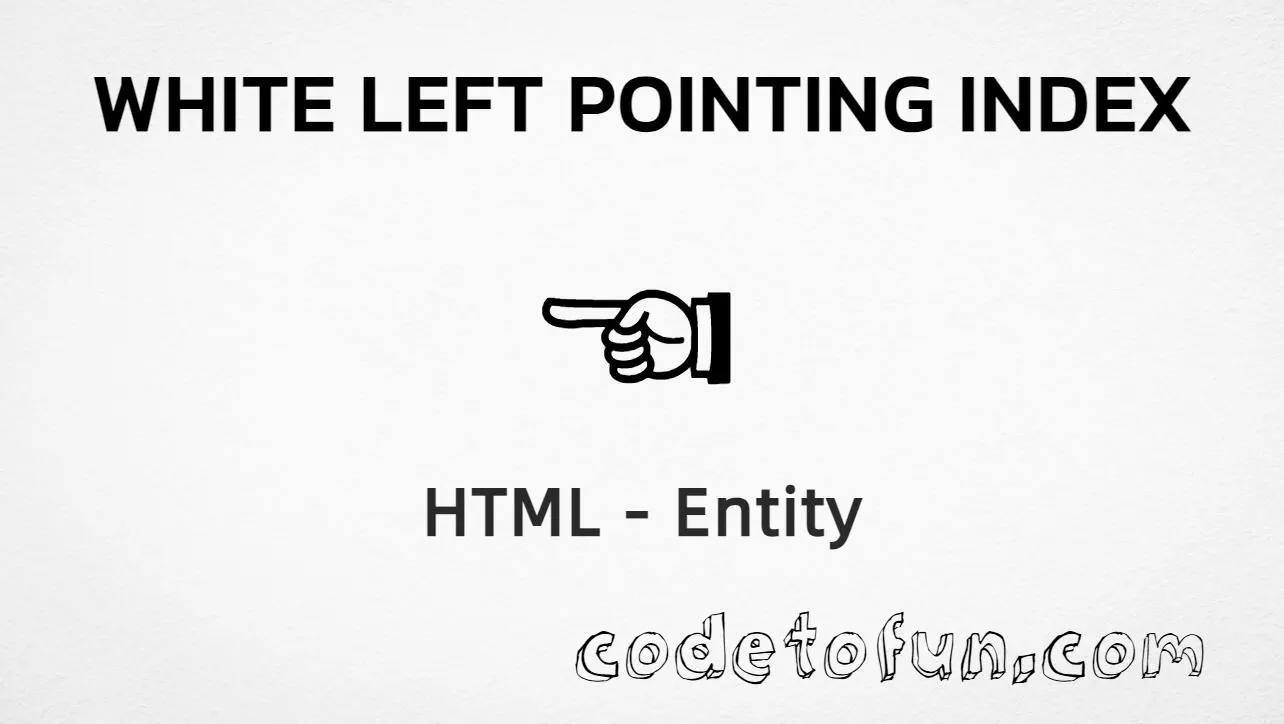
White left pointing index (☜) is Unicode U+261C (WHITE LEFT POINTING INDEX) in the Miscellaneous Symbols block. It is an outline manicule (pointing hand) facing left — useful for back navigation and leftward CTAs. HTML5 has no named entity for this character.
Remember
Character     ☜
Unicode       U+261C
Hex entity    ☜
Decimal       ☜
CSS escape    \261C
Named entity  (none)
Not the same  ☞ U+261E (white right)
All of these produce the same glyph: ☜. Prefer typing ☜ in UTF-8 when you can; use numeric or CSS forms for generated content.
White left pointing index in common study contexts.
Large glyph☜
Back navigation☜ Back
White indices☜ ☝ ☞ ☟
Accessible label☜left Left
With entitiesHex: ☜ | Decimal: ☜
Code
Complete HTML Example
One page that shows ☜ with hex, decimal, CSS escape, and a typed character. Use View Output or open the live editor.
Hex + Decimal + CSS + Typed
Four ways to produce ☜ in a single document.
html
<!DOCTYPE html>
<html lang="en">
<head>
<meta charset="UTF-8">
<title>White Left Pointing Index (☜) in HTML</title>
<style>
#point::after {
content: "\261C";
}
</style>
</head>
<body>
<p>White left pointing index using Hex Code: ☜</p>
<p>White left pointing index using HTML Code: ☜</p>
<p id="point">White left pointing index using CSS Entity: </p>
<p>Typed directly: ☜</p>
</body>
</html>
White left pointing index using Hex Code: ☜
White left pointing index using HTML Code: ☜
White left pointing index using CSS Entity: ☜
Typed directly: ☜
How It Works
1. Hex:U+261C → ☜ in HTML. The browser turns it into ☜.
2. Decimal: same code point as 9756 → ☜. Same result as hex.
3. CSS: use \261C in content (not an HTML entity). #point::after appends that ☜ after the paragraph text.
4. Typed ☜: fine in UTF-8 source. There is no named entity for this symbol.
Pitfalls & Tips
Common mistakes when working with white left pointing index (☜).
HTML5 does not define a named entity for U+261C. Use numeric forms when an entity is required.
Fill
White ≠ black
White indices are outline (U+261C–U+261F). Black filled hands are U+261A–U+261B.
a11y
Say “Left” or “Back”
Screen readers may not announce the hand clearly. Pair the glyph with visible or visually hidden text.
Fonts
Check glyph support
Some fonts omit manicules. Provide a fallback stack that includes a symbol-capable font.
Semicolon
End references
Always finish with ; — write ☜, not ☜.
Compatibility
Browser Support
White left pointing index (U+261C) and its entity forms (☜, ☜, CSS \\261C) are supported in all mainstream browsers. Glyph quality depends on font support for Miscellaneous Symbols.
✓ Universal support
White Left Pointing Index (☜)
Type ☜, or encode with hex, decimal, or CSS escape — same glyph everywhere encoding is supported.
100%Browser coverage
Google ChromeSupported
Yes
Microsoft EdgeSupported
Yes
Mozilla FirefoxSupported
Yes
Apple SafariSupported
Yes
OperaSupported
Yes
Internet ExplorerAll versions
Yes
U+261C / entitiesFull support
Bottom line: Prefer a typed ☜ or ☜ / ☜ for markup. Use \\261C only inside CSS content.
Remember
Key Takeaways
Unicode: white left pointing index is U+261C (decimal 9756).
HTML: prefer typing ☜, or use ☜ / ☜.
CSS: use \261C inside content for generated icons.
Watch out: no named entity; ☜ ≠ ☞ (left ≠ right).
One line:U+261C → type ☜ / ☜ / ☜ / CSS \261C.
Frequently Asked Questions
Use ☜ (hex), ☜ (decimal), or the CSS escape \261C in the content property. All render ☜. You can also paste ☜ directly if your file is UTF-8. There is no named HTML entity.
U+261C (hex 261C, decimal 9756). Unicode names it WHITE LEFT POINTING INDEX. It belongs to the Miscellaneous Symbols block in the pointing-index range.
No. HTML5 does not define a named entity for this symbol. Use ☜ or ☜ in markup, or \261C in CSS.
☜ (U+261C) points left. ☞ (U+261E) points right, ☝ (U+261D) points up, and ☚ (U+261A) is the filled black left index. They are different code points.
HTML entities (☜ or ☜) go in markup. The CSS escape \261C is used in stylesheets (usually in the content property of ::before/::after). Both render ☜.
Use ☜ for back navigation, leftward CTAs, and visual pointers. Always pair the glyph with visible text (for example “Back”) so direction is clear for screen reader users.
🤔
Did you know?
White left pointing index is Unicode U+261C (decimal 9756) in the Miscellaneous Symbols block — official name WHITE LEFT POINTING INDEX. HTML5 has no named entity for it. It is a manicule-style outline hand pointing left — not the same as ☞ (right) or black indices ☚/☛.