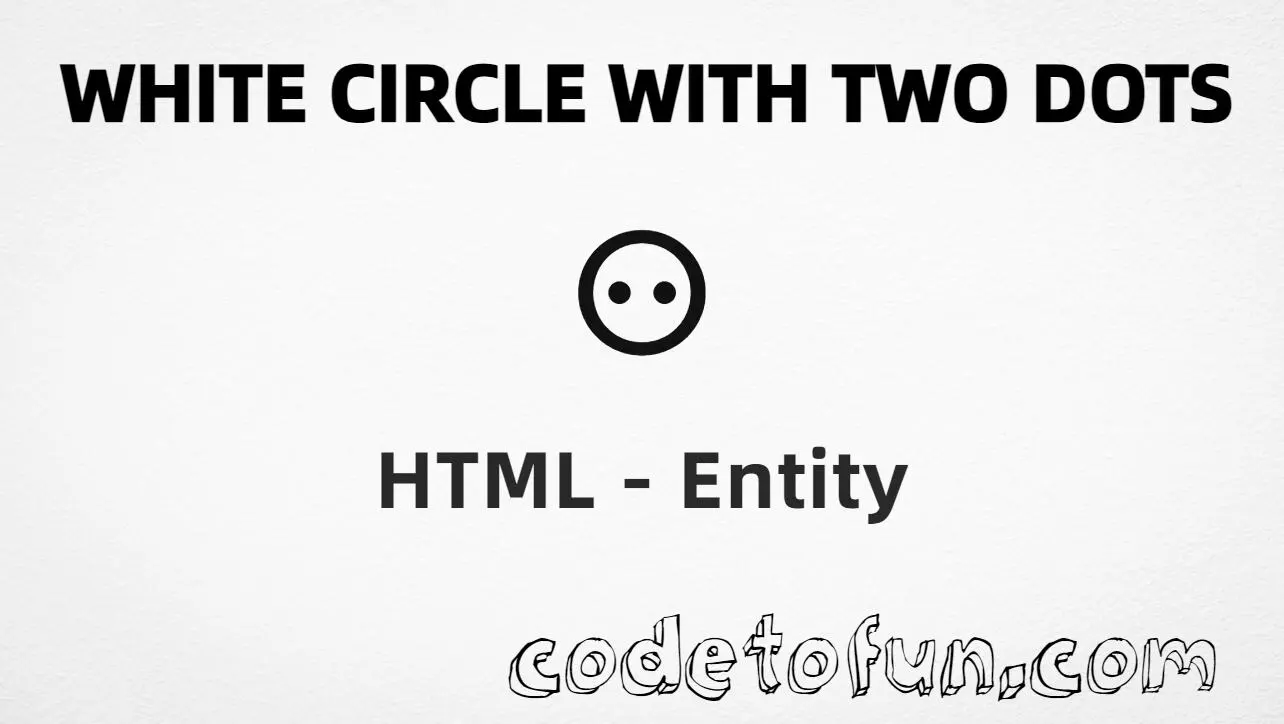
White Circle with Two Dots (⚇) is the Unicode character at U+2687 (WHITE CIRCLE WITH TWO DOTS) in Miscellaneous Symbols. HTML5 has no named entity — use hex or decimal. Use it for die-face style marks, game notation, and dual-state indicators.
Remember
Character     ⚇
Unicode       U+2687
Named entity  (none)
Hex entity    ⚇
Decimal       ⚇
CSS escape    \2687
Not the same  ⚆ (one dot) · ⚉ (black) · ○ (○)
Hex, decimal, CSS, and a typed character all produce the same glyph: ⚇. Prefer ⚇ or ⚇ in HTML markup. For the one-dot form see White Circle Dot Right; for a plain circle use ○ (○).
○ is ○ (U+25CB) with no inner dots. Use U+2687 only when you need two dots.
Fonts
Need Miscellaneous Symbols coverage
Some fonts omit U+2687. Prefer fonts that cover Miscellaneous Symbols (U+2600–U+26FF).
CSS vs HTML
Do not mix escapes
\2687 belongs in CSS strings. ⚇ / ⚇ belong in HTML.
Encoding
Declare UTF-8
If you type ⚇ directly, keep <meta charset="UTF-8"> so the file is not misread.
Compatibility
Browser Support
White Circle with Two Dots (U+2687) and its entity forms (⚇, ⚇, CSS \\2687) are supported in all mainstream browsers when the page is UTF-8 and the font covers Miscellaneous Symbols.
✓ Universal support
White Circle Two Dots (⚇)
Encode with hex, decimal, CSS escape, or type the character — same Unicode code point everywhere. No named entity.
100%Browser coverage
Google ChromeSupported
Yes
Microsoft EdgeSupported
Yes
Mozilla FirefoxSupported
Yes
Apple SafariSupported
Yes
OperaSupported
Yes
Internet ExplorerIE 9+
Yes*
U+2687Full support
Bottom line: Prefer ⚇ in HTML text. Use ⚇ as an equivalent, and \\2687 only inside CSS content. Glyph display depends on font coverage.
Remember
Key Takeaways
Unicode: this mark is U+2687 (decimal 9863) — glyph ⚇.
HTML: prefer ⚇ — also ⚇. No named entity.
CSS: use \2687 inside content for generated text.
Watch out: ⚇ ≠ ⚆ ≠ ○.
One line:U+2687 → ⚇ / ⚇ / CSS \2687 (no named entity).
Frequently Asked Questions
Use ⚇ (hex), ⚇ (decimal), type ⚇ directly in UTF-8, or the CSS escape \2687 in the content property. There is no named HTML entity. Prefer ⚇ for readable markup.
U+2687 (WHITE CIRCLE WITH TWO DOTS). Hex 2687, decimal 9863. It belongs to the Miscellaneous Symbols block (U+2600–U+26FF).
No. HTML5 does not define a named form. Use numeric references ⚇ or ⚇, or type ⚇ in UTF-8.
U+2687 is a white circle with two dots (⚇). U+2686 has one right-side dot (⚆). U+25CB (○) is a plain white circle with no dots.
Use it for die-face style marks, Go/game notation, dual-state indicators, and diagrams that need a white circle with two dots — not as a substitute for a plain circle.
HTML entities (⚇ or ⚇) go in markup. The CSS escape \2687 is used in stylesheets (usually in the content property of ::before/::after). Prefer four hex digits in CSS.
🤔
Did you know?
White Circle with Two Dots is Unicode U+2687 (decimal 9863) — glyph ⚇ (WHITE CIRCLE WITH TWO DOTS) in Miscellaneous Symbols. HTML5 has no named entity — use ⚇ or ⚇. Do not confuse it with White Circle with Dot Right U+2686 (⚆), Black Circle with Two White Dots U+2689 (⚉), or plain white circle ○ (○).