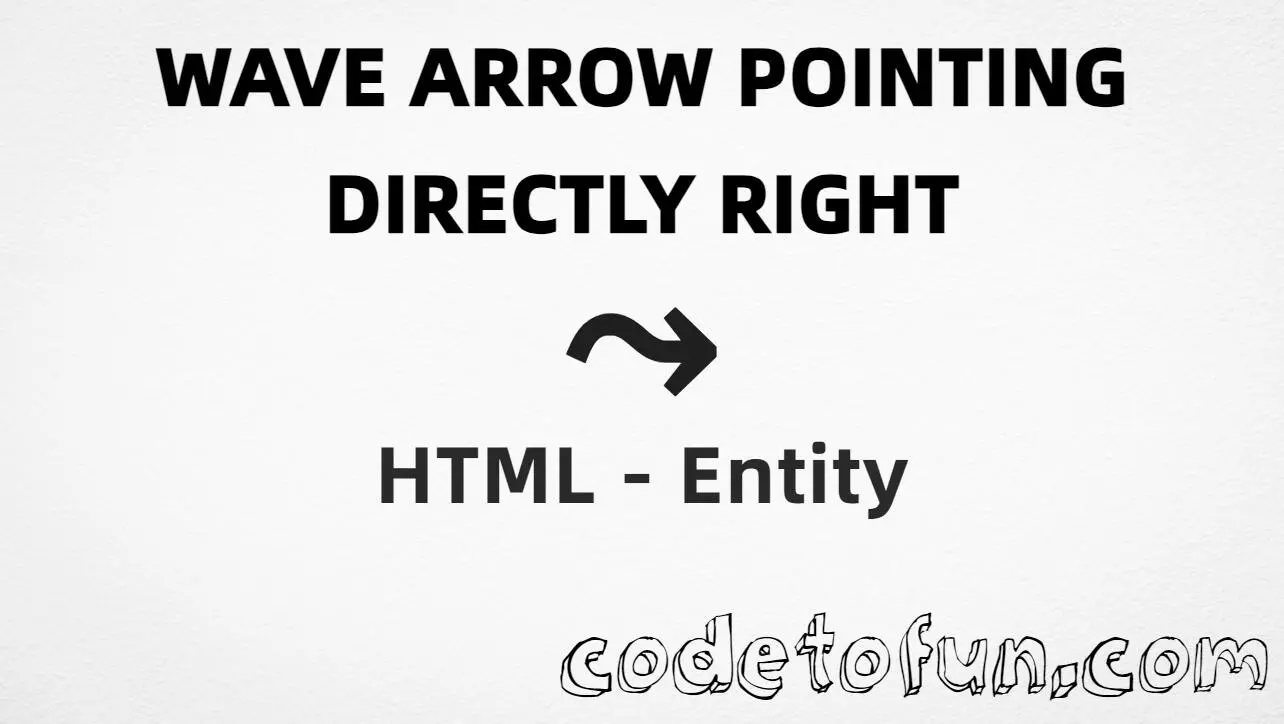
HTML Entity for Wave Arrow Pointing Directly Right (⤳)
Beginner
5 min read
Updated: Sep 2026
1 example
Unicode U+2933
Definition
What Is Wave Arrow Pointing Directly Right?
Wave Arrow Pointing Directly Right (⤳) is the Supplemental Arrows-B character at Unicode U+2933 (WAVE ARROW POINTING DIRECTLY RIGHT). HTML5 names it ⤳. Use it in diagrams and UI when you need this specific wave arrow.
Remember
Character     ⤳
Unicode       U+2933
Named entity  ⤳
Hex entity    ⤳
Decimal       ⤳
CSS escape    \2933
Not the same  ↝ (↝) · → · ASCII ->
Named, hex, decimal, CSS, and a typed character all produce the same glyph: ⤳. Prefer ⤳ or ⤳ in HTML markup. For the Arrows-block wave arrow see ↝; for a plain right arrow use → (see right arrow).
One page that shows Wave Arrow Pointing Directly Right with named, hex, decimal, CSS escape, and a typed character. Use View Output or open the live editor.
Named + Hex + Decimal + CSS + Typed
Five ways to display ⤳ in HTML and CSS.
html
<!DOCTYPE html>
<html lang="en">
<head>
<meta charset="UTF-8">
<title>Wave Arrow Pointing Directly Right (⤳)</title>
<style>
#point::after {
content: "\2933";
}
</style>
</head>
<body>
<p>Built with Named: ⤳</p>
<p>Built with Hex: ⤳</p>
<p>Built with Decimal: ⤳</p>
<p id="point">Built with CSS: </p>
<p>Typed: ⤳</p>
<p>Flow: Start ⤳ Next</p>
</body>
</html>
Common mistakes when working with Wave Arrow Pointing Directly Right.
Prefer
Use ⤳
The named form is clearer than numeric references and is defined in HTML5.
vs ↝
⤳ ≠ ↝
⤳ is ⤳ (U+2933). ↝ is ↝ (U+219D). Different blocks and glyphs.
vs →
Not a plain right arrow
→ is → (U+2192). Use ⤳ only when you need the wave form that points directly right.
Fonts
Need Supplemental Arrows-B coverage
Some fonts omit U+2933. Prefer fonts that cover Supplemental Arrows-B for a reliable glyph.
CSS vs HTML
Do not mix escapes
\2933 belongs in CSS strings. ⤳ / ⤳ / ⤳ belong in HTML.
Semicolon
End references
Always finish with ; — write ⤳, not &rarrc.
Compatibility
Browser Support
Wave Arrow Pointing Directly Right (U+2933) and its entity forms (⤳, ⤳, ⤳, CSS \\2933) are supported in all mainstream browsers when the page is UTF-8 and the font covers Supplemental Arrows-B.
✓ Universal support
Wave Arrow Pointing Directly Right (⤳)
Encode with named, hex, decimal, CSS escape, or type the character — same Unicode code point everywhere.
100%Browser coverage
Google ChromeSupported
Yes
Microsoft EdgeSupported
Yes
Mozilla FirefoxSupported
Yes
Apple SafariSupported
Yes
OperaSupported
Yes
Internet ExplorerIE 9+
Yes*
U+2933 / ⤳Full support
Bottom line: Prefer ⤳ in HTML text. Use ⤳ / ⤳ as equivalents, and \\2933 only inside CSS content. Glyph display depends on font coverage.
Remember
Key Takeaways
Unicode: this arrow is U+2933 (decimal 10547) — glyph ⤳.
Use ⤳ (named), ⤳ (hex), ⤳ (decimal), or the CSS escape \2933 in the content property. All render ⤳. Prefer ⤳ for readable markup.
U+2933 (WAVE ARROW POINTING DIRECTLY RIGHT). Hex 2933, decimal 10547. It belongs to Supplemental Arrows-B (U+2900–U+297F).
Yes. HTML5 defines ⤳ for U+2933.
U+2933 (⤳) is a wave arrow pointing directly right (⤳). U+219D (↝) is the rightwards wave arrow (↝). U+2192 (→) is the plain right arrow (→).
Use it in diagrams, flowcharts, and UI copy when you need this specific Supplemental Arrows-B wave arrow — not as a substitute for → or ↝.
HTML entities (⤳, ⤳, or ⤳) go in markup. The CSS escape \2933 is used in stylesheets (usually in the content property of ::before/::after). Both render ⤳.
🤔
Did you know?
Wave Arrow Pointing Directly Right is Unicode U+2933 (decimal 10547) — glyph ⤳ (WAVE ARROW POINTING DIRECTLY RIGHT) in Supplemental Arrows-B. HTML5 names it ⤳. Do not confuse it with rightwards wave arrow ↝ (↝, U+219D) or plain right arrow → (→).