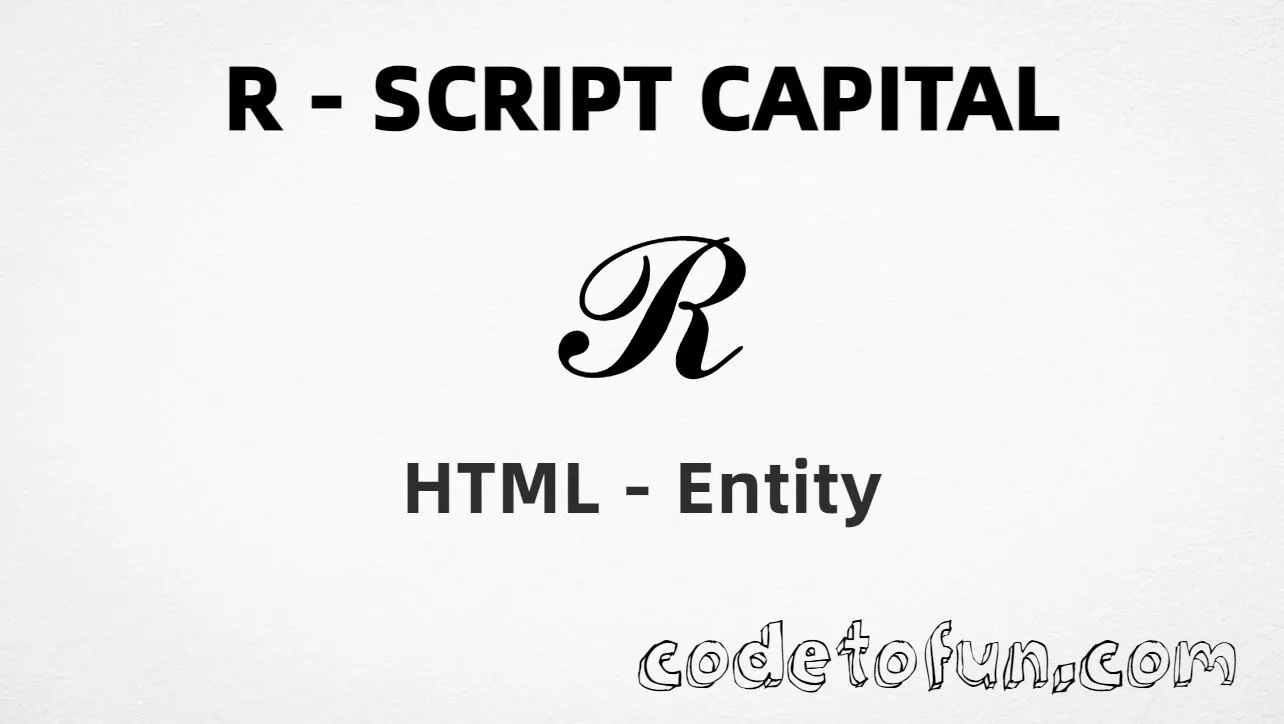
Uppercase R Script Capital (ℛ) is the Unicode character at U+211B (SCRIPT CAPITAL R). HTML5 names it ℛ (also ℛ). Use it for mathematical script notation and formal typography.
Remember
Character     ℛ
Unicode       U+211B
Hex entity    ℛ
Decimal       ℛ
Named entity  ℛ (ℛ)
CSS escape    \211B
Official name SCRIPT CAPITAL R
Block         Letterlike Symbols
Prefer ℛ or ℛ in HTML markup. Do not confuse with plain R (U+0052) or ℜ (U+211C).
Built with Named: ℛ
Built with Hex: ℛ
Built with Decimal: ℛ
Built with CSS: ℛ
Typed: ℛ
Math: ℛ(x)
How It Works
1. Named:ℛ is the HTML5 name for U+211B → ℛ (case-sensitive). ℛ is an alternate name for the same glyph.
2. Hex:ℛ inserts the same code point. Same visual as named.
3. Decimal:ℛ is the base-10 form of U+211B.
4. CSS: use \211B in content (not an HTML entity). #point::after appends that glyph after the paragraph text.
5. Typed: paste ℛ in a UTF-8 document, or write math text with ℛ.
Pitfalls & Tips
Common mistakes when working with this character.
Named
Prefer ℛ
The name is case-sensitive. ℛ and ℛ both render ℛ. Prefer ℛ for shorter, clearer source.
Look-alikes
Not ℜ and not plain R
Script capital R is ℛ (U+211B). Plain Latin is R. Black-letter / real-part is ℜ (U+211C). Match the notation you need.
Semantics
Prefer the letterlike symbol
Prefer U+211B (or ℛ) over styling a plain R with a script font when the semantics require the letterlike symbol.
Fonts
Check Letterlike coverage
Some fonts omit U+211B. If the glyph is missing, switch to a font with Letterlike Symbols support.
CSS vs HTML
Do not mix escapes
\211B belongs in CSS. ℛ / ℛ / ℛ belong in HTML.
Semicolon
End references
Always finish with ; — write ℛ, not &Rscr.
Compatibility
Browser Support
Uppercase R Script Capital (U+211B) and its entity forms (ℛ, ℛ, ℛ, CSS \\211B) are supported in all modern browsers. Glyph coverage depends on the font.
✓ Universal support
Uppercase R Script Capital
Encode with named, hex, decimal, or CSS escape — or type ℛ directly in UTF-8 HTML. Prefer ℛ or ℛ.
100%Browser coverage
Google ChromeSupported
Yes
Microsoft EdgeSupported
Yes
Mozilla FirefoxSupported
Yes
Apple SafariSupported
Yes
OperaSupported
Yes
Internet ExplorerAll versions
Yes
U+211B / entitiesFull support
Bottom line: Prefer ℛ or ℛ for readable HTML. Use \\211B only inside CSS content. Do not confuse with plain R or ℜ ℜ.
Remember
Key Takeaways
Unicode: this character is U+211B (decimal 8475) — SCRIPT CAPITAL R.
HTML: prefer ℛ — or use ℛ / ℛ (also ℛ).
Use ℛ (named), ℛ (hex), ℛ (decimal), or the CSS escape \211B in the content property. All render ℛ. Prefer ℛ or ℛ for readable markup. ℛ is an alternate name for the same character.
U+211B (SCRIPT CAPITAL R). Hex 211B, decimal 8475, named entities ℛ and ℛ. It belongs to Letterlike Symbols (U+2100–U+214F).
Yes. HTML5 defines ℛ and ℛ for U+211B. Prefer ℛ for general use. Both are case-sensitive.
U+211B is a letterlike script capital R used in math typography. U+0052 is plain Latin capital R. U+211C (ℜ / ℜ) is black-letter capital R, often used for the real part — a different character.
Use it for mathematical script notation and formal typography that needs ℛ — not as a substitute for plain R, and not when you need the real-part symbol ℜ (U+211C).
HTML entities (ℛ, ℛ, or ℛ) go in markup. The CSS escape \211B is used in stylesheets (usually in the content property of ::before/::after). Both render ℛ.
🤔
Did you know?
Uppercase R Script Capital is Unicode U+211B (decimal 8475) — glyph ℛ (SCRIPT CAPITAL R) in Letterlike Symbols. HTML5 names it ℛ (also ℛ). Prefer it for mathematical script notation. Do not confuse it with plain R (U+0052) or black-letter capital R / real-part symbol ℜ (U+211C).