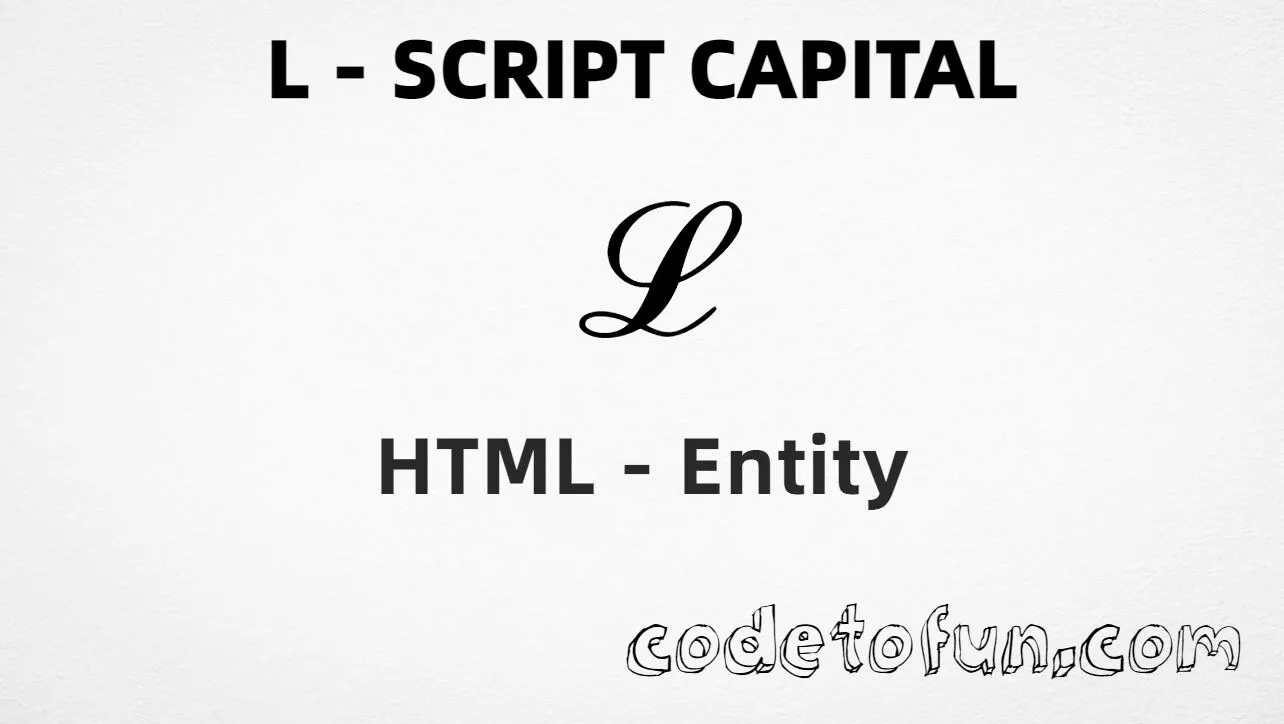
Uppercase L script capital (ℒ) is the Unicode character at U+2112 in Letterlike Symbols. Official name: SCRIPT CAPITAL L — a script-style capital L used in mathematical notation, most often for the Laplace transform.
Remember
Character     ℒ
Unicode       U+2112
Named entity  ℒ  (also ℒ)
Hex entity    ℒ
Decimal       ℒ
CSS escape    \2112
Not the same  L · ⅃ · Ł
Prefer ℒ in HTML markup (ℒ is an alias for the same code point). Numeric forms and typing ℒ in UTF-8 also work. Use a math-capable font when the script shape matters.
Using Named Entity: ℒ
Using Hex Code: ℒ
Using HTML Code: ℒ
Using CSS Entity: ℒ
Typed directly: ℒ
Laplace: ℒ{f(t)}
How It Works
1. Named:ℒ is the clearest HTML form for U+2112. ℒ is an alias that produces the same glyph.
2. Hex:U+2112 → ℒ in HTML. Same glyph as the named entity.
3. Decimal: same code point as 8466 → ℒ. Same glyph as hex and named.
4. CSS: use \2112 in content (not an HTML entity). #point::after appends that ℒ after the paragraph text.
5. Typed / math: paste ℒ in UTF-8, or write ℒ{f(t)} for a short Laplace label.
Pitfalls & Tips
Common mistakes when working with U+2112.
vs L
Not a plain capital L
ASCII L (U+004C) is not letterlike. Use ℒ when you need the script Laplace symbol.
vs ⅃
Not reversed L
⅃ is reversed sans-serif capital L. ℒ is script L for the Laplace transform.
vs italic
Not CSS italic
font-style: italic only styles a letter. U+2112 is a dedicated script capital character.
Alias
ℒ = ℒ
Both named entities map to U+2112. Prefer ℒ for clarity unless you are following Lagrangian-style notation.
Fonts
Letterlike coverage varies
Some fonts fall back to a plain L. Prefer Cambria Math, STIX, or another math font for ℒ.
CSS vs HTML
Do not mix escapes
\2112 belongs in CSS strings. ℒ / ℒ / ℒ belong in HTML.
Math
Mark math context
For formulas, wrap math in appropriate markup (for example MathML or a math role) so assistive tech can treat it as math.
Compatibility
Browser Support
Script capital L (U+2112) and its entity forms (ℒ, ℒ, ℒ, CSS \\2112) are supported in all mainstream browsers. Visible glyphs depend on Letterlike Symbols font coverage.
✓ Universal support
Uppercase L Script Capital (ℒ)
Encode with named, hex, decimal, CSS escape, or type the character — same code point everywhere encoding is supported.
100%Browser coverage
Google ChromeSupported
Yes
Microsoft EdgeSupported
Yes
Mozilla FirefoxSupported
Yes
Apple SafariSupported
Yes
OperaSupported
Yes
Internet ExplorerIE 9+
Yes
U+2112 / ℒFull support
Bottom line: Prefer ℒ in HTML. Use \\2112 only inside CSS content. Do not confuse with plain L or ⅃.
Remember
Key Takeaways
Unicode: script capital L is U+2112 (decimal 8466) — glyph ℒ.
HTML: prefer ℒ — also ℒ / ℒ (alias ℒ).
CSS: use \2112 inside content for generated text.
Meaning:ℒ is script / Laplace — not plain L, not ⅃.
Use ℒ (named), ℒ (hex), ℒ (decimal), type ℒ directly in UTF-8, or the CSS escape \2112 in content. Prefer ℒ in normal HTML. ℒ is an alias for the same character.
U+2112 (SCRIPT CAPITAL L). Hex 2112, decimal 8466. It belongs to Letterlike Symbols (U+2100–U+214F).
Yes. Use ℒ (or the alias ℒ). Numeric forms ℒ and ℒ also work.
No. ℒ is script capital L (U+2112, ℒ). Plain L is U+004C. ⅃ is reversed sans-serif capital L (U+2143).
Use it in mathematical notation for the Laplace transform (for example ℒ{f(t)}), or whenever script capital L is required — not as a substitute for plain L.
HTML entities (ℒ, ℒ, or ℒ) go in markup. The CSS escape \2112 goes in stylesheet strings (usually content on ::before/::after).
🤔
Did you know?
Script capital L is Unicode U+2112 (decimal 8466) — glyph ℒ in Letterlike Symbols (U+2100–U+214F). HTML5 names it ℒ (also alias ℒ). Official name: SCRIPT CAPITAL L. In mathematics it often denotes the Laplace transform. Prefer a math-capable font for the script look.