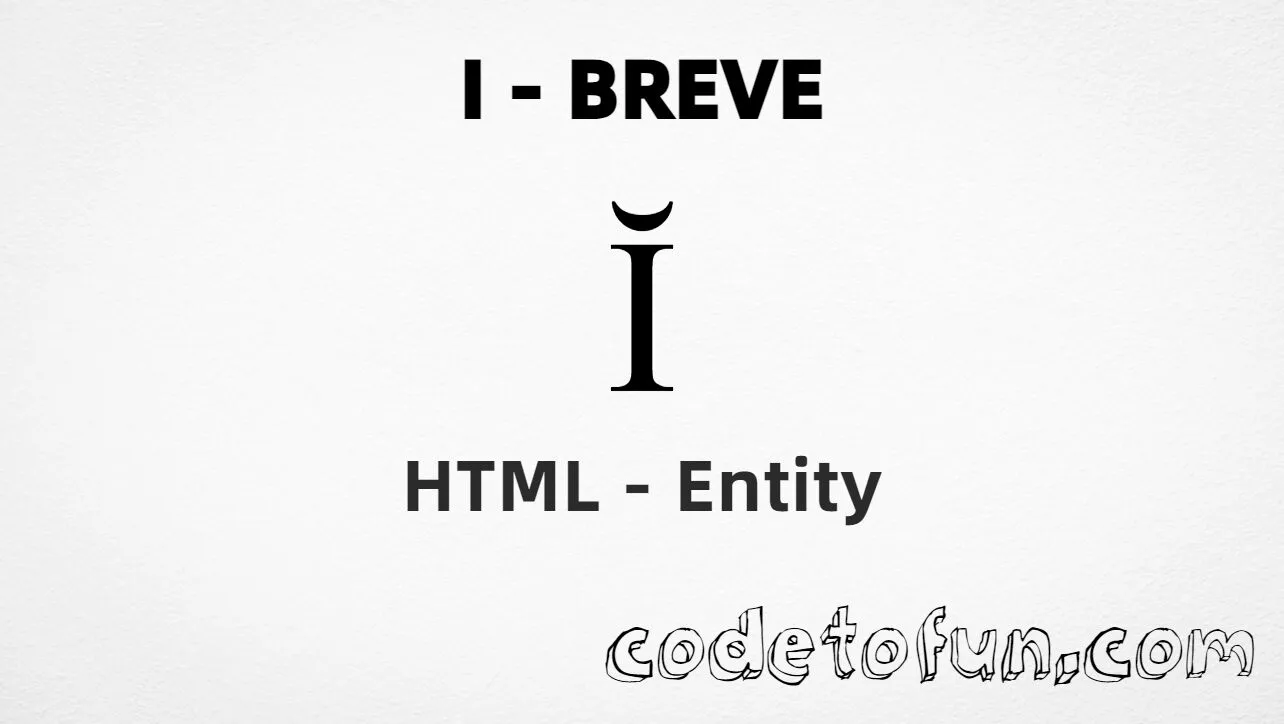
Uppercase I breve (Ĭ) is the Unicode character at U+012C in Latin Extended-A. Official name: LATIN CAPITAL LETTER I WITH BREVE — a capital I with a short curved breve mark (˘), used in linguistics and some transliteration systems.
Remember
Character     Ĭ
Unicode       U+012C
Named entity  &Ibreve;  (capital I)
Hex entity    Ĭ
Decimal       Ĭ
CSS escape    \012C
Not the same  ĭ · Î · Ǐ
Prefer &Ibreve; in HTML markup — the capital I in the name matters. Numeric forms and typing Ĭ in UTF-8 also work. For the lowercase letter, use &ibreve; (ĭ).
Î (Î) has a ˆ mark. The breve is a short curve (˘) — do not swap them.
vs Ǐ
Not a caron
Ǐ has a háček (∨ shape). Breve and caron look different and are different code points.
Encoding
Keep UTF-8 declared
Latin Extended-A letters display reliably with <meta charset="UTF-8">. Prefer named entities when the source file encoding is uncertain.
CSS vs HTML
Do not mix escapes
\012C belongs in CSS strings. &Ibreve; / Ĭ / Ĭ belong in HTML.
Fonts
Check Extended-A coverage
Most modern fonts include U+012C. If a legacy UI font omits it, fall back to a stack with Latin Extended-A support.
Compatibility
Browser Support
Uppercase I breve (U+012C) and its entity forms (&Ibreve;, Ĭ, Ĭ, CSS \\012C) are supported in all mainstream browsers. Latin Extended-A glyphs are widely available in system fonts.
✓ Universal support
Uppercase I Breve (Ĭ)
Encode with named, hex, decimal, CSS escape, or type the character — same code point everywhere encoding is supported.
100%Browser coverage
Google ChromeSupported
Yes
Microsoft EdgeSupported
Yes
Mozilla FirefoxSupported
Yes
Apple SafariSupported
Yes
OperaSupported
Yes
Internet ExplorerAll versions
Yes
U+012C / &Ibreve;Full support
Bottom line: Prefer &Ibreve; (capital I) in HTML. Use \\012C only inside CSS content. Do not confuse with &ibreve; (ĭ), circumflex Î, or caron Ǐ.
Remember
Key Takeaways
Unicode: uppercase I breve is U+012C (decimal 300) — glyph Ĭ.
HTML: prefer &Ibreve; (capital I) — also Ĭ / Ĭ.
CSS: use \012C inside content for generated text.
Meaning:Ĭ is capital breve — not ĭ (&ibreve;), not Î (circumflex), not Ǐ (caron).
Use &Ibreve; (named), Ĭ (hex), Ĭ (decimal), type Ĭ directly in UTF-8, or the CSS escape \012C in content. Prefer &Ibreve; in normal HTML.
U+012C (LATIN CAPITAL LETTER I WITH BREVE). Hex 12C, decimal 300. It belongs to Latin Extended-A (U+0100–U+017F).
Yes. Use &Ibreve; (capital I). Numeric forms Ĭ and Ĭ also work. Note: &ibreve; (lowercase) is a different letter (ĭ).
No. Ĭ is U+012C (&Ibreve;, breve — a short curved mark). Î is U+00CE (Î, circumflex). Ǐ is U+01CF (caron / háček, no named entity).
Use it for linguistic notation, transliteration, or orthographies that need Ĭ — not as a substitute for French Î or caron Ǐ.
HTML entities (&Ibreve;, Ĭ, or Ĭ) go in markup. The CSS escape \012C goes in stylesheet strings (usually content on ::before/::after).
🤔
Did you know?
Uppercase I breve is Unicode U+012C (decimal 300) — glyph Ĭ in Latin Extended-A (U+0100–U+017F). HTML5 names it &Ibreve; (capital I). Official name: LATIN CAPITAL LETTER I WITH BREVE. Lowercase is &ibreve; (ĭ, U+012D). Used in linguistic notation and some transliteration systems. Do not confuse with circumflex Î (Î) or caron Ǐ (U+01CF).