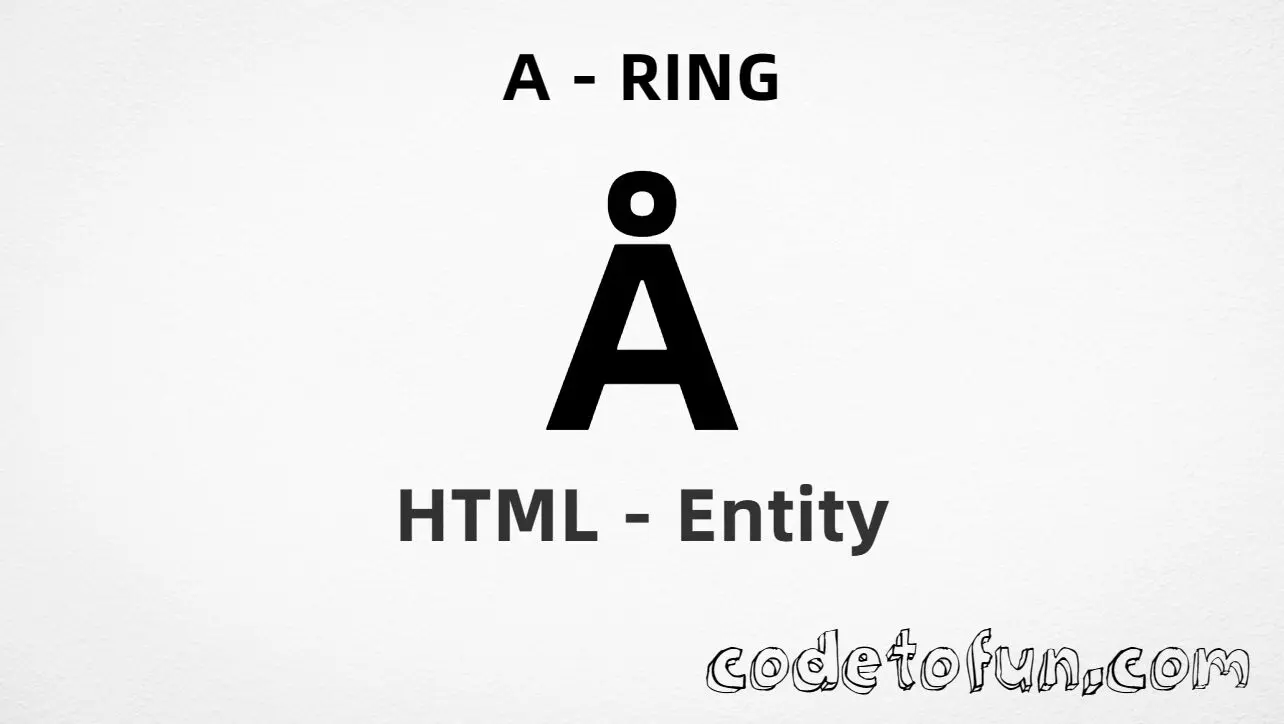
Uppercase A ring (Å) is the Unicode character at U+00C5 in Latin-1 Supplement. Official name: LATIN CAPITAL LETTER A WITH RING ABOVE — a capital A with a ring diacritic, essential in Swedish, Norwegian, and Danish.
Remember
Character     Å
Unicode       U+00C5
Named entity  Å  (capital A)
Hex entity    Å
Decimal       Å
CSS escape    \00C5
Not the same  å · Á · A
Prefer Å in HTML markup — the capital A in the name matters. Numeric forms and typing Å in UTF-8 also work. For the lowercase letter, use å (å).
Using Named Entity: Å
Using Hex Code: Å
Using HTML Code: Å
Using CSS Entity: Å
Typed directly: Å
Ångström, Åland
How It Works
1. Named:Å (capital A) is the clearest HTML form for U+00C5. Lowercase å is a different character (å).
2. Hex:U+00C5 → Å in HTML. Same glyph as the named entity.
3. Decimal: same code point as 197 → Å. Same glyph as hex and named.
4. CSS: use \00C5 in content (not an HTML entity). #point::after appends that Å after the paragraph text.
5. Typed / label: paste Å in UTF-8, or write Åland for a short Swedish example (with lang="sv").
Pitfalls & Tips
Common mistakes when working with U+00C5.
Case
Å ≠ å
Å → Å (capital). å → å (lowercase). Entity names are case-sensitive.
vs Á
Not an acute accent
Á (Á) has a slanted mark. Ring is a small circle above A (Å).
vs A
Not a plain capital A
ASCII A (U+0041) has no ring. Use Å when Nordic spelling requires Å.
Fonts
Nearly universal coverage
Latin-1 letters like Å are included in almost every modern font. Still prefer UTF-8 encoding for the page.
CSS vs HTML
Do not mix escapes
\00C5 belongs in CSS strings. Å / Å / Å belong in HTML.
A11y
Mark the language
When Å appears in real words, set lang (e.g. sv, nb, da) so screen readers pronounce names correctly.
Compatibility
Browser Support
Uppercase A ring (U+00C5) and its entity forms (Å, Å, Å, CSS \\00C5) are supported in all mainstream browsers. Visible glyphs are standard in Latin-1 capable fonts.
✓ Universal support
Uppercase A Ring (Å)
Encode with named, hex, decimal, CSS escape, or type the character — same code point everywhere encoding is supported.
100%Browser coverage
Google ChromeSupported
Yes
Microsoft EdgeSupported
Yes
Mozilla FirefoxSupported
Yes
Apple SafariSupported
Yes
OperaSupported
Yes
Internet ExplorerAll versions
Yes
U+00C5 / ÅFull support
Bottom line: Prefer Å (capital A) in HTML. Use \\00C5 only inside CSS content. Do not confuse with å (å).
Remember
Key Takeaways
Unicode: uppercase A ring is U+00C5 (decimal 197) — glyph Å.
HTML: prefer Å (capital A) — also Å / Å.
CSS: use \00C5 inside content for generated text.
Meaning:Å is capital ring — not å (å), not Á (Á).
Use Å (named), Å (hex), Å (decimal), type Å directly in UTF-8, or the CSS escape \00C5 in content. Prefer Å in normal HTML.
U+00C5 (LATIN CAPITAL LETTER A WITH RING ABOVE). Hex C5, decimal 197. It belongs to Latin-1 Supplement (U+0080–U+00FF).
Yes. Use Å (capital A). Numeric forms Å and Å also work. Note: å (lowercase) is a different letter (å).
No. Å is U+00C5 (Å, capital ring). å is U+00E5 (å). Á is U+00C1 (Á, capital acute).
Use it for Swedish, Norwegian, Danish, and other Nordic text that needs Å in titles, names, and uppercase words — for example Åland or Ångström — not as a substitute for plain A.
HTML entities (Å, Å, or Å) go in markup. The CSS escape \00C5 goes in stylesheet strings (usually content on ::before/::after).
🤔
Did you know?
Uppercase A ring is Unicode U+00C5 (decimal 197) — glyph Å in Latin-1 Supplement (U+0080–U+00FF). HTML5 names it Å (capital A). Official name: LATIN CAPITAL LETTER A WITH RING ABOVE. Lowercase is å (å, U+00E5). Essential in Swedish, Norwegian, and Danish (e.g. Åland, Ångström).