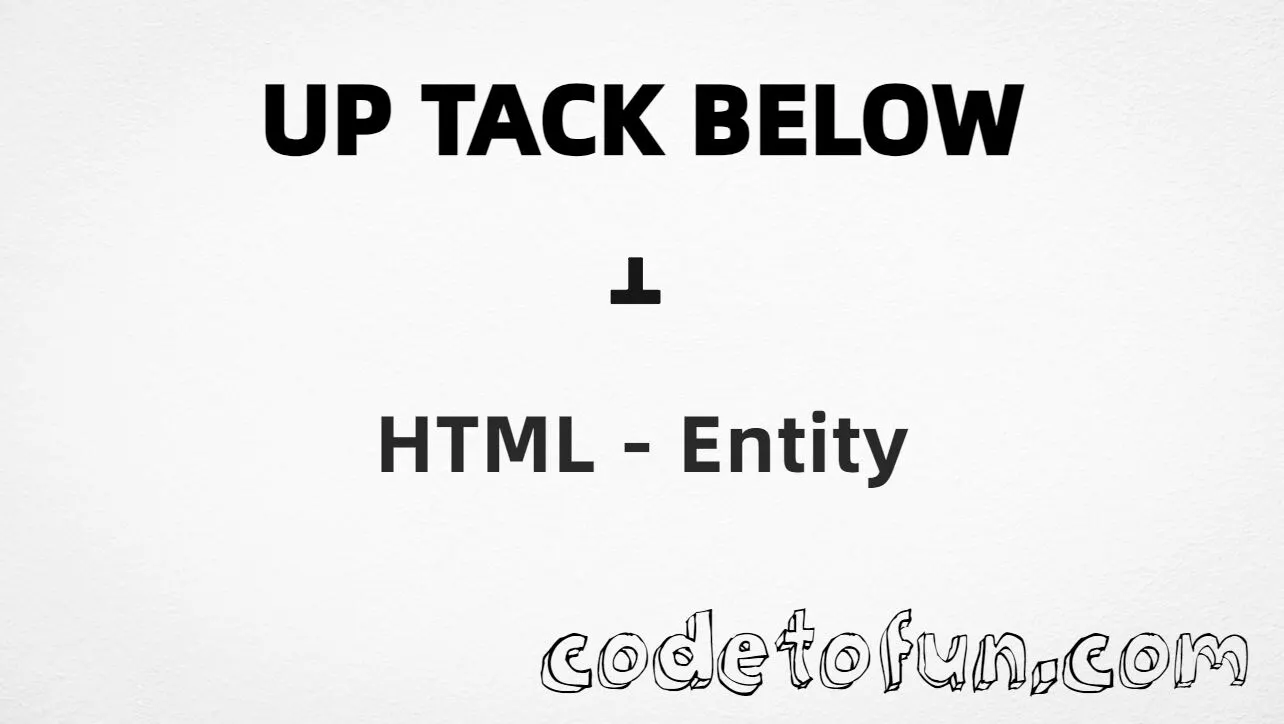
Up Tack Below is the combining character at Unicode U+031D (COMBINING UP TACK BELOW) in Combining Diacritical Marks. It is a non-spacing mark that places an up tack under the preceding base letter (for example a̝).
Remember
Example       a̝
Unicode       U+031D
Hex entity    ̝
Decimal       ̝
CSS escape    \031D
Named entity  (none)
Usage         Place after base: a̝
Always put the mark after a base character. For the standalone up tack symbol, use ⊥ (U+22A5).
Using Hex Code: a̝
Using HTML Code: a̝
Using CSS Entity: a̝
IPA-style: e̝
How It Works
1. Hex:U+031D → a̝. The mark attaches under a.
2. Decimal: same code point as 797 → a̝. Same result as hex.
3. CSS: use content: "a\031D" so the base letter and mark are in the same string. A lone \031D in ::after will not combine with text in the element.
4. IPA-style: any base letter works — e̝ is a common phonetic pattern.
Pitfalls & Tips
Common mistakes when working with this combining mark.
Combining
Needs a base letter
Never output U+031D alone. Always write a̝ (or another base character).
Look-alikes
Combining ≠ ⊥
U+031D attaches under letters. U+22A5 (⊥) is a spacing symbol for geometry or logic.
CSS
Keep base + mark together
Use content: "a\031D". Do not put only \031D in ::after and expect it to combine with the element’s text.
Named?
No named entity
HTML5 has no name for U+031D. Use hex or decimal.
Fonts
Check rendering
Combining-mark support varies. If the tack does not show under the letter, try another font.
A11y
Explain the mark
Screen readers may skip or misread combining marks. Add nearby text that describes the intended pronunciation or meaning.
Compatibility
Browser Support
Up Tack Below (U+031D) and its numeric entity forms (̝, ̝, CSS \\031D) are supported in all mainstream browsers. Visual stacking depends on the font.
✓ Universal support
Up Tack Below
Encode with hex or decimal after a base letter — or use CSS content with base + mark together.
100%Browser coverage
Google ChromeSupported
Yes
Microsoft EdgeSupported
Yes
Mozilla FirefoxSupported
Yes
Apple SafariSupported
Yes
OperaSupported
Yes
Internet ExplorerAll versions
Yes
U+031D / entitiesFull support
Bottom line: Always place the mark after a base letter. Use content: "a\\031D" in CSS. Prefer ⊥ when you need the standalone up tack.
Remember
Key Takeaways
Unicode: this mark is U+031D (decimal 797).
HTML: write a̝ or a̝ — base letter first.
CSS: use content: "a\031D" (base + mark in one string).
One line:U+031D → a̝ / a̝ / CSS "a\031D".
Frequently Asked Questions
Place ̝ (hex) or ̝ (decimal) immediately after a base letter, for example a̝. In CSS, use content: "a\031D" (base + mark together). There is no named HTML entity.
U+031D (hex 031D, decimal 797). Unicode names it COMBINING UP TACK BELOW. It belongs to Combining Diacritical Marks (U+0300–U+036F).
No. HTML5 does not define a named entity for this combining mark. Use ̝ or ̝.
U+031D is a combining mark that sits under a letter. ⊥ (U+22A5) is a standalone spacing symbol used for perpendicular or falsum. They look related but work differently in text.
Combining characters attach to the preceding base character. Alone, U+031D may show as a dotted circle or look broken.
HTML entities go in markup after the base letter. The CSS escape \031D belongs in stylesheets — put the base letter and mark in the same content string so they combine.
🤔
Did you know?
Up Tack Below is Unicode U+031D (decimal 797) — official name COMBINING UP TACK BELOW in Combining Diacritical Marks. HTML5 has no named entity. It is a non-spacing mark that attaches under the previous letter and is not the standalone up tack (U+22A5 ⊥).