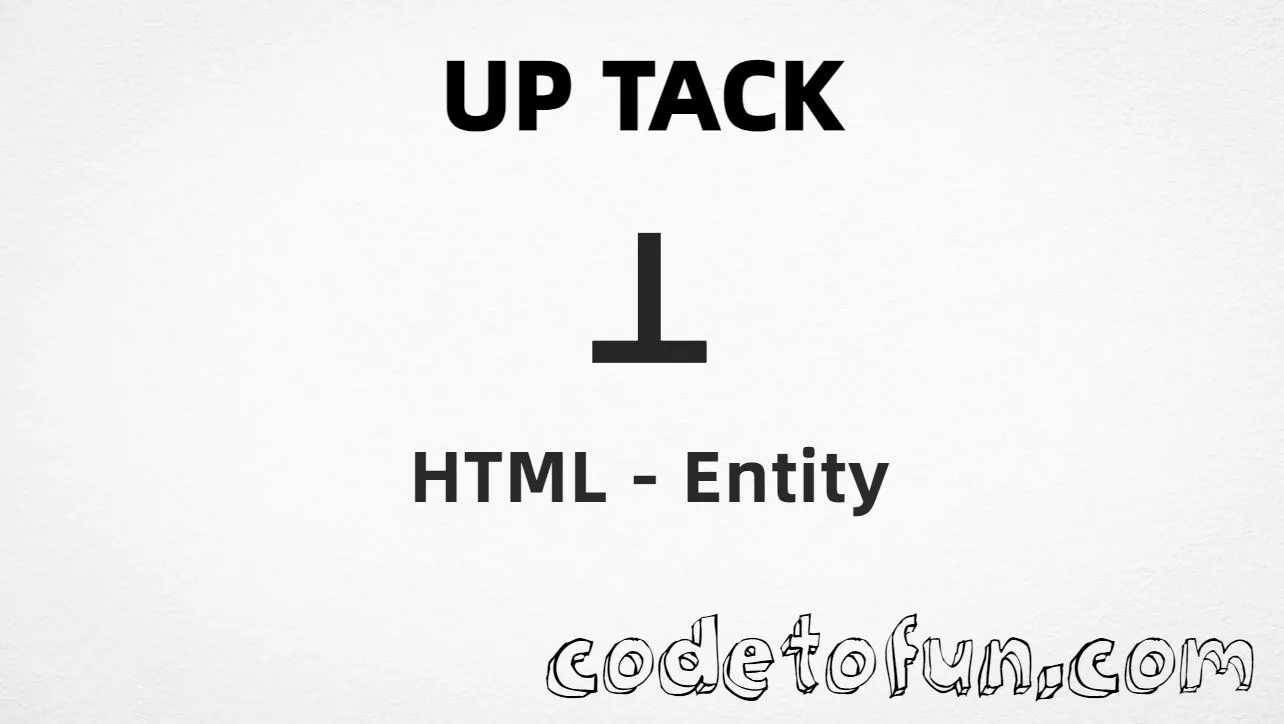
Up Tack (⊥) is the Unicode character at U+22A5 (UP TACK) in Mathematical Operators. It is also called the perpendicular symbol or falsum (logical bottom) — used in geometry and formal logic.
Remember
Character     ⊥
Unicode       U+22A5
Hex entity    ⊥
Decimal       ⊥
Named entity  ⊥ · ⊥
CSS escape    \22A5
Not the same  ⊤ (down tack)
All of these produce the same glyph: ⊥. Prefer ⊥ (geometry) or ⊥ (logic) in HTML for readable source. Do not confuse it with Down Tack (⊤) or the combining Up Tack Below (U+031D).
Using Hex Code: ⊥
Using HTML Code: ⊥
Using Named Entity: ⊥
Using Alias: ⊥
Using CSS Entity: ⊥
Typed directly: ⊥
AB ⊥ CD
How It Works
1. Hex:U+22A5 → ⊥ in HTML. The browser turns it into the glyph.
2. Decimal: same code point as 8869 → ⊥. Same result as hex.
3. Named:⊥ and ⊥ are HTML5 names for U+22A5. Prefer them for readable source.
4. CSS: use \22A5 in content (not an HTML entity). #point::after appends that glyph after the paragraph text.
5. Geometry line:AB ⊥ CD shows the common “perpendicular to” pattern.
Pitfalls & Tips
Common mistakes when working with this symbol.
Look-alikes
Up tack ≠ down tack
U+22A5 (⊥ / ⊥) is up tack. U+22A4 is down tack (top). Do not swap them.
Combining
Spacing vs combining
This page is the spacing character U+22A5. Up Tack Below (U+031D) is a combining mark that attaches under a letter.
CSS vs HTML
Do not mix escapes
\22A5 belongs in CSS. ⊥ / ⊥ / ⊥ belong in HTML.
Meaning
Context changes the reading
In geometry it often means “perpendicular.” In logic it often means falsum/bottom. Label the meaning nearby for readers.
A11y
Do not rely on the glyph alone
Screen readers may not explain ⊥ clearly. Keep words like “perpendicular” or “falsum” next to it when needed.
Semicolon
End references
Always finish with ; — write ⊥, not &perp.
Compatibility
Browser Support
Up Tack (U+22A5) and its entity forms (⊥, ⊥, ⊥, ⊥, CSS \\22A5) are supported in all mainstream browsers. Glyph shape depends on the font.
✓ Universal support
Up Tack
Encode with ⊥ / ⊥, hex, decimal, or CSS escape — or paste the character in UTF-8 HTML.
100%Browser coverage
Google ChromeSupported
Yes
Microsoft EdgeSupported
Yes
Mozilla FirefoxSupported
Yes
Apple SafariSupported
Yes
OperaSupported
Yes
Internet ExplorerAll versions
Yes
U+22A5 / ⊥Full support
Bottom line: Prefer ⊥ or ⊥ in HTML for readable source. Use \\22A5 only inside CSS content. Do not confuse with down tack (U+22A4).
Use ⊥ or ⊥ (named), ⊥ (hex), ⊥ (decimal), or the CSS escape \22A5 in the content property. All render U+22A5. You can also paste the character directly when your file is UTF-8.
U+22A5 (hex 22A5, decimal 8869). Unicode names it UP TACK. It belongs to Mathematical Operators (U+2200–U+22FF). Also called the perpendicular or falsum symbol.
Yes. HTML5 defines ⊥, ⊥, ⊥, and ⊥ for U+22A5. Prefer ⊥ for geometry and ⊥ for logic when you want readable source.
Up Tack (U+22A5, ⊥ / ⊥) points up from a crossbar and often means perpendicular or falsum (bottom). Down Tack (U+22A4) points down and often means top/tautology. They are different code points.
HTML entities (⊥, ⊥, or ⊥) go in markup. The CSS escape \22A5 is used in stylesheets (usually in the content property of ::before/::after). Both render the same glyph.
Use it for perpendicular lines in geometry, or falsum/bottom in logic. Prefer clear nearby labels for accessibility. Use Up Tack Below (U+031D) only when you need the combining mark under a letter.
🤔
Did you know?
This symbol is Unicode U+22A5 (decimal 8869) — official name UP TACK. HTML5 names include ⊥, ⊥, ⊥, and ⊥. It is also called the perpendicular symbol or falsum (logical bottom), and differs from U+22A4 (down tack / top).