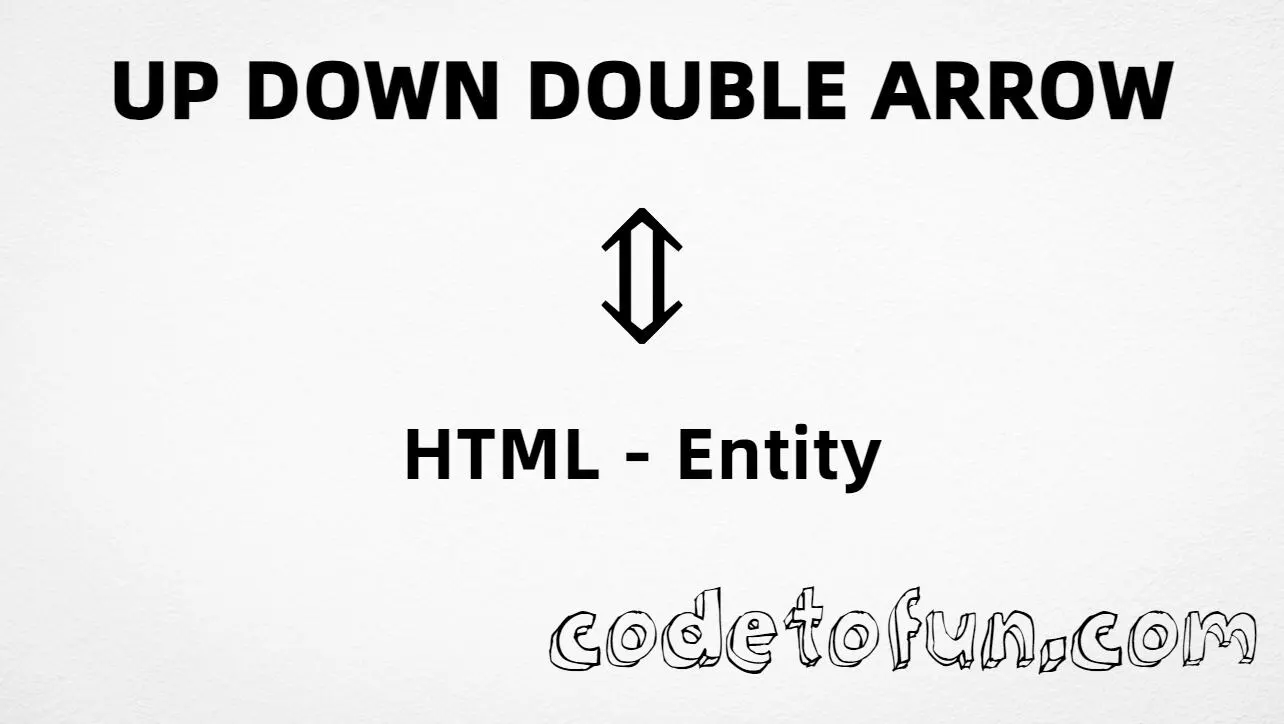
Up down double arrow (⇕) is the Unicode character at U+21D5 in Arrows. Official name: UP DOWN DOUBLE ARROW — a thick bidirectional vertical arrow used for toggles, resize cues, and emphasized up/down navigation.
Remember
Character     ⇕
Unicode       U+21D5
Named entity  ⇕  (capital A)
Hex entity    ⇕
Decimal       ⇕
CSS escape    \21D5
Not the same  ↕ · ⇑ · ⇓
Prefer ⇕ in HTML markup — the capital A matters. Numeric forms and typing ⇕ in UTF-8 also work. For a single-stroke up-down arrow, use ↕ (↕) instead.
⇑ (⇑) points up only. ⇕ has heads on both ends of a vertical double shaft.
vs ⇓
Not down-only double
⇓ (⇓) points down only. Use it when the direction is downward, not bidirectional.
Fonts
Needs Arrows coverage
Most fonts include this common arrow. If a UI font omits it, fall back to a symbols-capable stack.
CSS vs HTML
Do not mix escapes
\21D5 belongs in CSS strings. ⇕ / ⇕ / ⇕ belong in HTML.
A11y
Name the action in context
Screen readers may announce this unevenly. Prefer nearby plain-language text such as “toggle” or “resize vertically” when the arrow carries meaning.
Compatibility
Browser Support
Up down double arrow (U+21D5) and its entity forms (⇕, ⇕, ⇕, CSS \\21D5) are supported in all mainstream browsers. Visible glyphs depend on Arrows font coverage.
✓ Universal support
Up Down Double Arrow (⇕)
Encode with named, hex, decimal, CSS escape, or type the character — same code point everywhere encoding is supported.
100%Browser coverage
Google ChromeSupported
Yes
Microsoft EdgeSupported
Yes
Mozilla FirefoxSupported
Yes
Apple SafariSupported
Yes
OperaSupported
Yes
Internet ExplorerAll versions
Yes
U+21D5 / ⇕Full support
Bottom line: Prefer ⇕ (capital A) in HTML. Use \\21D5 only inside CSS content. Do not confuse with ↕ (↕).
Remember
Key Takeaways
Unicode: up down double arrow is U+21D5 (decimal 8661) — glyph ⇕.
HTML: prefer ⇕ (capital A) — also ⇕ / ⇕.
CSS: use \21D5 inside content for generated text.
Meaning:⇕ is double bidirectional — not ↕ (↕), not ⇑ (⇑).
Use ⇕ (named), ⇕ (hex), ⇕ (decimal), type ⇕ directly in UTF-8, or the CSS escape \21D5 in content. Prefer ⇕ in normal HTML.
U+21D5 (UP DOWN DOUBLE ARROW). Hex 21D5, decimal 8661. It belongs to Arrows (U+2190–U+21FF).
Yes. Use ⇕ (or ⇕). Numeric forms ⇕ and ⇕ also work. Note: ↕ (lowercase) is a different arrow (↕).
No. ⇕ is U+21D5 (⇕, double). ↕ is U+2195 (↕, single). ⇑ is U+21D1 (⇑, up double only).
Use it for emphasized bidirectional vertical cues — toggles, resize handles, or strong up/down navigation — not as a substitute for the single ↕.
HTML entities (⇕, ⇕, or ⇕) go in markup. The CSS escape \21D5 goes in stylesheet strings (usually content on ::before/::after).
🤔
Did you know?
Up down double arrow is Unicode U+21D5 (decimal 8661) — glyph ⇕ in Arrows (U+2190–U+21FF). HTML5 names it ⇕ (also ⇕). Official name: UP DOWN DOUBLE ARROW. Do not confuse with single up-down arrow U+2195 (↕, ↕) — entity names are case-sensitive.