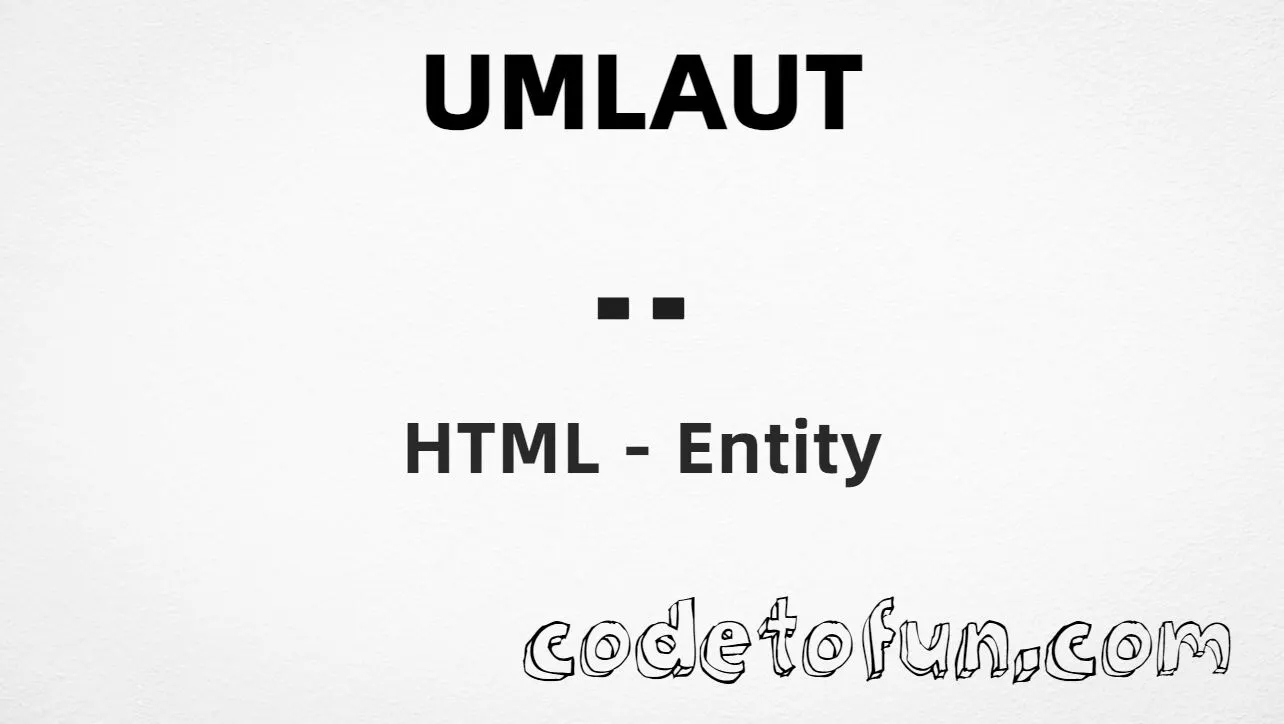
HTML Entity for Umlaut (¨)

What You'll Learn
How to display the umlaut diacritical mark (¨) in HTML using named, hexadecimal, decimal, and CSS entity methods. This character is U+00A8 (DIAERESIS) in the Latin-1 Supplement block—a spacing diacritical sign used in linguistic notation and typography, and associated with accented letters like ä, ë, ï, ö, and ü in German, Swedish, Finnish, and other languages.
Render it with ¨ (or ¨), ¨, ¨, or CSS escape \A8. For common precomposed letters, prefer ä, ö, or ü. Do not confuse with the combining diaeresis (U+0308).
⚡ Quick Reference — Umlaut
U+00A8Latin-1 Supplement block
¨Hexadecimal reference
¨Decimal reference
¨Also ¨
Name Value
──────────── ──────────
Unicode U+00A8
Hex code ¨
HTML code ¨
Named entity ¨ (also ¨)
CSS code \A8
Official name DIAERESIS
Related U+0308 = combining diaeresis (̈)
ä = ä, ö = ö, ü = ü
Block Latin-1 Supplement (U+0080–U+00FF)Complete HTML Example
A simple example showing ¨ using the named entity, hexadecimal code, decimal HTML code, and a CSS content escape:
<!DOCTYPE html>
<html>
<head>
<style>
#point::after{
content: "\A8";
}
</style>
</head>
<body>
<p>Umlaut (named): ¨</p>
<p>Umlaut (hex): ¨</p>
<p>Umlaut (decimal): ¨</p>
<p id="point">Umlaut (CSS): </p>
</body>
</html>🌐 Browser Support
U+00A8 and the ¨ named entity are universally supported in modern browsers:
👀 Live Preview
See the umlaut diacritical mark (¨) in linguistic and multilingual contexts:
🧠 How It Works
Named HTML Entity
¨ (or ¨) is the most readable method for displaying the umlaut diacritical mark. Both named entities map to U+00A8.
Hexadecimal Code
¨ uses the Unicode hexadecimal value 00A8. Shorthand ¨ is also valid.
Decimal HTML Code
¨ uses the decimal Unicode value 168 to display the same character.
CSS Entity
\A8 is used in CSS stylesheets in the content property of pseudo-elements like ::before and ::after.
Same visual result
All four methods produce: ¨. Unicode U+00A8 (DIAERESIS) in the Latin-1 Supplement block. Prefer ¨ for readable source. Serve HTML as UTF-8.
Use Cases
The umlaut diacritical mark (¨) is commonly used in:
Foreign language content, multilingual websites, and internationalization.
Academic papers, phonetic transcription, and language studies.
Font design, editorial content, and professional typesetting.
Scholarly publications and research with diacritical marks.
Educational materials teaching German, Swedish, Finnish, and more.
Technical writing and content requiring precise diacritical notation.
💡 Best Practices
Do
- Use
¨for readable HTML source when showing the standalone mark - Use
ä,ö,üfor precomposed German letters - Declare
langattributes (e.g.lang="de") on multilingual content - Serve pages with UTF-8 (
<meta charset="utf-8">) - Use fonts that support Latin-1 Supplement characters
Don’t
- Confuse U+00A8 (spacing ¨) with U+0308 (combining diaeresis)
- Use U+000A8 or CSS
\000A8—the correct value is U+00A8 and\A8 - Put CSS escape
\A8in HTML text nodes - Rely on the diacritical mark alone without language context for screen readers
- Mix inconsistent encoding methods within the same document
Key Takeaways
Preferred named entities render ¨
¨ ¨Numeric HTML references also work
¨ ¨For CSS stylesheets, use \A8 in content
Unicode U+00A8 — DIAERESIS (umlaut mark)
Four methods, one glyph — Latin-1 Supplement block
❓ Frequently Asked Questions
¨ or ¨ (named), ¨ (hex), ¨ (decimal), or \A8 in CSS content. All four produce ¨.U+00A8 (DIAERESIS). Latin-1 Supplement block. Hex A8 (or 00A8), decimal 168, named entities ¨ and ¨. Used for accented letters like ä, ë, ï, ö, and ü.ä, ö, or ü.¨ (or ¨) is the most readable method in HTML source. Numeric codes (¨ or ¨) are equally valid. CSS escape \A8 belongs in stylesheets.¨ and ¨ are both named entities for the same character, making it more convenient than many combining marks that only support numeric references.Explore More HTML Entities!
Discover 1500+ HTML character references — diacritical marks, punctuation, symbols, and more.
8 people found this page helpful