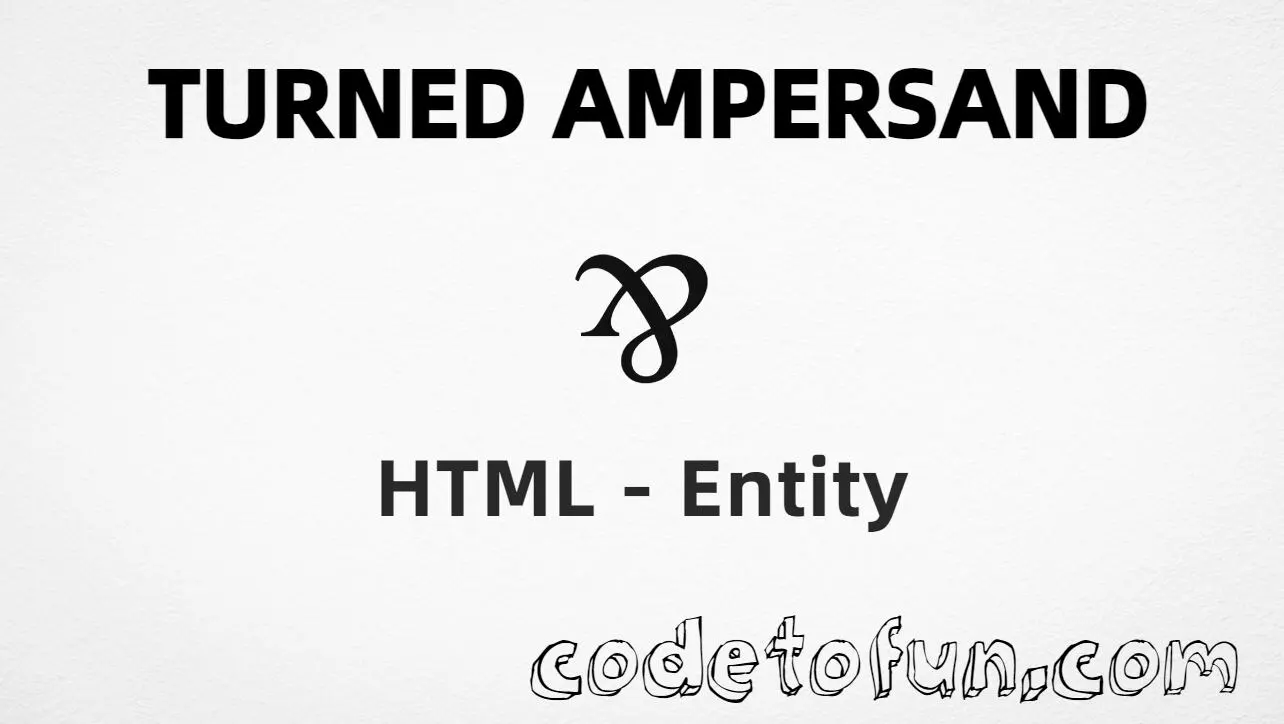
Turned Ampersand (⅋) is the Letterlike Symbols character at Unicode U+214B (TURNED AMPERSAND). It is a distinctive typographic variation of the ampersand, sometimes used as a per sign.
Remember
Character     ⅋
Unicode       U+214B
Hex entity    ⅋
Decimal       ⅋
Named entity  (none)
CSS escape    \214B
Not the same  & (&) · U+0026
Hex, decimal, CSS, and a typed character all produce the same glyph: ⅋. Prefer ⅋ when you want an explicit entity. There is no named HTML entity. For ordinary “and” text, use &.
Built with Hex: ⅋
Built with Decimal: ⅋
Built with CSS: ⅋
Typed: ⅋
Design ⅋ Type
How It Works
1. Hex:⅋ inserts Unicode code point 214B → ⅋.
2. Decimal: same code point as 8523 → ⅋.
3. CSS: use \214B in content (not an HTML entity). #point::after appends ⅋.
4. Typed: paste ⅋ in a UTF-8 document, or write Design ⅋ Type.
5. Named: there is none — always use a numeric reference or CSS escape.
Pitfalls & Tips
Common mistakes when working with Turned Ampersand.
Named
No named entity
HTML5 does not define a name for U+214B. Use ⅋ or ⅋. Regular & uses &.
Look-alikes
⅋ ≠ &
Do not use & when you need the turned form. Do not rely on CSS rotation of & if the real glyph is required.
A11y
Add context
A lone ⅋ may be unclear. Pair it with wording such as “turned ampersand” or an accessible name for screen readers.
Fonts
Glyph coverage
Letterlike Symbols coverage varies. Test decorative pages on mobile and provide a text fallback if ⅋ is missing.
CSS vs HTML
Do not mix escapes
\214B belongs in CSS. ⅋ / ⅋ belong in HTML.
Charset
Use UTF-8
Always set charset="UTF-8" so typed ⅋ and numeric entities decode correctly.
Compatibility
Browser Support
Turned Ampersand (U+214B) and its entity forms (⅋, ⅋, CSS \\214B) are supported in all modern browsers. Glyph coverage depends on the font.
✓ Universal encoding
Turned Ampersand (⅋)
Encode with hex, decimal, or CSS escape — or type ⅋ directly in UTF-8 HTML. No named entity.
100%Browser coverage
Google ChromeSupported
Yes
Microsoft EdgeSupported
Yes
Mozilla FirefoxSupported
Yes
Apple SafariSupported
Yes
OperaSupported
Yes
Internet ExplorerIE 9+
Yes*
U+214BFull support
Bottom line: Prefer ⅋ for readable HTML. Use \\214B only inside CSS content. There is no named entity.
Remember
Key Takeaways
Unicode: this symbol is U+214B (decimal 8523) — turned ampersand.
HTML: prefer ⅋ — or use ⅋. No named entity.
CSS: use \214B inside content for generated decorative marks.
Watch out: not the same as regular & (&).
One line:U+214B → ⅋ / ⅋ / CSS \214B (no named entity).
Frequently Asked Questions
Use ⅋ (hex), ⅋ (decimal), or the CSS escape \214B in the content property. All render ⅋ when the font supports Letterlike Symbols. There is no named HTML entity.
U+214B (TURNED AMPERSAND). Hex 214B, decimal 8523. It belongs to Letterlike Symbols (U+2100–U+214F) and is sometimes used as a per sign in typography.
No. HTML5 does not define a named entity for U+214B. Use numeric references like ⅋ or ⅋.
Use it for distinctive typography, creative design, decorative layouts, and ampersand variations. Prefer & for ordinary “and” text.
U+214B is TURNED AMPERSAND (⅋). U+0026 is the regular AMPERSAND (&), encoded with &. Related shapes, different characters and purposes.
HTML entities (⅋ or ⅋) go in markup. The CSS escape \214B is used in stylesheets (usually in the content property of ::before/::after). Both render ⅋.
🤔
Did you know?
Turned Ampersand is Unicode U+214B (decimal 8523) — glyph ⅋ (TURNED AMPERSAND) in Letterlike Symbols. Sometimes used as a per sign in typography. HTML5 has no named entity — use ⅋ or ⅋. Do not confuse it with the regular ampersand (&, U+0026).