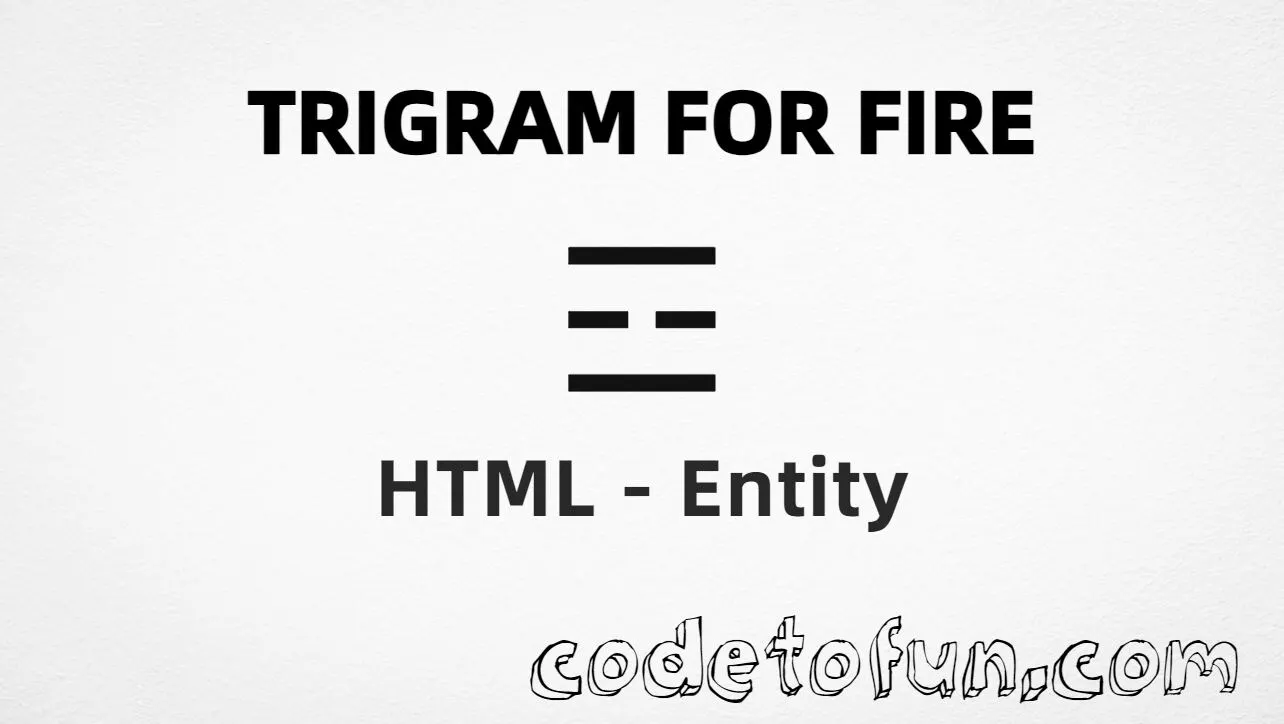
Trigram for fire (☲) is the Unicode character at U+2632 in Miscellaneous Symbols. Official name: TRIGRAM FOR FIRE — the I Ching / Yijing bagua symbol also called lí (middle line broken; outer lines solid).
Remember
Character     ☲
Unicode       U+2632
Named entity  (none)
Hex entity    ☲
Decimal       ☲
CSS escape    \2632
Not the same  ☷ · ☵ · ☰
Prefer ☲ or ☲ in HTML markup. You can also type ☲ in UTF-8. For the paired water trigram, use ☵ (☵).
Using Hex Code: ☲
Using HTML Code: ☲
Using CSS Entity: ☲
Typed directly: ☲
Label: Fire ☲
How It Works
1. Hex:U+2632 → ☲ in HTML. Preferred numeric form when you need an entity.
2. Decimal: same code point as 9778 → ☲. Same glyph as hex.
3. CSS: use \2632 in content (not an HTML entity). #point::after appends that ☲ after the paragraph text.
4. Typed / label: paste ☲ in UTF-8, or write Fire ☲ for a short caption.
5. No named entity: HTML5 does not define a name for U+2632 — use numeric references or type the character.
Pitfalls & Tips
Common mistakes when working with U+2632.
vs ☵
Not water
☵ (U+2635) is the water trigram (kǎn). Fire and water look related but have different line patterns and code points.
vs ☷
Not earth
☷ (U+2637) is three broken lines (earth). Do not treat every bagua glyph as interchangeable.
Named
No named HTML entity
There is no &trigramfire; for U+2632. Use ☲ or ☲.
Fonts
Needs symbol coverage
Some UI fonts omit bagua trigrams. Prefer a stack that includes a symbols or CJK-friendly font if the glyph must always show.
CSS vs HTML
Do not mix escapes
\2632 belongs in CSS strings. ☲ / ☲ belong in HTML.
A11y
Name the trigram in context
Screen readers may announce this unevenly. Prefer nearby plain-language text such as “trigram for fire” when meaning matters.
Compatibility
Browser Support
Trigram fire (U+2632) and its entity forms (☲, ☲, CSS \\2632) are supported in all mainstream browsers. Visible glyphs depend on Miscellaneous Symbols font coverage.
✓ Universal support
Trigram Fire (☲)
Encode with hex, decimal, CSS escape, or type the character — same code point everywhere encoding is supported.
100%Browser coverage
Google ChromeSupported
Yes
Microsoft EdgeSupported
Yes
Mozilla FirefoxSupported
Yes
Apple SafariSupported
Yes
OperaSupported
Yes
Internet ExplorerAll versions
Yes
U+2632 / entitiesFull support
Bottom line: Prefer ☲ or ☲ in HTML. Use \\2632 only inside CSS content. There is no named entity.
Remember
Key Takeaways
Unicode: trigram fire is U+2632 (decimal 9778) — glyph ☲.
HTML: no named entity — use ☲ / ☲ / type ☲.
CSS: use \2632 inside content for generated text.
Meaning:☲ is fire (lí) — not ☵ (water), not ☷ (earth).
One line:U+2632 → ☲ / ☲ / CSS \2632 (no named entity).
Frequently Asked Questions
Use ☲ (hex), ☲ (decimal), type ☲ directly in UTF-8, or the CSS escape \2632 in content. There is no named HTML entity.
U+2632 (TRIGRAM FOR FIRE). Hex 2632, decimal 9778. It belongs to Miscellaneous Symbols (U+2600–U+26FF).
No. Use numeric references ☲ or ☲, or type ☲ in UTF-8.
No. ☲ is U+2632 (fire / lí). ☷ is U+2637 (earth). ☵ is U+2635 (water).
Use it for I Ching / Yijing content, cultural symbols, or diagrams that need the fire trigram — not as a generic flame emoji substitute.
HTML entities (☲ or ☲) go in markup. The CSS escape \2632 goes in stylesheet strings (usually content on ::before/::after).
🤔
Did you know?
Trigram for fire is Unicode U+2632 (decimal 9778) — glyph ☲ in Miscellaneous Symbols (U+2600–U+26FF). Official name: TRIGRAM FOR FIRE (I Ching / Yijing; Chinese lí). HTML5 has no named entity — use ☲ or ☲. Do not confuse with trigram for earth U+2637 (☷) or trigram for water U+2635 (☵).