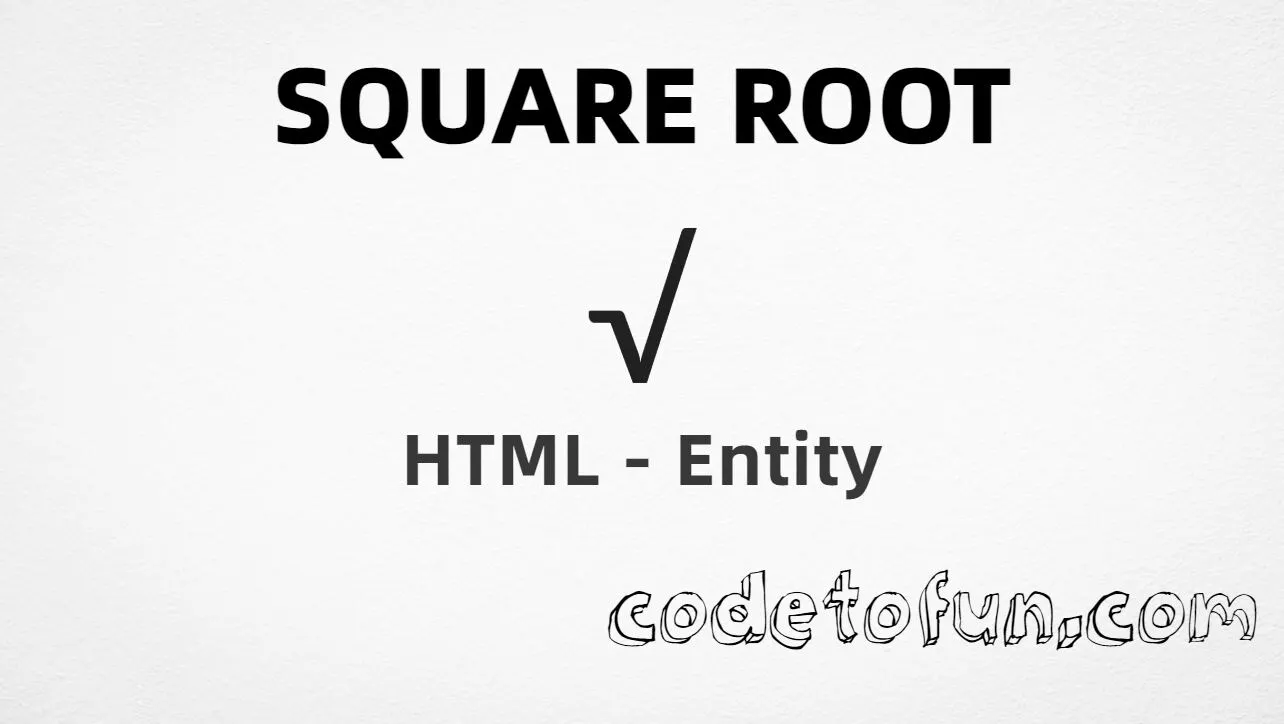
Square root (√) is the Unicode character at U+221A in Mathematical Operators. Official name: SQUARE ROOT. It is the radical symbol used for square-root notation in algebra and teaching content.
Remember
Character     √
Unicode       U+221A
Named entity  √
Hex entity    √
Decimal       √
CSS escape    \221A
Not the same  ∛ · ∜
Prefer √ in HTML markup (√ is an alias). You can also type √ in UTF-8, or use numeric forms when needed. For cube root, use ∛ (U+221B) instead.
Using Named Entity: √
Using Hex Code: √
Using HTML Code: √
Using CSS Entity: √
Typed directly: √
Notation: √16 = 4
How It Works
1. Named:√ is the HTML5 name for U+221A → √. Best default in markup.
2. Hex:U+221A → √ in HTML. Same glyph as the named form.
3. Decimal: same code point as 8730 → √. Same result as hex and named.
4. CSS: use \221A in content (not an HTML entity). #point::after appends that √ after the paragraph text.
5. Typed / notation: paste √ in UTF-8, or write √16 = 4 for a short expression.
Pitfalls & Tips
Common mistakes when working with √.
vs ∛
Not cube root
U+221B (∛) is cube root. U+221A is specifically square root.
Layout
Plain text is not full math layout
√ is a single character. It does not draw a vinculum over a long expression — use MathML or CSS for that.
Name
Remember √
The named entity is √ (radical) — not &sqrt; (that name is not defined in HTML5).
CSS vs HTML
Do not mix escapes
\221A belongs in CSS strings. √ / √ / √ belong in HTML.
Semicolon
End named entities
Always finish with ; — write √, not &radic.
A11y
Say “square root” nearby
Screen readers may announce “radical” or skip the symbol. Prefer nearby text like “square root of 16” when clarity matters.
Compatibility
Browser Support
Square root (U+221A) and its entity forms (√, √, √, CSS \\221A) are supported in all mainstream browsers. Visible glyphs depend on Mathematical Operators font coverage.
✓ Universal support
Square Root (√)
Encode with named, hex, decimal, CSS escape, or type the character — same code point everywhere encoding is supported.
100%Browser coverage
Google ChromeSupported
Yes
Microsoft EdgeSupported
Yes
Mozilla FirefoxSupported
Yes
Apple SafariSupported
Yes
OperaSupported
Yes
Internet ExplorerAll versions
Yes
U+221A / entitiesFull support
Bottom line: Prefer √ in HTML. Use √ / √ when numeric form is required, and \\221A only inside CSS content.
Remember
Key Takeaways
Unicode: square root is U+221A (decimal 8730) — glyph √.
HTML: prefer √ — also √ / √ / type √.
CSS: use \221A inside content for generated text.
Meaning:√ is square root — not ∛ (cube), not ∜ (fourth).
Use √ (named), √ (hex), √ (decimal), type √ directly in UTF-8, or the CSS escape \221A in content. Prefer √ in normal HTML.
U+221A (SQUARE ROOT). Hex 221A, decimal 8730. It belongs to Mathematical Operators (U+2200–U+22FF).
Yes. Use √ (or the alias √). Numeric forms √ and √ also work.
No. √ is U+221A (√). ∛ is U+221B (cube root). ∜ is U+221C (fourth root).
Use it for square-root / radical notation in algebra and teaching pages. Pair it with the radicand in text (for example √16) or use MathML for complex expressions.
HTML entities (√, √, or √) go in markup. The CSS escape \221A goes in stylesheet strings (usually content on ::before/::after).
🤔
Did you know?
Square root is Unicode U+221A (decimal 8730) — glyph √ in Mathematical Operators (U+2200–U+22FF). HTML5 names it √ (also √). Official name: SQUARE ROOT. Do not confuse with cube root U+221B (∛) or fourth root U+221C (∜).