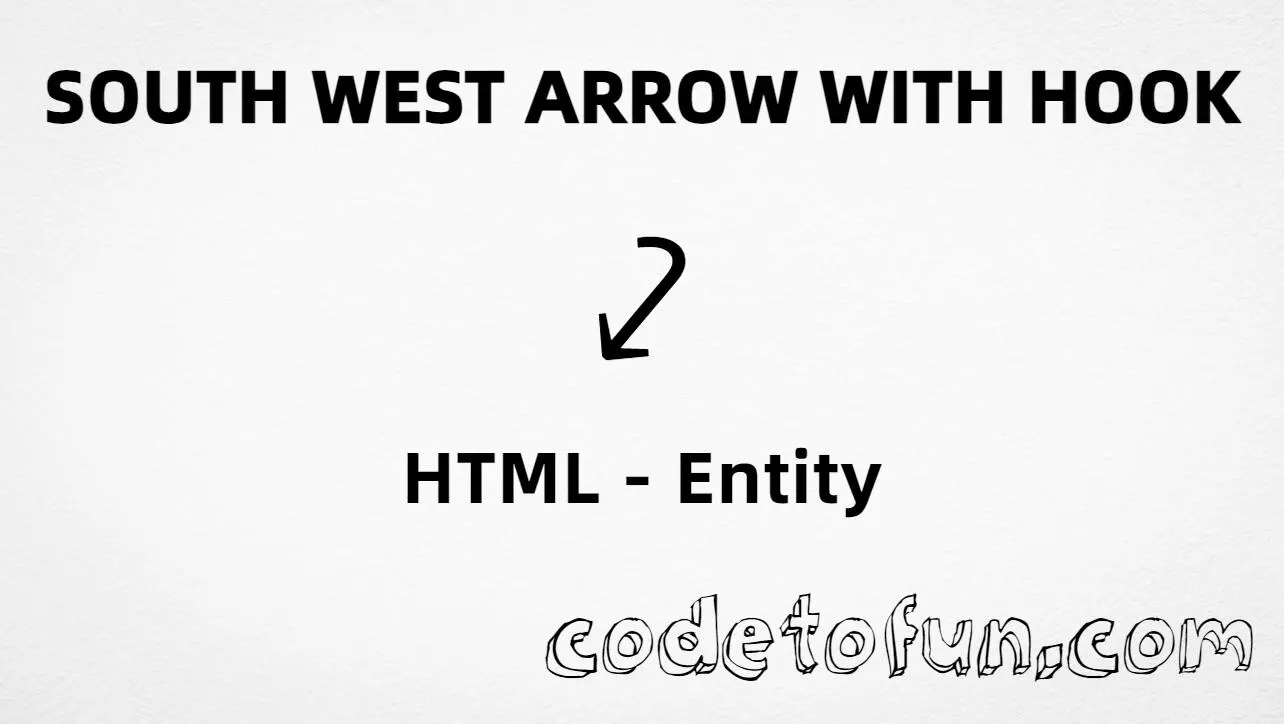
South west arrow with hook (⤦) is the Unicode character at U+2926 in Supplemental Arrows-B. Official name: SOUTH WEST ARROW WITH HOOK. It is a south-west directional arrow with a hook at the end.
Remember
Character     ⤦
Unicode       U+2926
Named entity  ⤦
Hex entity    ⤦
Decimal       ⤦
CSS escape    \2926
Not the same  ↙ · ⤥ · ⇙
Prefer ⤦ in HTML markup (⤦ is an alias). You can also type ⤦ in UTF-8, or use numeric forms when needed. Use a font that includes Supplemental Arrows-B for a clear glyph.
Using Named Entity: ⤦
Using Hex Code: ⤦
Using HTML Code: ⤦
Using CSS Entity: ⤦
Typed directly: ⤦
Return path ⤦ south-west with hook
How It Works
1. Named:⤦ is the HTML5 name for U+2926 → ⤦. Best default in markup.
2. Hex:U+2926 → ⤦ in HTML. Same glyph as the named form.
3. Decimal: same code point as 10534 → ⤦. Same result as hex and named.
4. CSS: use \2926 in content (not an HTML entity). #point::after appends that ⤦ after the paragraph text.
5. Typed / UI: paste ⤦ in UTF-8, or write Return path ⤦ … for a short hooked-arrow hint.
Pitfalls & Tips
Common mistakes when working with ⤦.
vs ↙
Not a simple SW arrow
U+2199 (↙, ↙) has no hook. U+2926 is the hooked form — different characters.
vs ⤥
Not SE with hook
⤥ (U+2925, ⤥) is south east arrow with hook. Do not swap it with ⤦.
Name
Remember ⤦
The named entity is ⤦ — not ↙ (that is U+2199).
CSS vs HTML
Do not mix escapes
\2926 belongs in CSS strings. ⤦ / ⤦ / ⤦ belong in HTML.
Fonts
Check glyph coverage
Supplemental Arrows-B is missing from some UI fonts. Test on target devices or fall back to SVG icons if needed.
A11y
Describe the hook
Add nearby text like “return path” when the hooked arrow carries meaning on its own.
Compatibility
Browser Support
South west arrow with hook (U+2926) and its entity forms (⤦, ⤦, ⤦, CSS \\2926) are supported in all mainstream browsers. Visible glyphs depend on Supplemental Arrows-B font coverage.
✓ Universal support
SW Arrow Hook (⤦)
Encode with named, hex, decimal, CSS escape, or type the character — same code point everywhere encoding is supported.
100%Browser coverage
Google ChromeSupported
Yes
Microsoft EdgeSupported
Yes
Mozilla FirefoxSupported
Yes
Apple SafariSupported
Yes
OperaSupported
Yes
Internet ExplorerAll versions
Yes
U+2926 / entitiesFull support
Bottom line: Prefer ⤦ in HTML. Use ⤦ / ⤦ when numeric form is required, and \\2926 only inside CSS content.
Remember
Key Takeaways
Unicode: south west arrow with hook is U+2926 (decimal 10534) — glyph ⤦.
HTML: prefer ⤦ — also ⤦ / ⤦ / type ⤦.
CSS: use \2926 inside content for generated text.
Meaning:⤦ is the hooked SW form — not ↙ (↙), not ⤥.
Use ⤦ (named), ⤦ (hex), ⤦ (decimal), type ⤦ directly in UTF-8, or the CSS escape \2926 in content. Prefer ⤦ in normal HTML.
U+2926 (SOUTH WEST ARROW WITH HOOK). Hex 2926, decimal 10534. It belongs to Supplemental Arrows-B (U+2900–U+297F).
Yes. Use ⤦ (or the alias ⤦). Numeric forms ⤦ and ⤦ also work.
No. ⤦ is U+2926 (⤦), a hooked south-west arrow. ↙ is U+2199 (simple south west). ⤥ is U+2925 (south east arrow with hook).
Use it in flowcharts, return-path diagrams, and UI labels that need a south-west arrow with a hook. Prefer a font that includes Supplemental Arrows-B.
HTML entities (⤦, ⤦, or ⤦) go in markup. The CSS escape \2926 goes in stylesheet strings (usually content on ::before/::after).
🤔
Did you know?
South west arrow with hook is Unicode U+2926 (decimal 10534) — glyph ⤦ in Supplemental Arrows-B (U+2900–U+297F). HTML5 names it ⤦ (also ⤦). Official name: SOUTH WEST ARROW WITH HOOK. Do not confuse with simple south west arrow U+2199 (↙, ↙) or south east arrow with hook U+2925 (⤥).