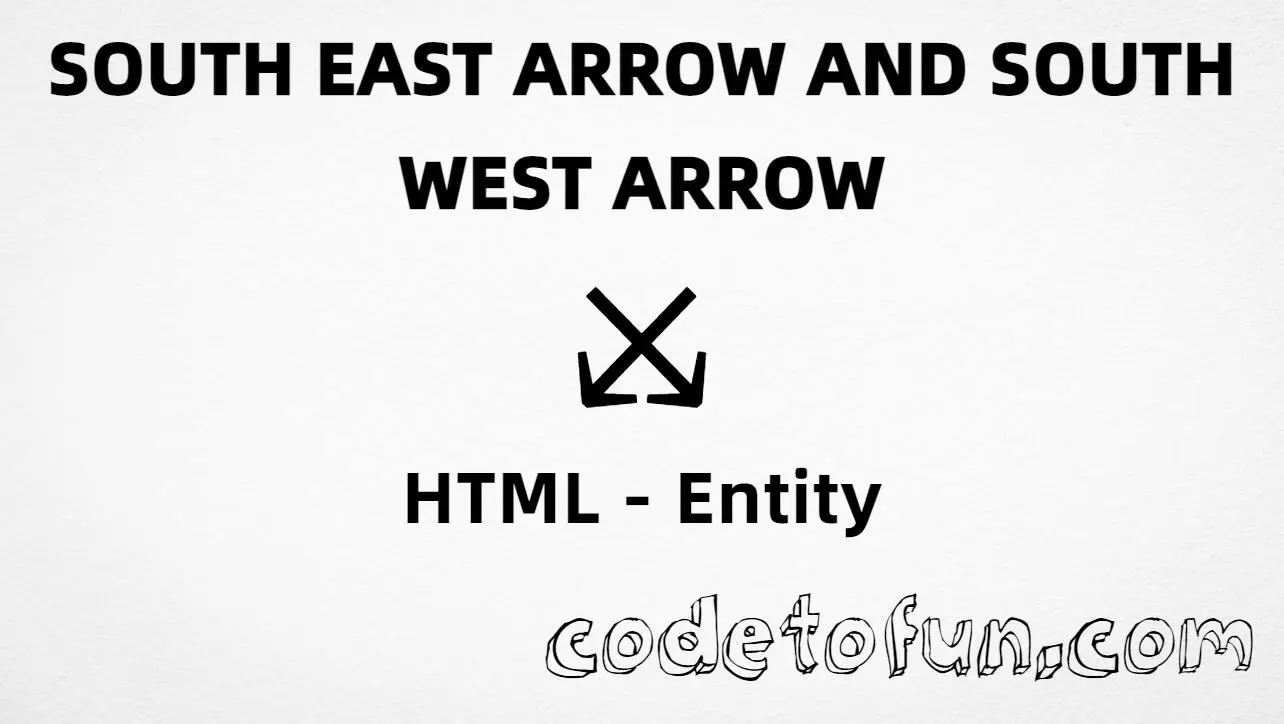
HTML Entity for South East Arrow South West Arrow (⤩)
Beginner
5 min read
Updated: Sep 2026
1 example
Unicode U+2929
Definition
What Is South East Arrow South West Arrow?
South east arrow and south west arrow (⤩) is the Unicode character at U+2929 in Supplemental Arrows-B. Official name: SOUTH EAST ARROW AND SOUTH WEST ARROW. It is a combined symbol pointing toward both south-east and south-west.
Remember
Character     ⤩
Unicode       U+2929
Named entity  ⤩
Hex entity    ⤩
Decimal       ⤩
CSS escape    \2929
Not the same  ↘ · ↙ · ⤭
Prefer ⤩ in HTML markup. You can also type ⤩ in UTF-8, or use numeric forms when needed. Use a font that includes Supplemental Arrows-B for a clear glyph.
Using Named Entity: ⤪
Using Hex Code: ⤪
Using HTML Code: ⤪
Using CSS Entity: ⤪
Typed directly: ⤪
Routes split ⤪ south-east and south-west
How It Works
1. Named:⤩ is the HTML5 name for U+2929 → ⤩. Best default in markup.
2. Hex:U+2929 → ⤩ in HTML. Same glyph as the named form.
3. Decimal: same code point as 10537 → ⤩. Same result as hex and named.
4. CSS: use \2929 in content (not an HTML entity). #point::after appends that ⤩ after the paragraph text.
5. Typed / UI: paste ⤩ in UTF-8, or write Routes split ⤩ … for a short fork-point hint.
Pitfalls & Tips
Common mistakes when working with ⤩.
vs ↘
Not a simple SE arrow
U+2198 (↘, ↘) is one diagonal. U+2929 combines SE and SW in one symbol.
vs ⤭
Not the crossing form
⤭ (U+292D) is SE crossing NE. U+2929 is SE and SW paired — different designs and uses.
Name
Remember ⤩
The named entity is ⤩ — not ↘ (that is U+2198).
CSS vs HTML
Do not mix escapes
\2929 belongs in CSS strings. ⤩ / ⤩ / ⤩ belong in HTML.
Fonts
Check glyph coverage
Supplemental Arrows-B is missing from some UI fonts. Test on target devices or fall back to SVG icons if needed.
A11y
Describe the fork
Add nearby text like “routes split south-east and south-west” when the glyph carries meaning alone.
Compatibility
Browser Support
South east arrow south west arrow (U+2929) and its entity forms (⤩, ⤩, ⤩, CSS \\2929) are supported in all mainstream browsers. Visible glyphs depend on Supplemental Arrows-B font coverage.
✓ Universal support
SE + SW Arrow (⤩)
Encode with named, hex, decimal, CSS escape, or type the character — same code point everywhere encoding is supported.
100%Browser coverage
Google ChromeSupported
Yes
Microsoft EdgeSupported
Yes
Mozilla FirefoxSupported
Yes
Apple SafariSupported
Yes
OperaSupported
Yes
Internet ExplorerAll versions
Yes
U+2929 / entitiesFull support
Bottom line: Prefer ⤩ in HTML. Use ⤩ / ⤩ when numeric form is required, and \\2929 only inside CSS content.
Use ⤩ (named), ⤩ (hex), ⤩ (decimal), type ⤪ directly in UTF-8, or the CSS escape \2929 in content. Prefer ⤩ in normal HTML.
U+2929 (SOUTH EAST ARROW AND SOUTH WEST ARROW). Hex 2929, decimal 10537. It belongs to Supplemental Arrows-B (U+2900–U+297F).
Yes. Use ⤩. Numeric forms ⤩ and ⤩ also work.
No. ⤪ is U+2929 (⤩), a combined SE+SW symbol. ↘ is U+2198, ↙ is U+2199, and ⤡ is U+292D (crossing SE/NE).
Use it for fork points, dual downward routes, and multi-direction UI labels in flowcharts or navigation. Prefer a font that includes Supplemental Arrows-B.
HTML entities (⤩, ⤩, or ⤩) go in markup. The CSS escape \2929 goes in stylesheet strings (usually content on ::before/::after).
🤔
Did you know?
South east arrow and south west arrow is Unicode U+2929 (decimal 10537) — glyph ⤩ in Supplemental Arrows-B (U+2900–U+297F). HTML5 names it ⤩. Official name: SOUTH EAST ARROW AND SOUTH WEST ARROW. Do not confuse with simple south east U+2198 (↘, ↘), south west U+2199 (↙), or the crossing form U+292D (⤭).