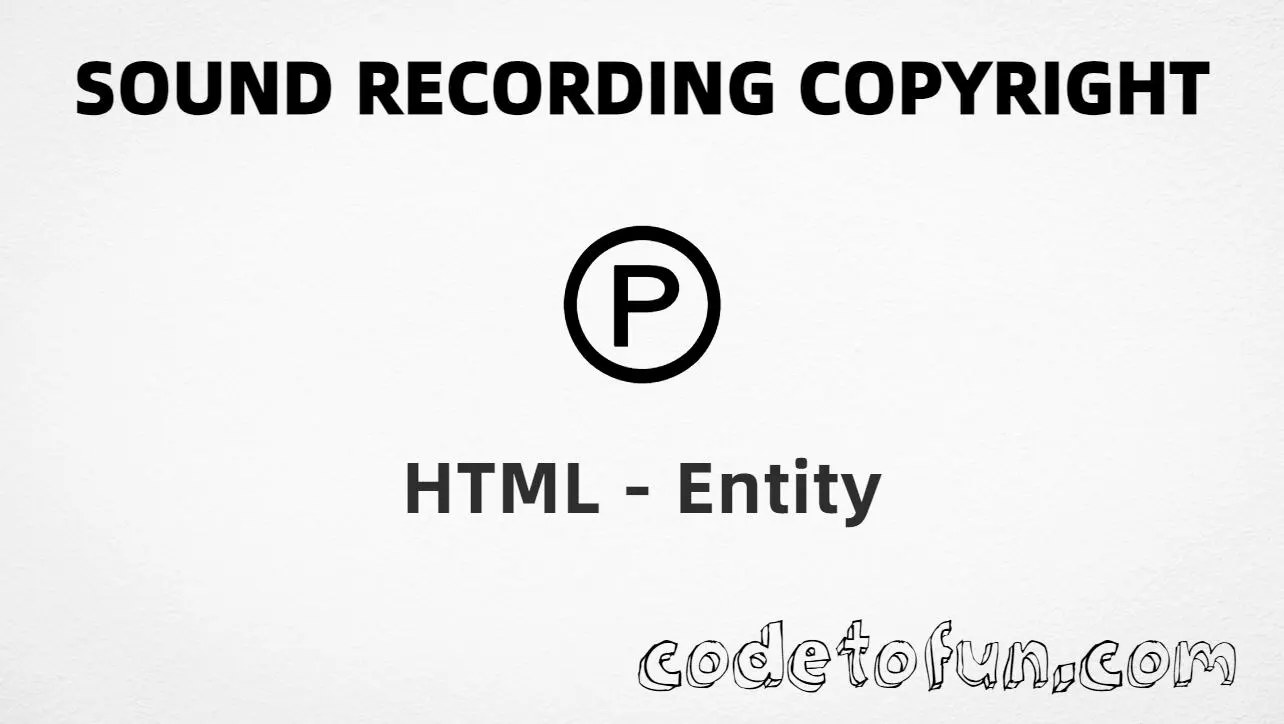
Home HTML Entities Sound Recording Copyright (U+2117) HTML Entity for Sound Recording Copyright (℗) Definition
What Is Sound Recording Copyright? Sound recording copyright (℗ ) is the Unicode character at U+2117 in Letterlike Symbols. Official name: SOUND RECORDING COPYRIGHT (also called the phonogram copyright symbol). It marks rights in a sound recording.
Character     ℗
Unicode       U+2117
Named entity  ℗
Hex entity    ℗
Decimal       ℗
CSS escape    \2117
Not the same  © · ™ · ®
Prefer ℗ in HTML markup. You can also type ℗ in UTF-8, or use numeric forms when needed. Use © for general copyright — not for phonograms.
Reference
Quick Reference One table for every form you will actually use.
Form Code Where it goes Named entity ℗HTML markup (preferred) Direct character ℗HTML text (UTF-8) Hex entity ℗HTML markup Decimal entity ℗HTML markup CSS escape \2117Stylesheet content Copyright sign (related) © (U+00A9) General copyright — ©
When to Use Which Situation Use Sound recording / phonogram notice ℗ or type ℗General copyright (books, sites, software) © (©)Trademark claim ™ or ® (as appropriate) Album credit line ℗ 2025 Label NameGenerated text via ::before / ::after content: "\2117"
See it
Live Preview Sound recording copyright rendered alone and in short credit lines.
Large glyph ℗
Album credit Midnight Sessions ℗ 2025 Aurora Records
Legal line All audio content ℗ Example Music Ltd.
Compared ℗ © ™ ®
With entities Named: ℗ | Hex: ℗ | Decimal: ℗
Code
Complete HTML Example One page that shows the symbol with named, hex, decimal, CSS escape, and a typed character. Use View Output or open the live editor.
Named + Hex + Decimal + CSS + Typed Five ways to produce ℗, plus a short album credit line.
<!DOCTYPE html>
<html lang="en">
<head>
<meta charset="UTF-8">
<title>Sound Recording Copyright (℗) in HTML</title>
<style>
#point::after {
content: "\2117";
}
</style>
</head>
<body>
<p>Using Named Entity: ℗</p>
<p>Using Hex Code: ℗</p>
<p>Using HTML Code: ℗</p>
<p id="point">Using CSS Entity: </p>
<p>Typed directly: ℗</p>
<p>Album credit: Midnight Sessions ℗ 2025 Aurora Records</p>
</body>
</html> Using Named Entity: ℗
Using Hex Code: ℗
Using HTML Code: ℗
Using CSS Entity: ℗
Typed directly: ℗
Album credit: Midnight Sessions ℗ 2025 Aurora Records How It Works 1. Named: ℗ is the HTML5 name for U+2117 → ℗. Best default in markup.
2. Hex: U+2117 → ℗ in HTML. Same glyph as the named form.
3. Decimal: same code point as 8471 → ℗. Same result as hex and named.
4. CSS: use \2117 in content (not an HTML entity). #point::after appends that ℗ after the paragraph text.
5. Typed / credit: paste ℗ in UTF-8, or write ℗ 2025 Label for a typical phonogram notice.
Pitfalls & Tips Common mistakes when working with ℗.
vs © Not general copyright U+00A9 (©, ©) marks general copyright. U+2117 is for sound recordings / phonograms — different rights notices.
Name Remember ℗ The named entity is ℗ — not © and not &phonogram;.
Meaning Audio rights, not sheet music alone ℗ points to the recording. Composition or publishing rights often use © or other notices instead.
CSS vs HTML Do not mix escapes \2117 belongs in CSS strings. ℗ / ℗ / ℗ belong in HTML.
Semicolon End named entities Always finish with ; — write ℗, not ©sr.
Fonts Check glyph coverage Some UI fonts omit U+2117. Test on target devices or use a font known to include Letterlike Symbols.
Compatibility
Browser Support Sound recording copyright (U+2117) and its entity forms (℗, ℗, ℗, CSS \\2117) are supported in all mainstream browsers. Visible glyphs depend on Letterlike Symbols font coverage.
✓ Universal support
Sound Recording Copyright (℗) Encode with named, hex, decimal, CSS escape, or type the character — same code point everywhere encoding is supported.
Google Chrome Supported
Yes
Microsoft Edge Supported
Yes
Mozilla Firefox Supported
Yes
Apple Safari Supported
Yes
Opera Supported
Yes
Internet Explorer All versions
Yes U+2117 / entities Full support
Bottom line: Prefer ℗ in HTML. Use ℗ / ℗ when numeric form is required, and \\2117 only inside CSS content.
Remember
Key Takeaways Unicode: sound recording copyright is U+2117 (decimal 8471) — glyph ℗.
HTML: prefer ℗ — also ℗ / ℗ / type ℗.
CSS: use \2117 inside content for generated text.
Meaning: ℗ is for sound recordings — not © (general copyright).
One line: U+2117 → ℗ / ℗ / ℗ / CSS \2117.
Frequently Asked Questions How do I display ℗ in HTML? Use ℗ (named), ℗ (hex), ℗ (decimal), type ℗ directly in UTF-8, or the CSS escape \2117 in content. Prefer ℗ in normal HTML.
What is the Unicode value for sound recording copyright? U+2117 (SOUND RECORDING COPYRIGHT). Hex 2117, decimal 8471. It belongs to the Letterlike Symbols block (U+2100–U+214F).
Is there a named HTML entity for U+2117? Yes. Use ℗. Numeric forms ℗ and ℗ also work.
Is ℗ the same as ©? No. ℗ is U+2117 (℗) for sound recordings / phonograms. © is U+00A9 (©) for general copyright of literary, artistic, and similar works.
When should I use ℗? Use it on album pages, audio platforms, podcast credits, and label notices when marking rights in a sound recording. Prefer a font that includes Letterlike Symbols.
What is the difference between HTML code and CSS entity for U+2117? HTML entities (℗, ℗, or ℗) go in markup. The CSS escape \2117 goes in stylesheet strings (usually content on ::before/::after).
🤔
Did you know? Sound recording copyright is Unicode U+2117 (decimal 8471 ) — glyph ℗ in Letterlike Symbols. HTML5 names it ℗. Official name: SOUND RECORDING COPYRIGHT (also called the phonogram copyright symbol). Do not confuse with copyright sign U+00A9 (©, ©), which marks general copyright, not sound recordings.
About the author Developer, cloud engineer, and technical writer
I write practical tutorials so students and working developers can learn by doing—from databases and APIs to deployment on AWS.
8 people found this page helpful