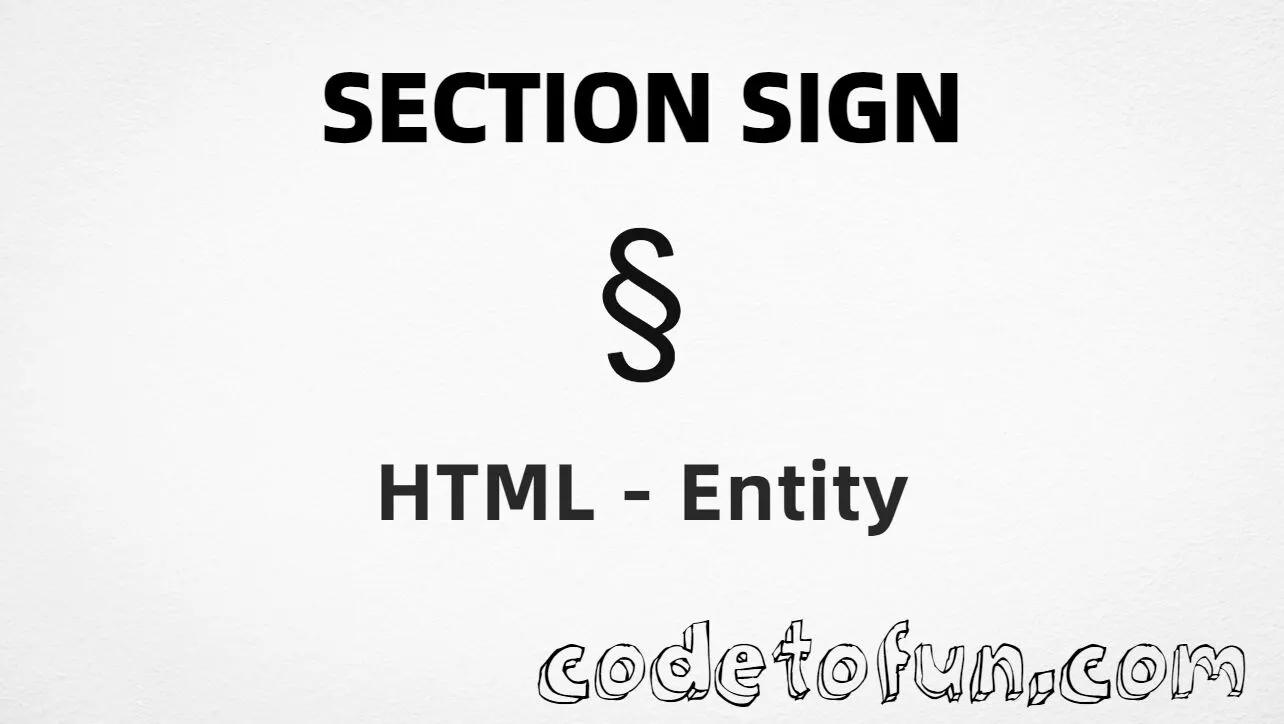
Section Sign (§) is the Latin-1 Supplement character at Unicode U+00A7 (SECTION SIGN). HTML5 names it §. Use it for legal and academic section cites.
Remember
Character     §
Unicode       U+00A7
Named entity  §
Hex entity    §
Decimal       §
CSS escape    \00A7
Not the same  ¶ (¶ pilcrow)
Named, hex, decimal, CSS, and a typed character all produce the same glyph: §. Prefer § in HTML markup. Do not confuse it with Paragraph Sign (¶).
Built with Named: §
Built with Hex: §
Built with Decimal: §
Built with CSS: §
Typed: §
Reference: § 5
How It Works
1. Named:§ is the preferred HTML5 name for U+00A7 → §.
2. Hex:§ inserts the same code point. Same visual as named.
3. Decimal: same code point as 167 → §.
4. CSS: use \00A7 in content (not an HTML entity). #point::after appends §.
5. Typed: paste § in a UTF-8 document, or write a cite like § 5.
Pitfalls & Tips
Common mistakes when working with Section Sign.
Named
Prefer §
§ is the clear HTML5 named form. It is case-sensitive — write §, not §.
Look-alikes
§ ≠ ¶
U+00A7 is section. U+00B6 is paragraph / pilcrow (¶) — do not swap them in legal text.
Cite style
Pair with a number
Write § 5 (or your house style) so the reference is clear without relying on the glyph alone.
CSS vs HTML
Do not mix escapes
\00A7 belongs in CSS. § / § / § belong in HTML.
Semicolon
End references
Always finish with ; — write §, not §.
A11y
Screen readers
Some readers announce § as “section.” Keep nearby text (e.g. the section number) so the cite stays clear.
Compatibility
Browser Support
Section Sign (U+00A7) and its entity forms (§, §, §, CSS \\00A7) are supported in all modern browsers.
✓ Universal encoding
Section Sign (§)
Encode with named, hex, decimal, or CSS escape — or type § directly in UTF-8 HTML.
100%Browser coverage
Google ChromeSupported
Yes
Microsoft EdgeSupported
Yes
Mozilla FirefoxSupported
Yes
Apple SafariSupported
Yes
OperaSupported
Yes
Internet ExplorerIE 9+
Yes*
U+00A7 / §Full support
Bottom line: Prefer § in HTML. Use § / § when numeric form is required, and \\00A7 only inside CSS content.
Remember
Key Takeaways
Unicode: this symbol is U+00A7 (decimal 167) — section sign.
HTML: prefer § (or § / §).
CSS: use \00A7 inside content for generated text.
Watch out: not the same as paragraph sign (¶, U+00B6).
One line:U+00A7 → § / § / CSS \00A7.
Frequently Asked Questions
Use § (named), § (hex), § (decimal), or the CSS escape \00A7 in the content property. All render §. Prefer § for readable markup.
U+00A7 (SECTION SIGN). Hex 00A7, decimal 167, named entity §. It belongs to Latin-1 Supplement (U+0080–U+00FF).
Yes. HTML5 defines § for U+00A7. It is case-sensitive — write §, not §.
Use it in legal documents, statutes, contracts, and academic writing to cite sections (e.g. § 5). Prefer § in source for clarity.
HTML entities (§, §, or §) go in markup. The CSS escape \00A7 is used in stylesheets (usually in the content property of ::before/::after). Both render §.
U+00A7 is SECTION SIGN (§). U+00B6 is PARAGRAPH SIGN / pilcrow (¶). They are often confused but mean different things.
🤔
Did you know?
Section Sign is Unicode U+00A7 (decimal 167) — glyph § (SECTION SIGN) in Latin-1 Supplement. HTML5 names it § (case-sensitive). Prefer it for legal and academic section cites (e.g. § 5). Do not confuse it with the paragraph sign / pilcrow (¶, U+00B6).