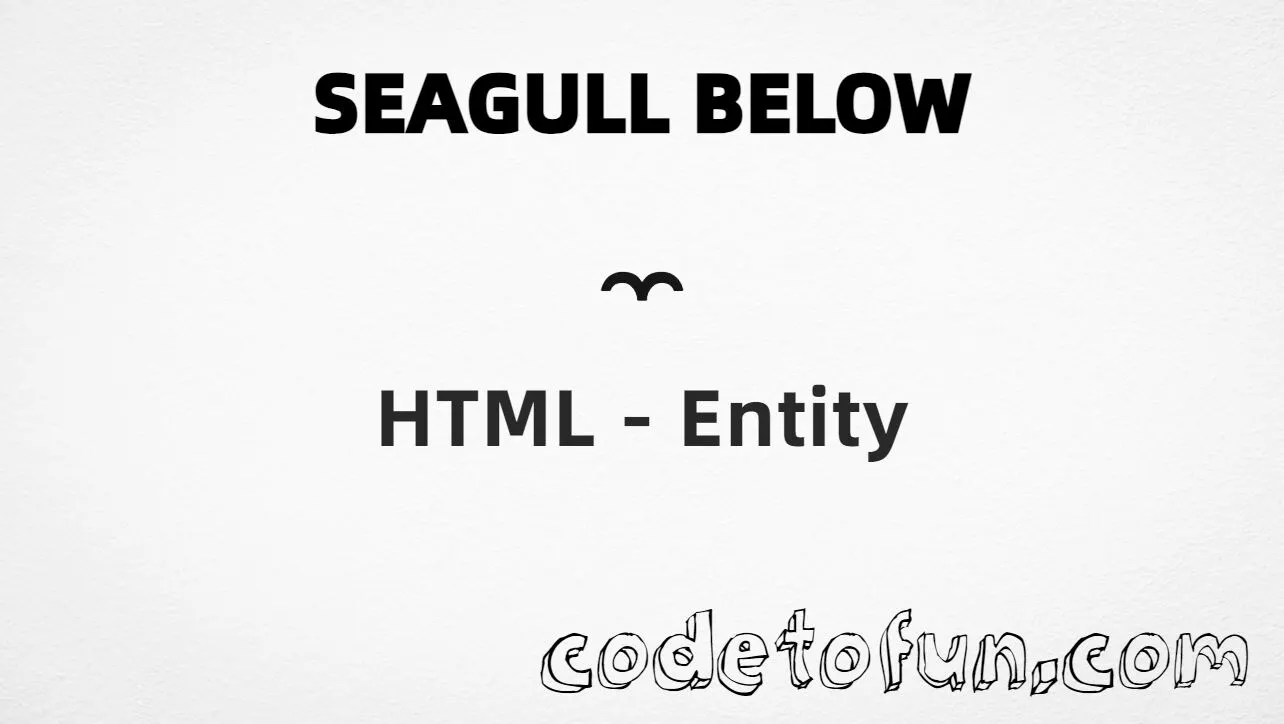
Seagull Below is the Combining Diacritical Marks character at Unicode U+033C (COMBINING SEAGULL BELOW). It is a non-spacing mark — it attaches under the letter that comes before it (for example a̼ → a̼).
Remember
Example       a̼
Unicode       U+033C
Hex entity    ̼
Decimal       ̼
Named entity  (none)
CSS escape    \33C
Not the same  ḁ (ring below) · a̹ (right half ring below)
Always place the entity after a base character. Prefer ̼ when you want an explicit combining entity. For a simple ring under a letter, see Ring Below.
Using Hex Code: a̼
Using HTML Code: a̼
Using CSS Entity: a̼
Sample: e̼
How It Works
1. Hex: write a base letter, then ̼. The mark combines under that letter → a̼.
2. Decimal: same code point as 828 → a̼. Same result as hex.
3. Named: HTML5 does not define a named entity for U+033C — use hex or decimal instead.
4. CSS: use \33C in content. Here #point ends with a, and ::after appends the combining mark so it sits under that letter.
Pitfalls & Tips
Common mistakes when working with Seagull Below.
Combining
Needs a base letter
Do not use ̼ alone. Write a̼, e̼, etc.
Order
Base first, mark second
Wrong: ̼a. Right: a̼.
Named
No &…; name
Do not invent a name. Use ̼ or ̼.
Fonts
Glyph coverage
Combining marks need good font support. Test stacking on your target devices — some fonts omit U+033C.
CSS vs HTML
Do not mix escapes
\33C belongs in CSS. ̼ / ̼ belong in HTML after a base letter.
Semicolon
End references
Always finish with ; — write ̼, not ̼.
Compatibility
Browser Support
Seagull Below (U+033C) and its entity forms (̼, ̼, CSS \\33C) are supported in all modern browsers when placed after a base letter. Glyph coverage depends on the font.
✓ Universal encoding
Seagull Below (a̼)
Encode with hex, decimal, or CSS escape after a base letter. No named entity for U+033C.
100%Browser coverage
Google ChromeSupported
Yes
Microsoft EdgeSupported
Yes
Mozilla FirefoxSupported
Yes
Apple SafariSupported
Yes
OperaSupported
Yes
Internet ExplorerIE 9+
Yes*
U+033CFull support
Bottom line: Prefer a̼ for readable HTML. Use \\33C only inside CSS content after a base letter.
Remember
Key Takeaways
Unicode: this mark is U+033C (decimal 828) — combining, under the letter.
HTML: prefer a̼ — or use a̼. No named entity.
CSS: use \33C in content after a base letter.
Watch out: never use the mark alone — always pair it with a base character.
One line: base + U+033C → a̼ / a̼ / CSS \33C (no named entity).
Frequently Asked Questions
Place ̼ (hex) or ̼ (decimal) immediately after a base character (e.g. a̼). Or use CSS \33C in content after a base letter. There is no named HTML entity for U+033C.
U+033C (COMBINING SEAGULL BELOW). Hex 033C, decimal 828. It belongs to Combining Diacritical Marks (U+0300–U+036F). It is a non-spacing mark under the previous character.
No. HTML5 does not define a named entity for U+033C. Use numeric references like ̼ or ̼ after a base letter.
Use it in linguistic, phonetic, or typographic work that needs a seagull-shaped diacritic under a letter. Always pair it with a base character.
HTML entities (̼ or ̼) go in markup after a base character. The CSS escape \33C is used in stylesheets (usually in content). Both produce the combining mark.
U+033C is combining — it modifies the preceding letter. Write a̼, not ̼ alone. Alone it may appear invisible or misplaced.
🤔
Did you know?
Seagull Below is Unicode U+033C (decimal 828) — COMBINING SEAGULL BELOW. HTML5 has no named entity — use ̼ or ̼after a base letter (e.g. a̼ → a̼). Alone, the mark may look invisible or misaligned.