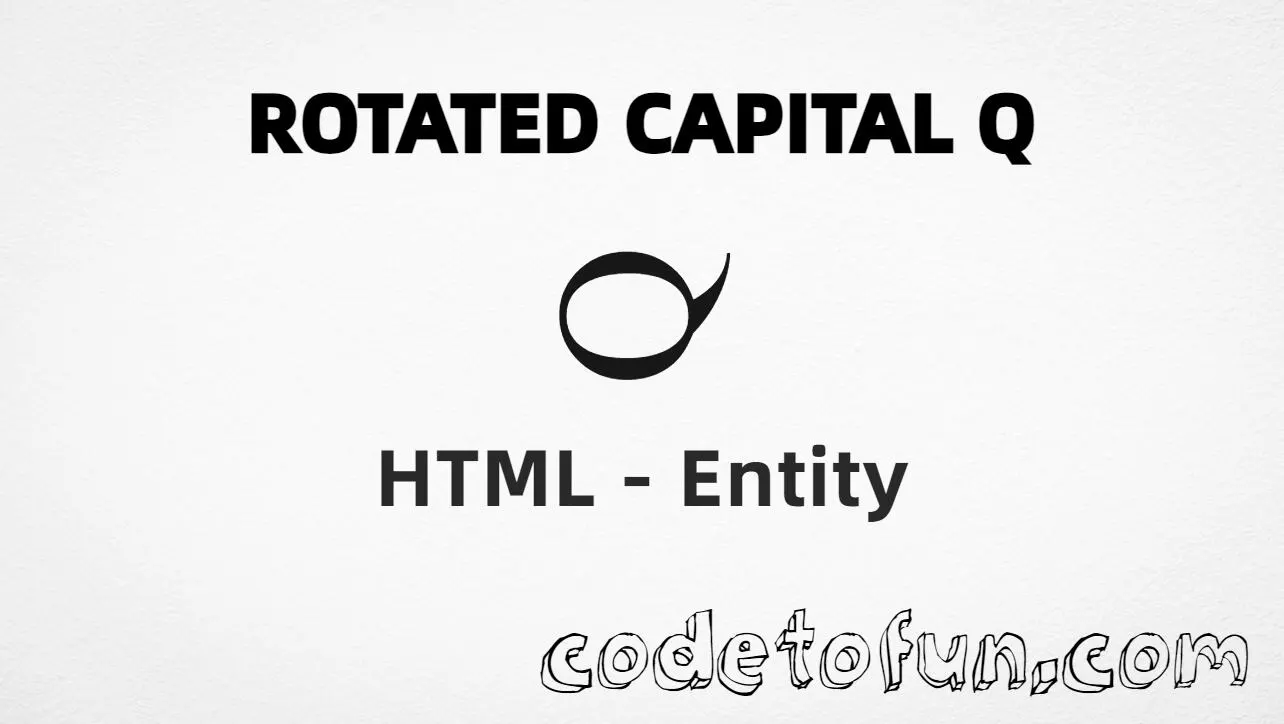
Rotated Capital Q (℺) is the Letterlike Symbols character at Unicode U+213A (ROTATED CAPITAL Q). It is a decorative letterform — a capital Q turned on its side — not the normal Latin letter Q.
Remember
Character     ℺
Unicode       U+213A
Hex entity    ℺
Decimal       ℺
Named entity  (none)
CSS escape    \213A
Not the same  Q · ℚ (ℚ)
Hex, decimal, CSS, and a typed character all produce the same glyph: ℺. Prefer ℺ when you want an explicit entity.
Using Hex Code: ℺
Using HTML Code: ℺
Using CSS Entity: ℺
℺uick Studio
How It Works
1. Hex:U+213A → ℺ in HTML. The browser turns it into ℺.
2. Decimal: same code point as 8506 → ℺. Same result as hex.
3. Named: HTML5 does not define a named entity for this character — use hex or decimal instead.
4. CSS: use \213A in content (not an HTML entity). #point::after appends that ℺ after the paragraph text.
Pitfalls & Tips
Common mistakes when working with Rotated Capital Q.
Look-alikes
℺ ≠ Q ≠ ℚ
U+213A is rotated. Plain Q is Latin. ℚ is double-struck — pick the letterform you mean.
Readability
Not for body copy
Use this as a logo or accent mark. For readable words, prefer normal Q.
Named
No &…; name
Do not invent a name. Use ℺ or ℺.
Fonts
Glyph may be missing
Letterlike Symbols coverage varies. Test on your target devices or provide a fallback font.
CSS vs HTML
Do not mix escapes
\213A belongs in CSS. ℺ / ℺ belong in HTML.
Semicolon
End references
Always finish with ; — write ℺, not ℺.
Compatibility
Browser Support
Rotated Capital Q (U+213A) and its entity forms (℺, ℺, CSS \\213A) are supported in all modern browsers. Glyph coverage depends on the font.
✓ Universal encoding
Rotated Capital Q (℺)
Encode with hex, decimal, or CSS escape — or type ℺ directly in UTF-8 HTML. No named entity.
100%Browser coverage
Google ChromeSupported
Yes
Microsoft EdgeSupported
Yes
Mozilla FirefoxSupported
Yes
Apple SafariSupported
Yes
OperaSupported
Yes
Internet ExplorerIE 9+
Yes*
U+213AFull support
Bottom line: Prefer ℺ for readable HTML. Use \\213A only inside CSS content.
Remember
Key Takeaways
Unicode: this symbol is U+213A (decimal 8506).
HTML: prefer ℺ — or use ℺. No named entity.
CSS: use \213A inside content for generated text.
Watch out:U+213A ≠ Q ≠ ℚ.
One line:U+213A → ℺ / ℺ / CSS \213A (no named entity).
Frequently Asked Questions
Use ℺ (hex), ℺ (decimal), or the CSS escape \213A in the content property. All render ℺ when the font supports Letterlike Symbols. There is no named HTML entity.
U+213A (ROTATED CAPITAL Q). Hex 213A, decimal 8506. It belongs to Letterlike Symbols (U+2100–U+214F).
No. HTML5 does not define a named entity for U+213A. Use numeric references like ℺ or ℺.
Use it for decorative typography, logos, and special letterforms when you want a rotated capital Q — not a normal Q in body text. Prefer numeric entities when encoding must be explicit.
HTML entities (℺ or ℺) go in markup. The CSS escape \213A is used in stylesheets (usually in the content property of ::before/::after). Both render ℺.
Q (U+0051) is the normal Latin capital Q. ℚ (U+211A) is double-struck capital Q (often used for the set of rationals). U+213A is a rotated capital Q letterlike symbol — a different code point and glyph.
🤔
Did you know?
Rotated Capital Q is Unicode U+213A (decimal 8506) — ROTATED CAPITAL Q in Letterlike Symbols. HTML5 has no named entity — use ℺ or ℺. Do not confuse it with plain Latin Q (U+0051) or double-struck ℚ (U+211A).