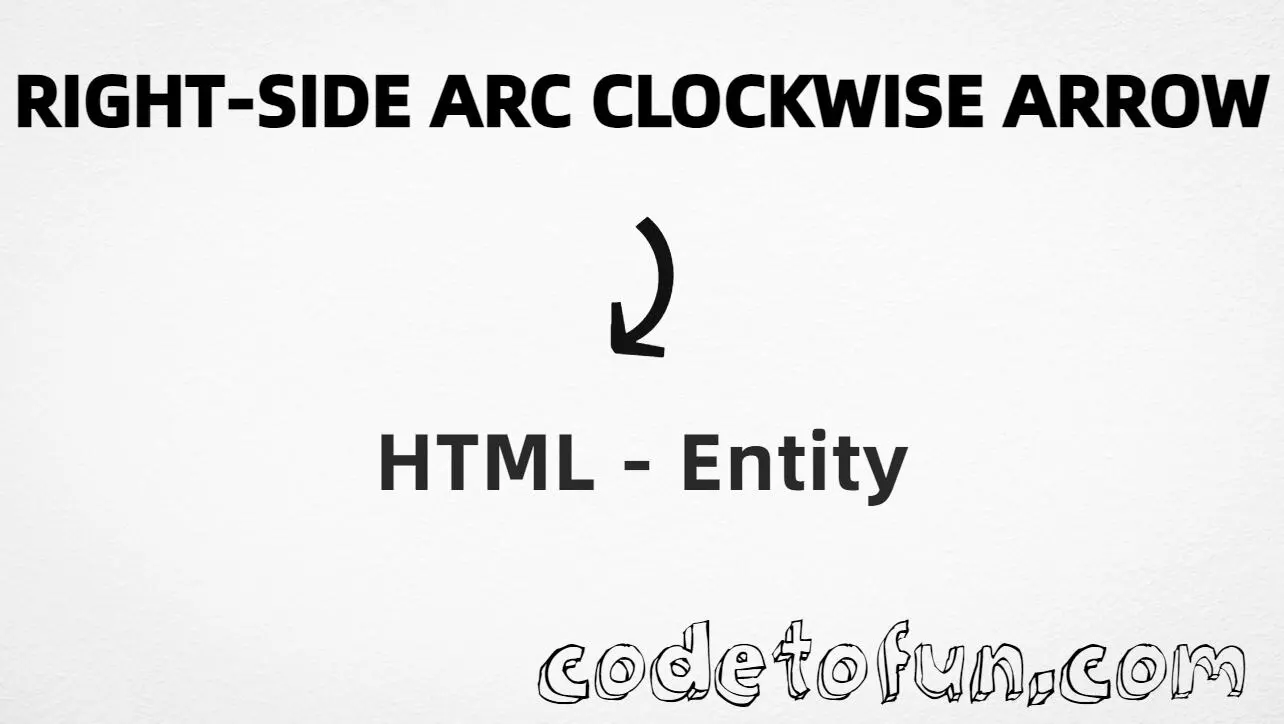
HTML Entity for Right Side Arc Clockwise Arrow (⤸)
Beginner
5 min read
Updated: Sep 2026
1 example
Unicode U+2938
Definition
What Is the Right Side Arc Clockwise Arrow Entity?
Right Side Arc Clockwise Arrow (⤸) is the Supplemental Arrows-B character at Unicode U+2938 (RIGHT-SIDE ARC CLOCKWISE ARROW). It is a curved arrow that turns clockwise from the right side — useful in diagrams and rotation cues.
Remember
Character     ⤸
Unicode       U+2938
Hex entity    ⤸
Decimal       ⤸
Named entity  ⤸
CSS escape    \2938
Not the same  ⤹ (⤹) · ↶ (↶) · → (→)
All of these produce the same glyph: ⤸. Prefer ⤸ when you want an explicit entity (names are case-sensitive — write it exactly).
Using Hex Code: ⤸
Using HTML Code: ⤸
Using Named Entity: ⤸
Using CSS Entity: ⤸
Turn ⤸
How It Works
1. Hex:U+2938 → ⤸ in HTML. The browser turns it into ⤸.
2. Decimal: same code point as 10552 → ⤸. Same result as hex.
3. Named:⤸ is the HTML5 name for this character.
4. CSS: use \2938 in content (not an HTML entity). #point::after appends that ⤸ after the paragraph text.
Pitfalls & Tips
Common mistakes when working with Right Side Arc Clockwise Arrow.
Look-alikes
⤸ ≠ ⤹ ≠ →
⤸ (right-side clockwise), ⤹ (left-side anticlockwise), and single → are different characters.
Name
Match the spelling exactly
Use ⤸. Nearby names like ⤹ and ↶ map to other points.
Fonts
Glyph may be missing
Supplemental Arrows-B coverage varies. Test on your target devices or provide a fallback font.
CSS vs HTML
Do not mix escapes
\2938 belongs in CSS. ⤸ / ⤸ / ⤸ belong in HTML.
A11y
Add nearby words
Pair the glyph with text like Rotate or use aria-label when it stands alone.
Semicolon
End references
Always finish with ; — write ⤸, not &cudarrl.
Compatibility
Browser Support
Right Side Arc Clockwise Arrow (U+2938) and its entity forms (⤸, ⤸, ⤸, CSS \\2938) are supported in all modern browsers. Glyph coverage depends on the font.
✓ Universal encoding
Right Side Arc Clockwise Arrow (⤸)
Encode with named, hex, decimal, or CSS escape — or type ⤸ directly in UTF-8 HTML.
100%Browser coverage
Google ChromeSupported
Yes
Microsoft EdgeSupported
Yes
Mozilla FirefoxSupported
Yes
Apple SafariSupported
Yes
OperaSupported
Yes
Internet ExplorerIE 9+
Yes*
U+2938 / ⤸Full support
Bottom line: Prefer ⤸ for readable HTML. Use \\2938 only inside CSS content.
Remember
Key Takeaways
Unicode: this symbol is U+2938 (decimal 10552).
HTML: prefer ⤸ — or use ⤸ / ⤸.
Use ⤸ (named), ⤸ (hex), ⤸ (decimal), or the CSS escape \2938 in the content property. You can also type ⤸ directly in UTF-8 HTML.
U+2938 (RIGHT-SIDE ARC CLOCKWISE ARROW). Hex 2938, decimal 10552. It belongs to the Supplemental Arrows-B block (U+2900–U+297F).
Yes. ⤸ is the HTML5 named entity. You can also use ⤸ or ⤸. Do not confuse ⤸ with ⤹ or ↶.
Use it in diagrams and technical notes when you need a right-side arc arrow that turns clockwise. Prefer ⤸ for readable HTML.
HTML entities (⤸, ⤸, or ⤸) go in markup. The CSS escape \2938 is used in stylesheets (usually in the content property of ::before/::after). Both render ⤸.
⤹ (U+2939) is the left-side arc anticlockwise arrow. → (U+2192) is a straight right arrow. ⤸ (U+2938) is the right-side arc clockwise form.
🤔
Did you know?
Right Side Arc Clockwise Arrow is Unicode U+2938 (decimal 10552) — RIGHT-SIDE ARC CLOCKWISE ARROW. HTML5 provides ⤸. Prefer it for readable source. Do not confuse it with ⤹ (U+2939, left-side arc anticlockwise), ↶ (U+21B6), or a plain → (U+2192).