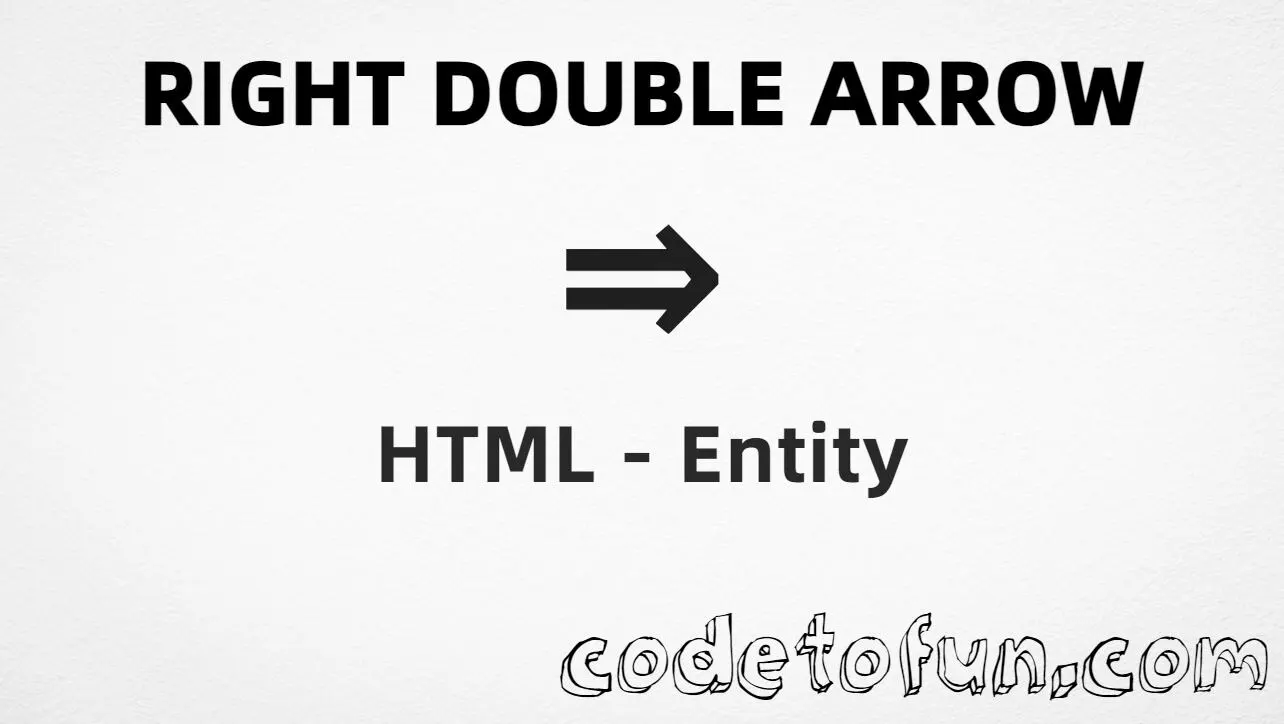
HTML Entity for Right Double Arrow (⇒)

What You'll Learn
How to display the Right Double Arrow (⇒) in HTML using the named entity, hexadecimal, decimal, and CSS escape methods. This symbol is U+21D2 (RIGHTWARDS DOUBLE ARROW) in the Arrows block (U+2190–U+21FF)—a right-pointing double arrow used in logic (implication), navigation, flowcharts, and directional indicators.
Render it with ⇒ (named), ⇒, ⇒, or CSS \21D2. Related: U+21D0 (⇐, left double arrow / ⇐), U+2192 (→, simple right arrow / →).
⚡ Quick Reference — Right Double Arrow
U+21D2Arrows block
⇒Hexadecimal reference
⇒Decimal reference
⇒Most readable option
Name Value
──────────── ──────────
Unicode U+21D2
Hex code ⇒
HTML code ⇒
Named entity ⇒
CSS code \21D2
Meaning Rightwards double arrow
Related U+21D0 = left double arrow (⇐)
U+2192 = right arrow (→)Complete HTML Example
A simple example showing the Right Double Arrow (⇒) using the named entity, hexadecimal code, decimal HTML code, and a CSS content escape:
<!DOCTYPE html>
<html>
<head>
<style>
#point:after{
content: "\21D2";
}
</style>
</head>
<body>
<p>Symbol using Hexadecimal: ⇒</p>
<p>Symbol using HTML Code: ⇒</p>
<p>Symbol using HTML Entity: ⇒</p>
<p id="point">Symbol using CSS Entity: </p>
</body>
</html>🌐 Browser Support
The Right Double Arrow (⇒) renders in modern browsers when the font includes Arrows block glyphs:
👀 Live Preview
See the Right Double Arrow (⇒) in logic and navigation contexts:
🧠 How It Works
Named HTML Entity
⇒ is the named entity for the Right Double Arrow (rightwards double arrow). It is easy to read in logic and navigation markup.
Hexadecimal Code
⇒ uses the Unicode hexadecimal value 21D2. The x prefix indicates hexadecimal format.
Decimal HTML Code
⇒ uses the decimal Unicode value 8658 for the same symbol.
CSS Entity
\21D2 is used in CSS stylesheets in the content property of pseudo-elements like ::after.
Same visual result
All four methods produce ⇒. Unicode U+21D2 is in the Arrows block. Previous: Right Dashed Arrow (⇢). Next: Right Double Arrow From Bar.
Use Cases
The Right Double Arrow (⇒) is commonly used in:
Represent logical implication or material conditional in math and logic notation.
Indicate “next” or “continue” in menus, breadcrumbs, and navigation UI.
Show direction or progression in flowcharts and process diagrams.
Buttons, links, and interactive elements that need directional indicators.
Tutorials and instructional materials showing logical flow or next steps.
Scientific and technical documentation that requires logical notation.
💡 Best Practices
Do
- Prefer
⇒in HTML for readability - Pair ⇒ with text (“Next”, “Continue”) or
aria-labelfor accessibility - Use fonts that support the Arrows block (U+21D2)
- Set
<meta charset="utf-8"> - Keep one encoding style per project for consistency
- Distinguish ⇒ from → when double vs single arrow matters
Don’t
- Confuse
⇒(U+21D2) with→(U+2192) - Confuse
⇒with⇐(U+21D0, left double arrow) - Use padded Unicode like U+021D2—the correct value is
U+21D2 - Use padded CSS like
\021D2—prefer\21D2 - Use CSS
\21D2inside HTML text nodes
Key Takeaways
Four ways to render U+21D2 in web content
⇒ ⇒ ⇒For CSS, use \21D2 in the content property
Unicode U+21D2 — RIGHTWARDS DOUBLE ARROW (⇒)
Arrows block (U+2190–U+21FF)
Previous: Right Dashed Arrow (⇢) Next: Right Double Arrow From Bar
❓ Frequently Asked Questions
⇒ (named), ⇒ (hex), ⇒ (decimal), or \21D2 in CSS content. All four methods render ⇒ correctly.U+21D2 (RIGHTWARDS DOUBLE ARROW). Arrows block (U+2190–U+21FF). Hex 21D2, decimal 8658. Used in logic, implication, and navigation.⇒, ⇒, ⇒) go in markup. The CSS escape \21D2 is used in stylesheets, typically on ::before or ::after. Both produce ⇒.Explore More HTML Entities!
Discover 1500+ HTML character references — arrows, symbols, math operators, and more.
8 people found this page helpful