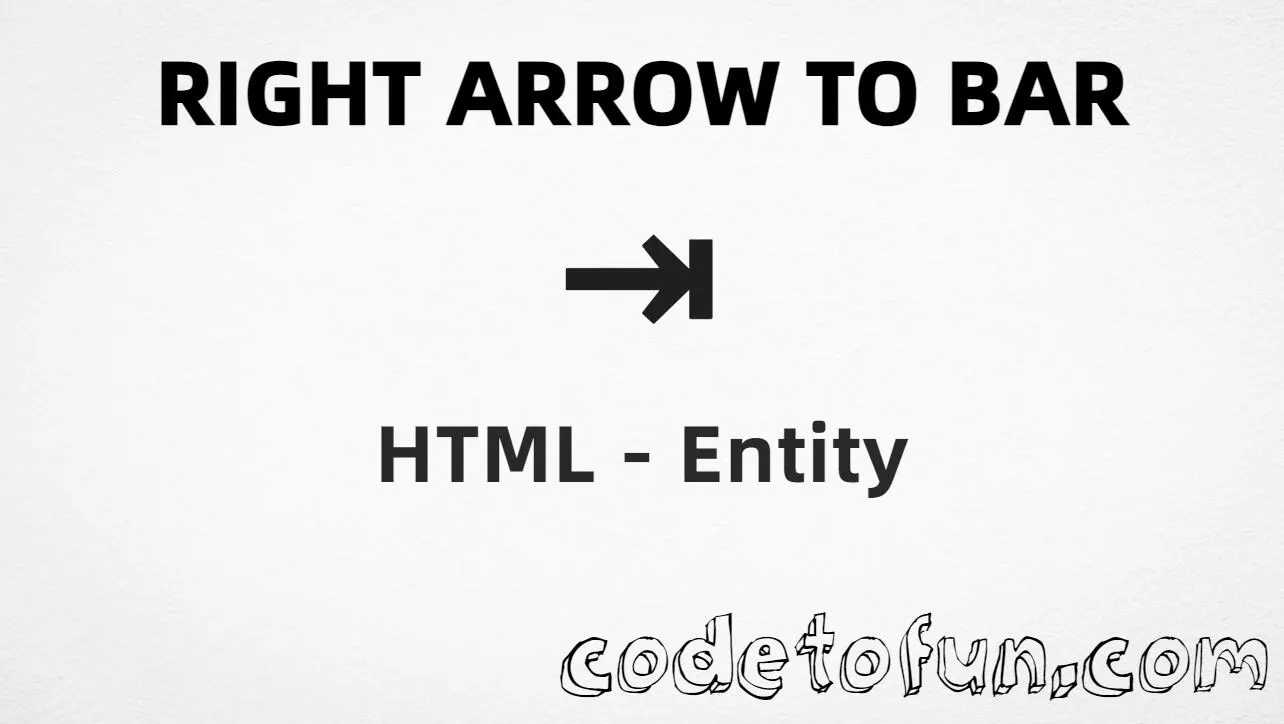
Right arrow to bar (⇥) is Unicode U+21E5 in the Arrows block. Official name: RIGHTWARDS ARROW TO BAR — a rightwards arrow ending at a vertical bar (often used for Tab). HTML provides the named entity ⇥.
Remember
Character     ⇥
Unicode       U+21E5
Hex entity    ⇥
Decimal       ⇥
Named entity  ⇥
CSS escape    \21E5
Not the same  → U+2192 · ⇤ U+21E4 · ⇢ U+21E2
All of these produce the same glyph: ⇥. Prefer ⇥ in hand-written HTML; type ⇥ in UTF-8 when you can; use numeric or CSS forms for generated content.
vs. related arrows⇥ to bar · → plain · ⇤ left to bar
With entitiesNamed: ⇥ | Hex: ⇥ | Decimal: ⇥
Code
Complete HTML Example
One page that shows ⇥ with hex, decimal, named entity, CSS escape, and a typed character. Use View Output or open the live editor.
Hex + Decimal + Named + CSS + Typed
Five ways to produce ⇥ in a single document.
html
<!DOCTYPE html>
<html lang="en">
<head>
<meta charset="UTF-8">
<title>Right Arrow To Bar (⇥) in HTML</title>
<style>
#point::after {
content: "\21E5";
}
</style>
</head>
<body>
<p>Right arrow to bar using Hex Code: ⇥</p>
<p>Right arrow to bar using HTML Code: ⇥</p>
<p>Right arrow to bar using Named Entity: ⇥</p>
<p id="point">Right arrow to bar using CSS Entity: </p>
<p>Typed directly: ⇥</p>
</body>
</html>
Right arrow to bar using Hex Code: ⇥
Right arrow to bar using HTML Code: ⇥
Right arrow to bar using Named Entity: ⇥
Right arrow to bar using CSS Entity: ⇥
Typed directly: ⇥
How It Works
1. Hex:U+21E5 → ⇥ in HTML. The browser turns it into ⇥.
2. Decimal: same code point as 8677 → ⇥. Same result as hex.
3. Named:⇥ is the standard HTML name for U+21E5 — clear in source.
4. CSS: use \21E5 in content (not an HTML entity). #point::after appends that ⇥ after the paragraph text.
5. Typed ⇥: fine in UTF-8 source. All five lines show the same glyph.
Pitfalls & Tips
Common mistakes when working with right arrow to bar (⇥).
→
Not a plain right arrow
→ (→) has no bar. Use ⇥ when you need the to-bar / Tab form.
⇤
Not left to bar
⇤ (U+21E4) points left. Use U+21E5 only for a rightwards arrow to bar.
Name
Prefer ⇥
The named entity is easiest to read in source. Numeric forms are fine for generators.
CSS vs HTML
Do not mix escapes
\21E5 belongs in CSS. ⇥ / ⇥ / ⇥ belong in HTML.
Encoding
Declare UTF-8
If you type ⇥ directly, keep <meta charset="UTF-8"> so the file is not misread.
Semicolon
End references
Always finish with ; — write ⇥, not &rarrb.
Compatibility
Browser Support
Right arrow to bar (U+21E5) and its entity forms (⇥, ⇥, ⇥, CSS \\21E5) are supported in all modern browsers.
✓ Universal encoding
Right Arrow To Bar (⇥)
Encode with named, hex, decimal, or CSS escape — or type ⇥ directly in UTF-8 HTML.
100%Browser coverage
Google ChromeSupported
Yes
Microsoft EdgeSupported
Yes
Mozilla FirefoxSupported
Yes
Apple SafariSupported
Yes
OperaSupported
Yes
Internet ExplorerIE 9+
Yes*
U+21E5 / ⇥Full support
Bottom line: Prefer ⇥ in HTML. Use \\21E5 only inside CSS content.
Use ⇥ (hex), ⇥ (decimal), ⇥ (named), or the CSS escape \21E5 in the content property. All render ⇥. You can also paste ⇥ directly if your file is UTF-8.
U+21E5 (hex 21E5, decimal 8677). Unicode names it RIGHTWARDS ARROW TO BAR. It belongs to the Arrows block.
Yes. ⇥ maps to U+21E5. Prefer it in hand-written HTML; numeric forms are useful in generated markup.
⇥ (U+21E5, ⇥) is a rightwards arrow ending at a vertical bar (often Tab). → (U+2192, →) is a plain right arrow. ⇤ (U+21E4, ⇤) is leftwards arrow to bar.
HTML entities (⇥, ⇥, or ⇥) go in markup. The CSS escape \21E5 is used in stylesheets (usually in the content property of ::before/::after). Both render ⇥.
Use it for Tab-key labels, keyboard shortcut docs, and UI that needs a rightwards arrow to a bar. Prefer ⇥ for readable HTML source.
🤔
Did you know?
Right arrow to bar is Unicode U+21E5 (decimal 8677) in the Arrows block — official name RIGHTWARDS ARROW TO BAR. HTML’s named reference is ⇥. It often marks a Tab key. It is not the same as a plain right arrow (U+2192 →) or left arrow to bar (U+21E4 ⇤).