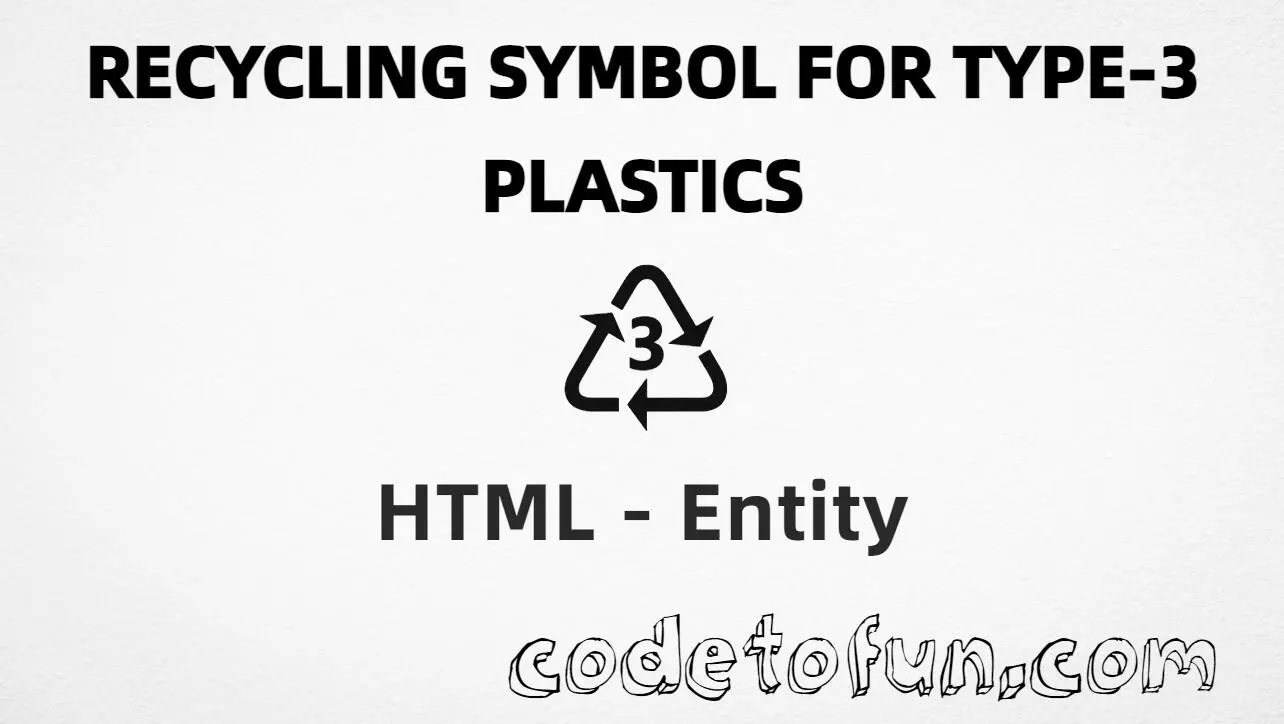
HTML Entity for Recycling Symbol Type 3 Plastics (♵)
Beginner
6 min read
Updated: Sep 2026
1 example
Unicode U+2675
Definition
What Is the Type 3 Plastics Recycling Symbol Entity?
Recycling symbol for type-3 plastics (♵) is the Miscellaneous Symbols character at Unicode U+2675 (RECYCLING SYMBOL FOR TYPE-3 PLASTICS). It marks resin identification code 3 — PVC (polyvinyl chloride). There is no named HTML entity; use hex, decimal, UTF-8, or CSS.
Remember
Character     ♵
Unicode       U+2675
Named entity  none
Hex entity    ♵
Decimal       ♵
CSS escape    \2675
All numeric and UTF-8 forms produce the same glyph: ♵. Prefer ♵ for portable markup; paste ♵ in UTF-8 when convenient. Do not confuse it with the universal recycling symbol (U+267B).
Reference
Quick Reference
One table for every form you will actually use.
Form
Code
Where it goes
Named entity
none
Not defined in HTML5
Hex entity
♵
HTML markup
Decimal entity
♵
HTML markup
Direct character
♵
HTML text (UTF-8 default)
CSS escape
\2675
Stylesheet content
When to Use Which
Situation
Use
Portable HTML without pasting Unicode
♵ or ♵
UTF-8 packaging / recycling guides
Type or paste ♵
Generated text via ::before / ::after
content: "\2675"
Universal recycling (Mobius loop)
♻ (U+267B)
Other resin codes (1–2, 4–7)
U+2673–U+2674, U+2676–U+2679
Accessible plastic labels
Glyph + clear wording (e.g. “PVC — resin code 3”)
See it
Live Preview
Type-3 plastics recycling symbol rendered in common eco contexts.
Glyph♵
Large glyph♵
In a label♵ PVC (resin code 3)
With entitiesHex: ♵ | Decimal: ♵ | Named: none
Related♻ (universal) · ♴ (type 2) · ♶ (type 4)
Code
Complete HTML Example
One page that shows the type-3 plastics symbol with hex, decimal, direct, and CSS forms. Use View Output or open the live editor.
Hex + Decimal + Direct + CSS
Four ways to produce ♵ in a single document (no named entity).
\2675 belongs in CSS. ♵ / ♵ belong in HTML.
UTF-8
Declare charset
If you paste ♵ directly, serve the page as UTF-8 with <meta charset="UTF-8">.
Compatibility
Browser Support
Type-3 plastics recycling symbol (U+2675) and its entity forms (♵, ♵, CSS \\2675) are supported in all mainstream browsers. Glyph availability depends on the font.
✓ Universal support
Type 3 Plastics (♵)
Prefer ♵, or encode with decimal or CSS escape — same glyph everywhere (when the font has it).
100%Browser coverage
Google ChromeSupported
Yes
Microsoft EdgeSupported
Yes
Mozilla FirefoxSupported
Yes
Apple SafariSupported
Yes
OperaSupported
Yes
Internet ExplorerAll versions
Yes
U+2675 / entitiesFull support
Bottom line: There is no named entity. Prefer ♵ or ♵ in HTML, and \\2675 only inside CSS content.
Remember
Key Takeaways
Unicode: type-3 plastics symbol is U+2675 (decimal 9845), Miscellaneous Symbols.
HTML: no named entity — use ♵ or ♵.
CSS: use \2675 inside content for generated text.
Meaning: PVC resin code 3 — not ♻ or other resin codes.
One line:U+2675 → ♵ / ♵ / CSS \2675 (no named entity).
Frequently Asked Questions
Use ♵ (hex), ♵ (decimal), type ♵ in UTF-8, or the CSS escape \2675 in content. There is no named HTML entity for U+2675.
U+2675 (RECYCLING SYMBOL FOR TYPE-3 PLASTICS). Hex 2675, decimal 9845. It belongs to Miscellaneous Symbols. Resin code 3 = PVC.
No. HTML5 does not define a named entity for this character. Prefer ♵ or ♵, or paste ♵ in a UTF-8 document.
Use it for PVC packaging labels, recycling guides, and sustainability content about resin identification code 3. Prefer ♵ for portable markup. Pair the glyph with clear text for accessibility.
HTML numeric entities (♵ or ♵) go in markup. The CSS escape \2675 is used in stylesheets (usually in the content property of ::before/::after). Both render ♵.
♵ (U+2675) is type-3 plastics (PVC). ♻ (U+267B) is the universal recycling symbol. Type 2 is U+2674 (HDPE); type 4 is U+2676 (LDPE). Do not swap resin codes.
🤔
Did you know?
Type-3 plastics recycling symbol (♵) is Unicode U+2675 (decimal 9845) — RECYCLING SYMBOL FOR TYPE-3 PLASTICS in Miscellaneous Symbols. There is no named HTML entity; use ♵, ♵, UTF-8 ♵, or CSS \2675. Resin identification code 3 is PVC (polyvinyl chloride). It is not the universal recycling symbol (♻, U+267B).