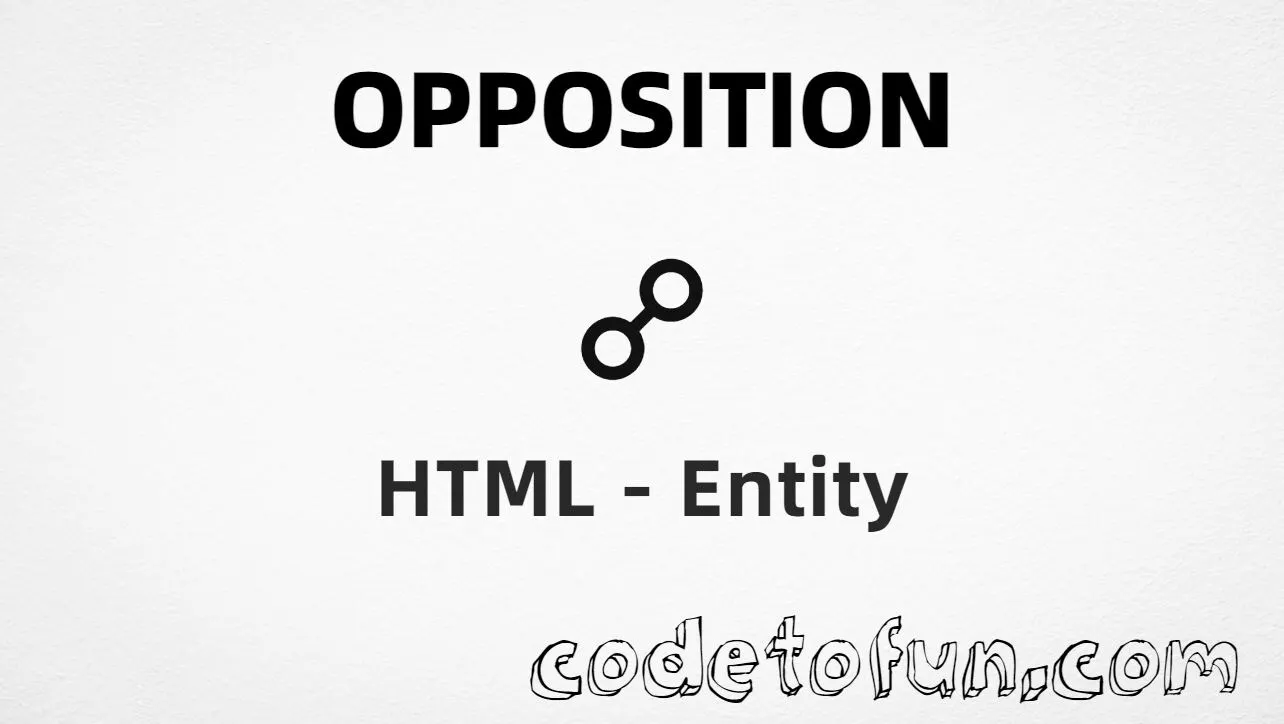
Opposition (☍) is the Unicode character at U+260D in the Miscellaneous Symbols block. It is an astronomy / astrology aspect symbol — used when two bodies appear roughly 180° apart — not a Boolean or math operator.
Remember
Character     ☍
Unicode       U+260D
Hex entity    ☍
Decimal       ☍
CSS escape    \260D
Named entity  (none for U+260D)
Not the same  ☌ U+260C · ¬ U+00AC
Prefer typing ☍ in UTF-8 HTML when your editor supports it; use ☍ or ☍ when you need an explicit entity.
Opposition using Hex Code: ☍
Opposition using HTML Code: ☍
Opposition using CSS Entity: ☍
Typed directly: ☍
Example: Mars ☍ Saturn
How It Works
1. Hex:U+260D → ☍ in HTML → ☍.
2. Decimal: same code point as 9741 → ☍. Same result as hex.
3. CSS: use \260D in content (not an HTML entity). #point::after appends that ☍ after the paragraph text.
4. Typed / example: paste ☍ in UTF-8, or write Mars ☍ Saturn for aspect notation.
Pitfalls & Tips
Common mistakes when working with Opposition.
Named?
No named entity
HTML5 has no &…; name for U+260D. Use ☍ or ☍.
☌
Not conjunction
☌ (U+260C) is conjunction. ☍ (U+260D) is opposition. Pick the aspect you mean.
Logic
Not Boolean NOT
For logical “not”, use ¬ (U+00AC / ¬). ☍ is an aspect symbol.
A11y
Pair with text
Add a visible label like “Opposition” so the meaning is clear without relying on the glyph alone.
CSS vs HTML
Do not mix escapes
\260D belongs in CSS strings. ☍ / ☍ belong in HTML.
Semicolon
End references
Always finish with ; — write ☍, not ☍.
Compatibility
Browser Support
Opposition (U+260D) and its numeric entity forms (☍, ☍, CSS \\260D) are supported in all mainstream browsers. Visible glyphs depend on font coverage.
✓ Universal support
Opposition (☍)
Encode with hex, decimal, CSS escape, or type the character — same code point everywhere encoding is supported.
100%Browser coverage
Google ChromeSupported
Yes
Microsoft EdgeSupported
Yes
Mozilla FirefoxSupported
Yes
Apple SafariSupported
Yes
OperaSupported
Yes
Internet ExplorerAll versions
Yes
U+260D / entitiesFull support
Bottom line: Use ☍ or ☍ in HTML for the astronomy opposition glyph, and \\260D only inside CSS content. Prefer ¬ / ¬ for logical NOT.
Remember
Key Takeaways
Unicode: opposition is U+260D (decimal 9741) — glyph ☍.
HTML: type ☍, or use ☍ / ☍ (no named entity).
One line:U+260D → ☍ / ☍ / CSS \260D / type ☍.
Frequently Asked Questions
Use ☍ (hex), ☍ (decimal), type ☍ directly in UTF-8, or the CSS escape \260D in content. There is no named HTML entity for U+260D.
U+260D (hex 260D, decimal 9741). It belongs to the Miscellaneous Symbols block and represents astronomical or astrological opposition.
No. Use numeric references like ☍ or ☍, or type the character ☍ in a UTF-8 document.
Use it in astronomy or astrology content that needs the opposition glyph (bodies ~180° apart). For Boolean NOT, use ¬ (U+00AC / ¬) — not ☍.
HTML entities (☍ or ☍) go in markup. The CSS escape \260D goes in stylesheet strings (usually content on ::before/::after).
☍ (U+260D) is opposition. ☌ (U+260C) is conjunction. ¬ (U+00AC) is the not sign for Boolean logic.
🤔
Did you know?
Opposition is Unicode U+260D (decimal 9741) — glyph ☍ in the Miscellaneous Symbols block. It is an astronomy / astrology aspect for bodies roughly 180° apart, not a Boolean operator. HTML5 has no named entity. Do not confuse it with conjunction ☌ (U+260C) or not sign ¬ (U+00AC).