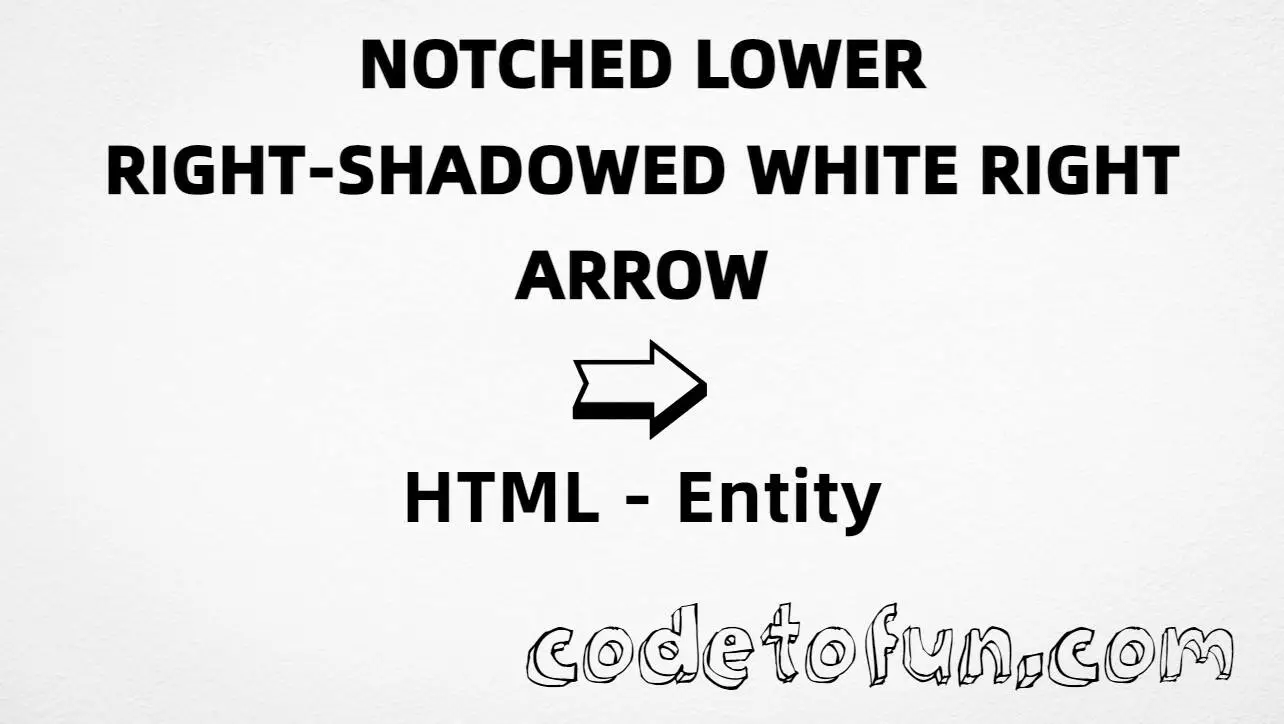
HTML Entity for Notched Lower Right Shadowed White Right Arrow (➯)
Beginner
5 min read
Updated: Sep 2026
1 example
Unicode U+27AF
Definition
What Is the Notched Lower Right Shadowed White Right Arrow Entity?
Notched lower right shadowed white right arrow (➯) is the Dingbats character at Unicode U+27AF (NOTCHED LOWER RIGHT SHADOWED WHITE RIGHTWARDS ARROW). It is a decorative right-pointing arrow used for navigation and UI cues. HTML5 defines no named entity for it.
Remember
Character     ➯
Unicode       U+27AF
Named entity  (none)
Hex entity    ➯
Decimal       ➯
CSS escape    \27AF
All of these produce the same glyph: ➯. Prefer a pasted ➯ in UTF-8 pages; use numeric or CSS forms when you need an escape.
Using Hex Code: ➯
Using HTML Code: ➯
Using Direct Character: ➯
Using CSS Entity: ➯
Next ➯ Continue
How It Works
1. Hex:U+27AF → ➯ in HTML. Reliable numeric form.
2. Decimal: same code point as 10159 → ➯. Same glyph.
3. Direct: paste ➯ in a UTF-8 file with <meta charset="UTF-8">.
4. CSS: use \27AF in content (not an HTML entity). #point::after appends that ➯ after the paragraph text.
Pitfalls & Tips
Common mistakes when working with this arrow entity.
Named
No named entity
HTML5 has no &... name for U+27AF — use hex or decimal instead.
Look-alikes
Not →
Simple right arrow → is U+2192. This Dingbat is a shadowed, notched decorative form.
Sibling
➯ vs ➱
Upper-notch variant is U+27B1. Keep lower and upper notches distinct if both appear in a design.
CSS vs HTML
Do not mix escapes
\27AF belongs in CSS. ➯ / ➯ belong in HTML.
Fonts
Glyph coverage
Some fonts omit Dingbats. If ➯ looks like a box, switch to a font that includes it.
Semicolon
End references
Always finish with ; — write ➯, not ➯.
Compatibility
Browser Support
This arrow (U+27AF) and its entity forms (➯, ➯, CSS \\27AF) are supported in all mainstream browsers. Glyph availability depends on the font (Dingbats coverage recommended).
✓ Universal support
Notched Lower Right Shadowed White Right Arrow (➯)
Paste ➯, or encode with hex, decimal, or CSS escape — same glyph everywhere. No named entity.
100%Browser coverage
Google ChromeSupported
Yes
Microsoft EdgeSupported
Yes
Mozilla FirefoxSupported
Yes
Apple SafariSupported
Yes
OperaSupported
Yes
Internet ExplorerAll versions
Yes
U+27AF / entitiesFull support
Bottom line: Prefer a pasted ➯ in UTF-8 text. Use ➯ / ➯ when a numeric form is required, and \\27AF only inside CSS content.
Remember
Key Takeaways
Unicode: this arrow is U+27AF (decimal 10159), Dingbats.
HTML: no named entity — use ➯ or ➯.
CSS: use \27AF inside content for generated text.
Use: decorative navigation arrow — not the same as → or ➱.
One line:U+27AF → ➯ / ➯ / CSS \27AF (no named entity).
Frequently Asked Questions
Use ➯ (hex), ➯ (decimal), type ➯ in UTF-8, or the CSS escape \27AF in content. There is no HTML5 named entity for U+27AF.
U+27AF (NOTCHED LOWER RIGHT SHADOWED WHITE RIGHTWARDS ARROW). Hex 27AF, decimal 10159. It belongs to the Dingbats block (U+2700–U+27BF).
No. HTML5 does not define a named entity for this character. Use numeric references like ➯ or ➯ when you need an entity form.
Use it for navigation cues, “next” / “continue” labels, UI buttons, and decorative directional icons. Prefer a pasted ➯ in UTF-8 when possible. For a plain right arrow, use → instead.
HTML entities (➯ or ➯) go in markup. The CSS escape \27AF is used in stylesheets (usually in the content property of ::before/::after). Both render ➯.
→ (→, U+2192) is the simple right arrow. ➯ is a shadowed, notched Dingbat. The upper-notch sibling is U+27B1 (➨-style upper variant). Do not treat them as interchangeable.
🤔
Did you know?
Notched lower right shadowed white rightwards arrow (➯) is Unicode U+27AF (decimal 10159) in Dingbats. HTML5 has no named entity — use ➯ or ➯. Sibling glyph ➱ (U+27B1) is the upper-notch variant. Distinct from simple → (→).