Home HTML Entities Not Sign (¬) HTML Entity for Not Sign (¬) Definition
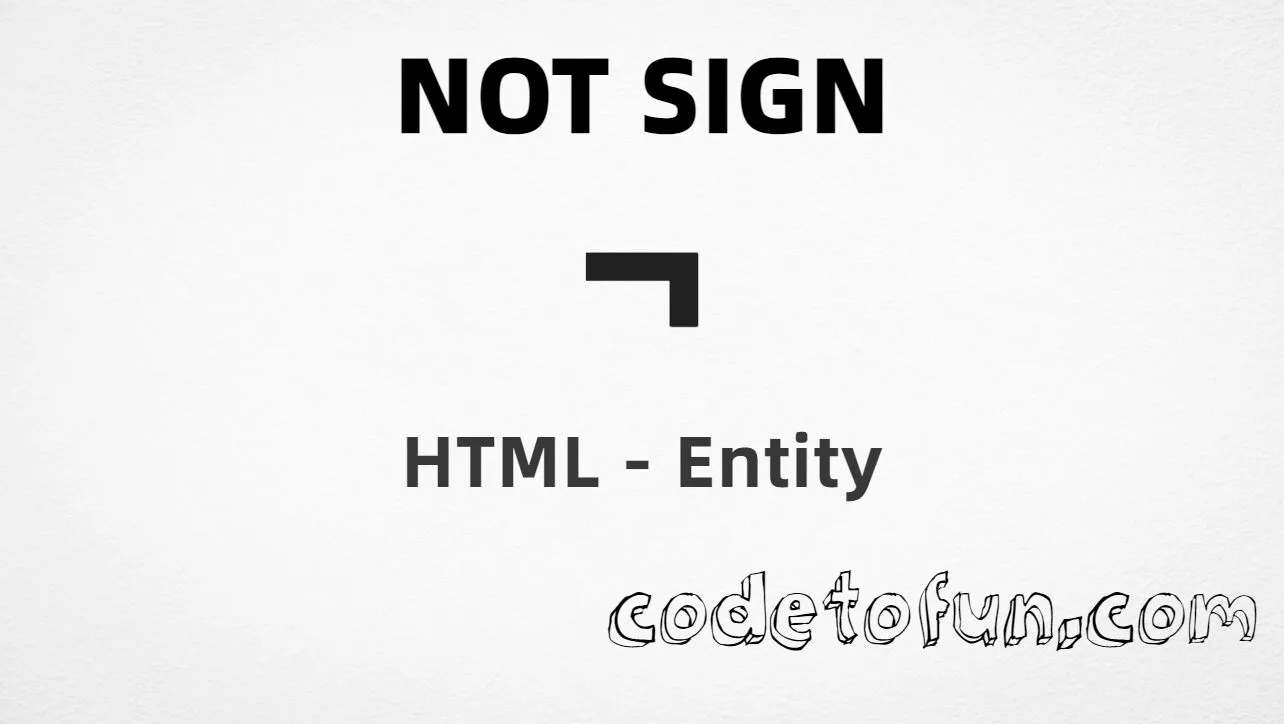
What Is the Not Sign Entity? Not sign (¬ ) is the Latin-1 Supplement character at Unicode U+00AC (NOT SIGN). In logic, ¬P means “not P.” HTML5 provides the named entity ¬.
Character     ¬
Unicode       U+00AC
Named entity  ¬
Hex entity    ¬  (or ¬)
Decimal       ¬
CSS escape    \00AC
All of these produce the same glyph: ¬ . Prefer ¬ for readable HTML; paste ¬ in UTF-8 when convenient.
Reference
Quick Reference One table for every form you will actually use.
Form Code Where it goes Named entity ¬HTML markup Hex entity ¬HTML markup (also ¬) Decimal entity ¬HTML markup Direct character ¬HTML text (UTF-8 default) CSS escape \00ACStylesheet content (padded)
When to Use Which Situation Use Readable logic in HTML ¬UTF-8 math / logic text Type or paste ¬ Numeric entity required ¬ or ¬Generated text via ::before / ::after content: "\00AC"Programming-style “not” ASCII ! (not this entity)
See it
Live Preview Not sign rendered in common contexts.
Glyph ¬
Large glyph ¬
In a formula ¬P means NOT P
With entities Named: ¬ | Hex: ¬ | Decimal: ¬
Related symbols ! (ASCII) · ∼ (∼) · ≠ (≠)
Code
Complete HTML Example One page that shows the not sign with named, hex, decimal, direct, and CSS forms. Use View Output or open the live editor.
Named + Hex + Decimal + Direct + CSS Five ways to produce ¬ in a single document.
<!DOCTYPE html>
<html lang="en">
<head>
<meta charset="UTF-8">
<title>Not Sign (¬) in HTML</title>
<style>
#point::after {
content: "\00AC";
}
</style>
</head>
<body>
<p>Using Named Entity: ¬</p>
<p>Using Hex Code: ¬</p>
<p>Using Decimal: ¬</p>
<p>Using Direct Character: ¬</p>
<p id="point">Using CSS Entity: </p>
<p>Example: ¬P means NOT P</p>
</body>
</html> Using Named Entity: ¬
Using Hex Code: ¬
Using Decimal: ¬
Using Direct Character: ¬
Using CSS Entity: ¬
Example: ¬P means NOT P How It Works 1. Named: ¬ is the clearest HTML form for U+00AC.
2. Hex: U+00AC → ¬ (or ¬) in HTML.
3. Decimal: same code point as 172 → ¬. Same glyph.
4. Direct: paste ¬ in a UTF-8 file with <meta charset="UTF-8">.
5. CSS: use padded \00AC in content (not an HTML entity). Padding avoids the next character being read as part of the hex escape.
Pitfalls & Tips Common mistakes when working with this logic entity.
Not ! ASCII ! is different In code, logical not is usually !. The typographic not sign is ¬ (U+00AC).
Not ~ Tilde is not negation here ASCII ~ and ∼ have other math uses. For the classic not sign, use ¬.
CSS pad Prefer \00AC A short \AC can absorb the next hex digit. Pad to four digits: \00AC.
CSS vs HTML Do not mix escapes \00AC belongs in CSS. ¬ / ¬ / ¬ belong in HTML.
Semicolon End references Always finish with ; — write ¬, not ¬.
UTF-8 Declare charset If you paste ¬ directly, serve the page as UTF-8 with <meta charset="UTF-8">.
Compatibility
Browser Support Not sign (U+00AC) and its entity forms (¬, ¬, ¬, CSS \\00AC) are supported in all mainstream browsers.
✓ Universal support
Not Sign (¬) Prefer ¬, or encode with hex, decimal, or CSS escape — same glyph everywhere.
Google Chrome Supported
Yes
Microsoft Edge Supported
Yes
Mozilla Firefox Supported
Yes
Apple Safari Supported
Yes
Opera Supported
Yes
Internet Explorer All versions
Yes U+00AC / entities Full support
Bottom line: Prefer ¬ in HTML. Use ¬ / ¬ when a numeric form is required, and padded \\00AC only inside CSS content.
Remember
Key Takeaways Unicode: not sign is U+00AC (decimal 172), Latin-1 Supplement.
HTML: prefer ¬, or ¬ / ¬.
CSS: use padded \00AC inside content.
Meaning: logical negation — not ASCII ! or ~.
One line: U+00AC → ¬ / ¬ / ¬ / CSS \00AC.
Frequently Asked Questions How do I display the not sign (¬) in HTML using entities? Use ¬ (named), ¬ or ¬ (hex), ¬ (decimal), type ¬ in UTF-8, or the CSS escape \00AC in content. All render ¬.
What is the Unicode value for the not sign? U+00AC (NOT SIGN). Hex AC / 00AC, decimal 172. It belongs to Latin-1 Supplement and is the classic logical negation symbol.
Is there a named HTML entity for ¬? Yes. HTML5 defines ¬. You can also use ¬ or ¬.
When should I use the not sign HTML entity? Use it in logic and math notation for negation (e.g. ¬P). Prefer ¬ for readable source. In programming languages, logical not is usually written as ! — that is ASCII, not U+00AC.
What is the difference between HTML code and CSS entity for ¬? HTML entities (¬, ¬, or ¬) go in markup. The CSS escape \00AC is used in stylesheets (usually in the content property of ::before/::after). Prefer the padded form \00AC so the next digit is not swallowed.
How is ¬ different from ! or ~? ! is ASCII exclamation (programming “not”). ~ is ASCII tilde (or other math uses). ¬ (U+00AC, ¬) is the dedicated not-sign character used in formal logic.
🤔
Did you know? Not sign (¬ ) is Unicode U+00AC (decimal 172 ) — NOT SIGN in Latin-1 Supplement. HTML5 provides ¬. In logic, ¬P means “not P.” It is not the same as ASCII ! or tilde ~.
Next: Not Square Image Of Equal To Learn the HTML entity for the next negated relation in this entity sequence.
Next tutorial → About the author Developer, cloud engineer, and technical writer
I write practical tutorials so students and working developers can learn by doing—from databases and APIs to deployment on AWS.
8 people found this page helpful