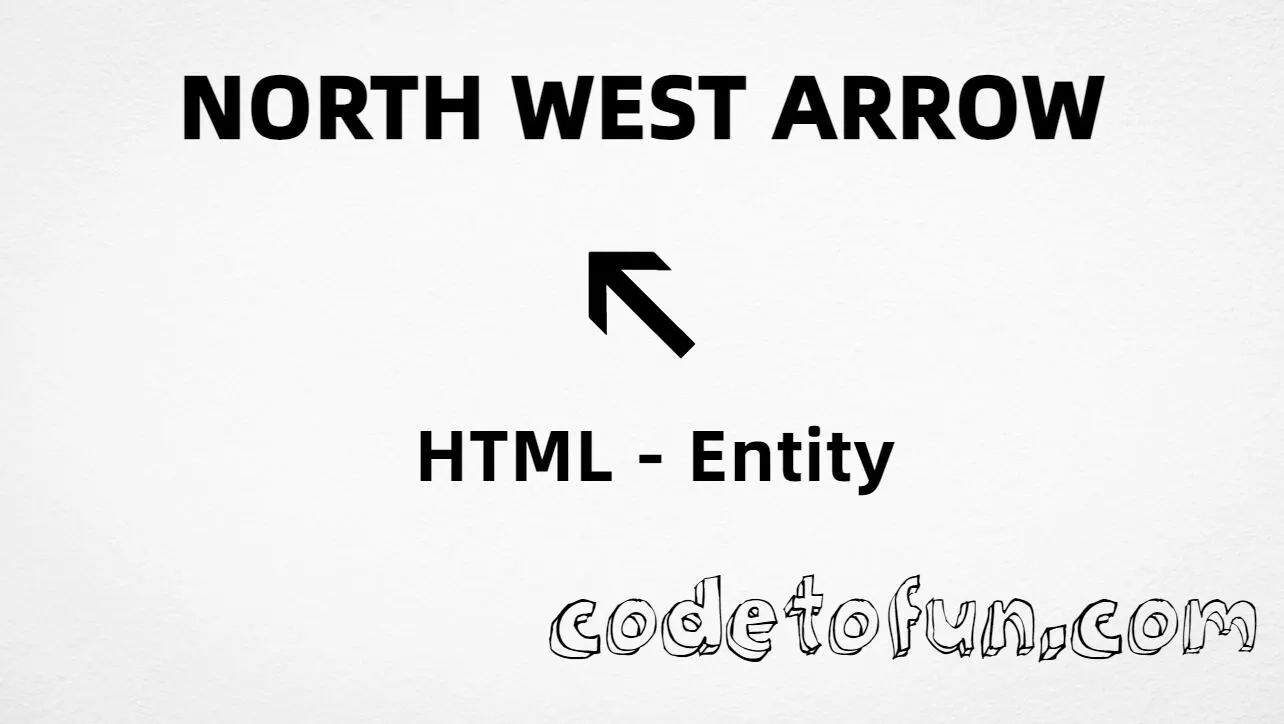
Using Named Entity: ↖
Using Hex Code: ↖
Using HTML Code: ↖
Using CSS Entity: ↖
Label: ↖ Home
How It Works
1. Named:↖ is the clearest HTML form and renders ↖.
2. Hex:U+2196 → ↖ in HTML. Same result as the named entity.
3. Decimal: same code point as 8598 → ↖. Same result as hex and named.
4. CSS: use \2196 in content (not an HTML entity). #point::after appends that ↖ after the paragraph text.
Pitfalls & Tips
Common mistakes when working with the North West Arrow.
Prefer
Use ↖
The named form is clearer than numeric references and is defined in HTML5.
vs ↗
Not north-east
↗ is ↗. North west points the opposite diagonal.
Direction
Up and left
In screen coordinates, ↖ points toward the top-left corner.
CSS vs HTML
Do not mix escapes
\2196 belongs in CSS. ↖ / ↖ / ↖ belong in HTML.
Encoding
Declare UTF-8
If you type ↖ directly, keep <meta charset="UTF-8"> so the file is not misread.
Semicolon
End references
Always finish with ; — write ↖, not &nwarr.
Compatibility
Browser Support
North West Arrow (U+2196) and its entity forms (↖, ↖, ↖, CSS \\2196) are supported in all mainstream browsers with a Unicode-capable font.
✓ Universal support
North West Arrow (↖)
Encode with named, hex, decimal, or CSS escape — or type ↖ directly in UTF-8 HTML.
100%Browser coverage
Google ChromeSupported
Yes
Microsoft EdgeSupported
Yes
Mozilla FirefoxSupported
Yes
Apple SafariSupported
Yes
OperaSupported
Yes
Internet ExplorerIE 9+
Yes*
U+2196 / ↖Full support
Bottom line: Prefer ↖ in HTML. Use \\2196 only inside CSS content.
Remember
Key Takeaways
Unicode: North West Arrow is U+2196 (decimal 8598).
HTML: prefer ↖.
CSS: use \2196 inside content for generated text.
Family: pair with ↗, ↘, and ↙.
One line:U+2196 → prefer ↖ (also ↖ / CSS \2196).
Frequently Asked Questions
Use ↖ (named), ↖ (hex), ↖ (decimal), or the CSS escape \2196 in the content property. All render ↖. Prefer ↖ in HTML.
U+2196 (NORTH WEST ARROW). Hex 2196, decimal 8598. It belongs to the Arrows block.
Yes. HTML5 defines ↖ for ↖.
Use it for navigation UI, maps, wind directions, and labels when you need an up-left diagonal arrow.
HTML entities (↖, ↖, or ↖) go in markup. The CSS escape \2196 is used in stylesheets (usually in the content property of ::before/::after). Both render ↖.
No. North west is ↖ (↖, U+2196). North east is ↗ (↗, U+2197). Combined NE+SW is U+2922 (⤢).
🤔
Did you know?
North West Arrow is Unicode U+2196 (decimal 8598) — in the Arrows block. HTML5 provides ↖. It points up and left. Related: ↗ (↗), ↘ (↘), ↙ (↙).