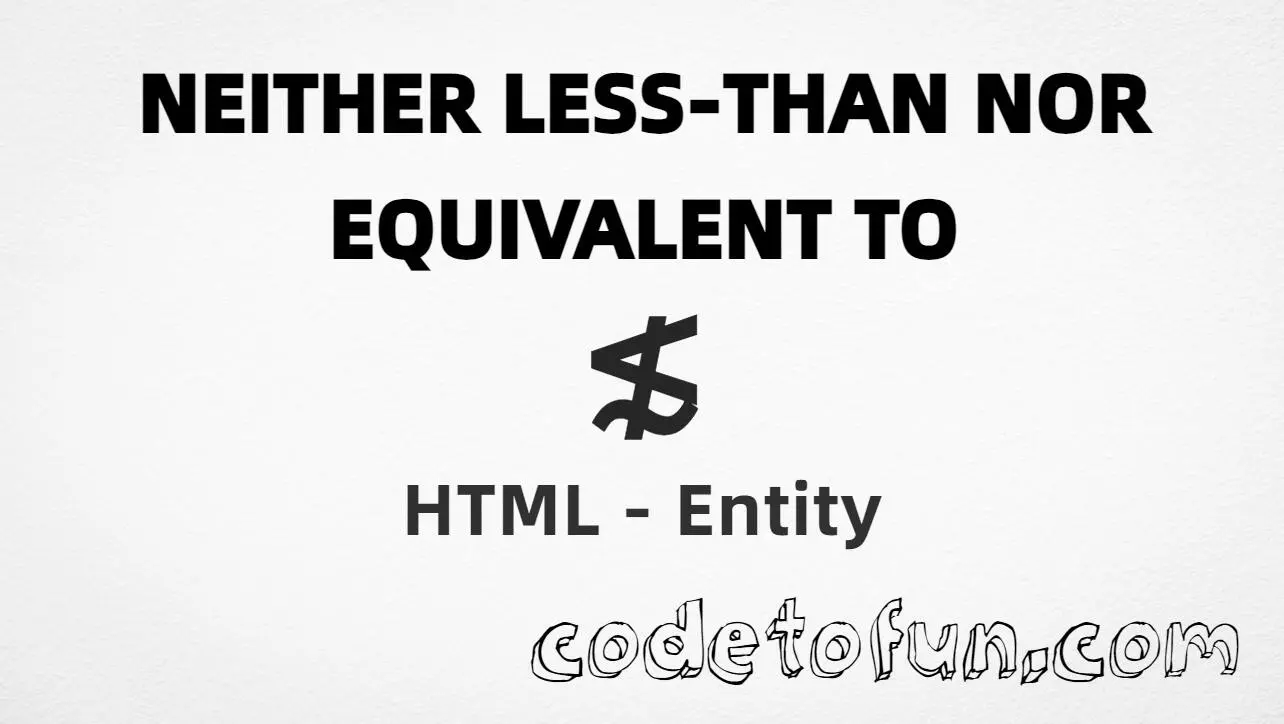
HTML Entity for Neither Less Than Nor Equivalent To (≴)
Beginner
6 min read
Updated: Sep 2026
1 example
Unicode U+2274
Definition
What Is the Neither Less Than Nor Equivalent To Entity?
Neither less than nor equivalent to (≴) is the Mathematical Operators character at Unicode U+2274 (NEITHER LESS-THAN NOR EQUIVALENT TO). It is the negation of ≲ (≲, less-than or equivalent to). HTML5 provides the named entity ≴.
Remember
Character     ≴
Unicode       U+2274
Named entity  ≴
Hex entity    ≴
Decimal       ≴
CSS escape    \2274
All of these produce the same glyph: ≴. Prefer ≴ for readable HTML; paste ≴ in UTF-8 when convenient.
Reference
Quick Reference
One table for every form you will actually use.
Form
Code
Where it goes
Named entity
≴
HTML markup
Hex entity
≴
HTML markup
Decimal entity
≴
HTML markup
Direct character
≴
HTML text (UTF-8 default)
CSS escape
\2274
Stylesheet content
When to Use Which
Situation
Use
Readable math in HTML
≴
UTF-8 math text
Type or paste ≴
Numeric entity required
≴ or ≴
Generated text via ::before / ::after
content: "\2274"
Positive relation (≲)
≲ (≲)
See it
Live Preview
Neither less than nor equivalent to rendered in common contexts.
Glyph≴
Large glyph≴
In a relation5 ≴ 2
With entitiesNamed: ≴ | Hex: ≴ | Decimal: ≴
Related symbols≲ (≲) · ≵ (≵) · ≰ (≰)
Code
Complete HTML Example
One page that shows neither less than nor equivalent to with named, hex, decimal, direct, and CSS forms. Use View Output or open the live editor.
Named + Hex + Decimal + Direct + CSS
Five ways to produce ≴ in a single document.
html
<!DOCTYPE html>
<html lang="en">
<head>
<meta charset="UTF-8">
<title>Neither Less Than Nor Equivalent To (≴) in HTML</title>
<style>
#point::after {
content: "\2274";
}
</style>
</head>
<body>
<p>Using Named Entity: ≴</p>
<p>Using Hex Code: ≴</p>
<p>Using HTML Code: ≴</p>
<p>Using Direct Character: ≴</p>
<p id="point">Using CSS Entity: </p>
<p>Example: 5 ≴ 2</p>
</body>
</html>
Using Named Entity: ≴
Using Hex Code: ≴
Using HTML Code: ≴
Using Direct Character: ≴
Using CSS Entity: ≴
Example: 5 ≴ 2
How It Works
1. Named:≴ is the clearest HTML form for U+2274.
2. Hex:U+2274 → ≴ in HTML. Reliable numeric form.
3. Decimal: same code point as 8820 → ≴. Same glyph.
4. Direct: paste ≴ in a UTF-8 file with <meta charset="UTF-8">.
5. CSS: use \2274 in content (not an HTML entity). #point::after appends that ≴ after the paragraph text.
Pitfalls & Tips
Common mistakes when working with this order-relation entity.
Meaning
Negates ≲, not ≤
≴ is “notlsim”. For “not ≤” use ≰ (≰). Equivalent-to (∼) is not the same as equal-to.
Named
Prefer ≴
The named form is easier to read than hex or decimal in math markup.
CSS vs HTML
Do not mix escapes
\2274 belongs in CSS. ≴ / ≴ / ≴ belong in HTML.
Look-alikes
Not ≲, ≵, or ≰
≲ is lsim; ≵ is ngsim; ≰ is nle. Different symbols with different meanings.
Semicolon
End references
Always finish with ; — write ≴, not &nlsim.
UTF-8
Declare charset
If you paste ≴ directly, serve the page as UTF-8 with <meta charset="UTF-8">.
Compatibility
Browser Support
Neither less than nor equivalent to (U+2274) and its entity forms (≴, ≴, ≴, CSS \\2274) are supported in all mainstream browsers. Glyph availability depends on the font.
✓ Universal support
Neither Less Than Nor Equivalent To (≴)
Prefer ≴, or encode with hex, decimal, or CSS escape — same glyph everywhere.
100%Browser coverage
Google ChromeSupported
Yes
Microsoft EdgeSupported
Yes
Mozilla FirefoxSupported
Yes
Apple SafariSupported
Yes
OperaSupported
Yes
Internet ExplorerAll versions
Yes
U+2274 / entitiesFull support
Bottom line: Prefer ≴ in HTML. Use ≴ / ≴ when a numeric form is required, and \\2274 only inside CSS content.
Remember
Key Takeaways
Unicode: notlsim is U+2274 (decimal 8820), Mathematical Operators.
Use ≴ (named), ≴ (hex), ≴ (decimal), type ≴ in UTF-8, or the CSS escape \2274 in content. All render ≴.
U+2274 (NEITHER LESS-THAN NOR EQUIVALENT TO). Hex 2274, decimal 8820. It belongs to Mathematical Operators and is the negation of ≲ (less-than or equivalent to).
Yes. HTML5 defines ≴ for this character. You can also use ≴ or ≴.
Use it in math when A is neither less than nor equivalent to B (A ≴ B). Prefer ≴ for readable source. For ordinary English, write the relation in words.
HTML entities (≴, ≴, or ≴) go in markup. The CSS escape \2274 is used in stylesheets (usually in the content property of ::before/::after). Both render ≴.
≲ (U+2272, ≲) means less-than or equivalent to. ≰ (U+2270, ≰) is neither less than nor equal to. ≵ (U+2275, ≵) is neither greater than nor equivalent to. ≴ specifically negates ≲. Do not substitute one for another.
🤔
Did you know?
Neither less than nor equivalent to (≴) is Unicode U+2274 (decimal 8820) — NEITHER LESS-THAN NOR EQUIVALENT TO in Mathematical Operators. HTML5 provides ≴. It negates ≲ (≲, less-than or equivalent to). Pair with ≵ (≵) for the greater-than side.