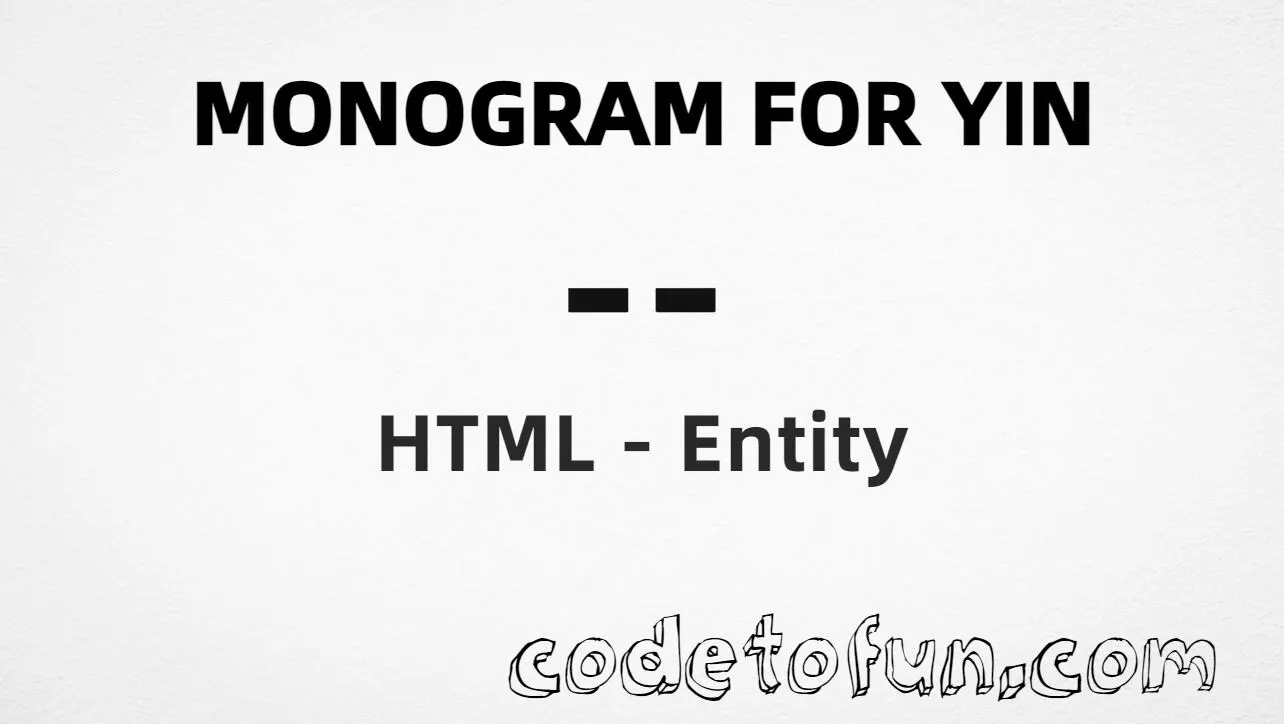
Using Hex Code: ⚋
Using HTML Code: ⚋
Using CSS Entity: ⚋
Yijing: ⚊ Yang   ⚋ Yin
How It Works
1. Hex:U+268B → ⚋ in HTML. The browser turns it into ⚋.
2. Decimal: same code point as 9867 → ⚋. Same result as hex.
3. CSS: use \268B in content (not an HTML entity). #point::after appends that ⚋ after the paragraph text.
4. Pairing: ⚋ is the yin line; pair it with ⚊ (Monogram Yang) for trigram diagrams — not with ☯.
Pitfalls & Tips
Common mistakes when working with Monogram Yin.
Named?
No named entity
HTML5 does not define a named entity for U+268B. Use numeric forms.
vs ☯
Not the taijitu
☯ (U+262F) is the Yin Yang circle. ⚋ is a single Yijing line symbol.
vs ⚊
Not Monogram Yang
⚊ is the unbroken yang line. ⚋ is the broken yin line. Pair them; do not swap them.
CSS vs HTML
Do not mix escapes
\268B belongs in CSS. ⚋ / ⚋ belong in HTML.
Encoding
Declare UTF-8
If you type ⚋ directly, keep <meta charset="UTF-8"> so the file is not misread.
Semicolon
End references
Always finish with ; — write ⚋, not ⚋.
Compatibility
Browser Support
Monogram Yin (U+268B) and its numeric entity forms (⚋, ⚋, CSS \\268B) are supported in all mainstream browsers with a Unicode-capable font that covers Yijing symbols.
✓ Universal support
Monogram Yin (⚋)
Type ⚋, or encode with hex, decimal, or CSS escape — same glyph everywhere fonts support it.
100%Browser coverage
Google ChromeSupported
Yes
Microsoft EdgeSupported
Yes
Mozilla FirefoxSupported
Yes
Apple SafariSupported
Yes
OperaSupported
Yes
Internet ExplorerIE 9+
Yes*
U+268B / entitiesFull support
Bottom line: Type ⚋ for normal UTF-8 text. Prefer ⚋ or ⚋ when encoding must be explicit, and \\268B only inside CSS content.
Remember
Key Takeaways
Unicode: Monogram Yin is U+268B (decimal 9867).
HTML: use ⚋ or ⚋ — no named entity.
CSS: use \268B inside content for generated text.
Pair: use with ⚊ (yang); do not confuse with ☯ (taijitu).
One line:U+268B → type ⚋, or encode as ⚋ / ⚋ / CSS \268B.
Frequently Asked Questions
Use ⚋ (hex), ⚋ (decimal), or the CSS escape \268B in the content property. All render ⚋. There is no named HTML entity for U+268B.
U+268B (MONOGRAM FOR YIN). Hex 268B, decimal 9867. It belongs to the Yijing Hexagram Symbols block.
No. U+268B has no named HTML entity. Use numeric references like ⚋ or ⚋.
Use it for Yijing (I Ching) trigram/hexagram diagrams, educational yin-yang line notation, and Taoist philosophy pages that need the yin monogram.
HTML entities (⚋ or ⚋) go in markup. The CSS escape \268B is used in stylesheets (usually in the content property of ::before/::after). Both render ⚋.
No. Monogram Yin is ⚋ (U+268B), a broken Yijing line. Monogram Yang is ⚊ (U+268A). Yin Yang (taijitu) is ☯ (U+262F). Different symbols.
🤔
Did you know?
Monogram Yin is Unicode U+268B (decimal 9867) — MONOGRAM FOR YIN in Yijing Hexagram Symbols. It is the broken yin line used in I Ching trigrams. HTML5 has no named entity — use ⚋ or ⚋. Pair it with Monogram Yang ⚊; do not confuse it with the taijitu ☯ (U+262F).