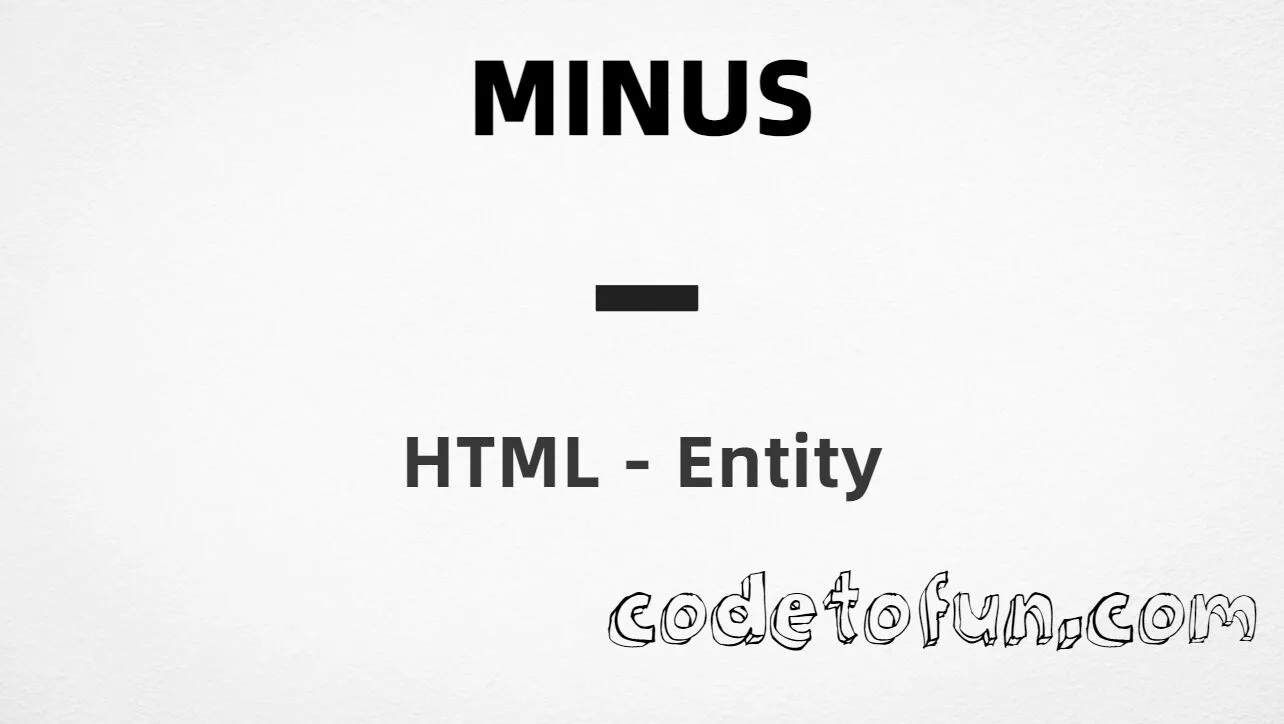
HTML Entity for Minus Sign (−)

What You'll Learn
How to display the minus sign (−) in HTML using hexadecimal, decimal, named entity, and CSS escape methods. This character is U+2212 (MINUS SIGN) in the Mathematical Operators block (U+2200–U+22FF)—the proper subtraction operator for equations, negative values, and scientific notation.
Render it with −, −, −, or CSS escape \2212. Do not confuse − with the keyboard hyphen-minus - (U+002D) or the en dash – (U+2013)—each serves a different typographic role.
⚡ Quick Reference — Minus Sign
U+2212Mathematical Operators
−Hexadecimal reference
−Decimal reference
−Most readable option
Name Value
──────────── ──────────
Unicode U+2212
Hex code −
HTML code −
Named entity −
CSS code \2212
Meaning Mathematical minus (subtraction)
Related U+002D = hyphen-minus (-)
U+2013 = en dash (–)Complete HTML Example
This example demonstrates the minus sign (−) using hexadecimal code, decimal HTML code, the named entity, and a CSS content escape:
<!DOCTYPE html>
<html>
<head>
<style>
#point::after{
content: "\2212";
}
</style>
</head>
<body>
<p>Minus using Hexadecimal: −</p>
<p>Minus using HTML Code: −</p>
<p>Minus using Named Entity: −</p>
<p id="point">Minus using CSS Entity: </p>
<p>Equation: 10 − 3 = 7</p>
</body>
</html>🌐 Browser Support
The minus sign is universally supported in all modern browsers:
👀 Live Preview
See the minus sign (−) in mathematical and scientific contexts:
🧠 How It Works
Hexadecimal Code
− uses the Unicode hexadecimal value 2212 to display the minus sign. The x prefix indicates hexadecimal format.
Decimal HTML Code
− uses the decimal Unicode value 8722 to display the same character.
CSS Entity
\2212 is used in CSS stylesheets, particularly in the content property of pseudo-elements like ::before and ::after.
Named Entity
− is the standard named HTML entity for the minus sign—easy to read and remember in source markup.
Same visual result
All four methods produce − (−). Unicode U+2212 is in Mathematical Operators. Prefer − for readable HTML source.
Use Cases
The minus sign (−) is commonly used in:
Subtraction expressions, algebra, and arithmetic notation.
Negative values, temperature below zero, and scientific formulas.
Technical specs, tolerances, and calculation documentation.
Online courses, quizzes, and math tutorials.
Losses, negative balances, and delta notation.
HTML entity tutorials and Unicode symbol documentation.
💡 Best Practices
Do
- Use
−for mathematical subtraction and negative numbers - Prefer
−over keyboard-in equations - Distinguish − from hyphen-minus (U+002D) and en dash (U+2013)
- Serve pages with UTF-8 (
<meta charset="utf-8">) - Consider MathML or LaTeX for complex formulas
Don’t
- Use hyphen-minus (-) in formal mathematical notation when − is intended
- Put CSS escape
\2212in HTML text nodes - Use HTML entities in JS (use
\u2212) - Confuse − with the dash characters used in prose
- Use padded Unicode notation like U+02212—the correct value is
U+2212
Key Takeaways
Four HTML/CSS references all render −
− − −For CSS stylesheets, use \2212 in the content property
Unicode U+2212 — MINUS SIGN in Mathematical Operators
Prefer − for readability in HTML source
Not the same as hyphen-minus - (U+002D)
❓ Frequently Asked Questions
− (hex), − (decimal), − (named), or \2212 in CSS content. All produce −.U+2212 (MINUS SIGN). Mathematical Operators block (U+2200–U+22FF). Hex 2212, decimal 8722. Named HTML entity: −.- is U+002D (HYPHEN-MINUS) from the keyboard. They look similar but serve different typographic and semantic roles.−, −, or −) go directly in markup. The CSS escape \2212 is used in stylesheets, typically in the content property of pseudo-elements. Same visual result, different layers of the stack.Explore More HTML Entities!
Discover 1500+ HTML character references — math operators, punctuation, and symbols.
8 people found this page helpful