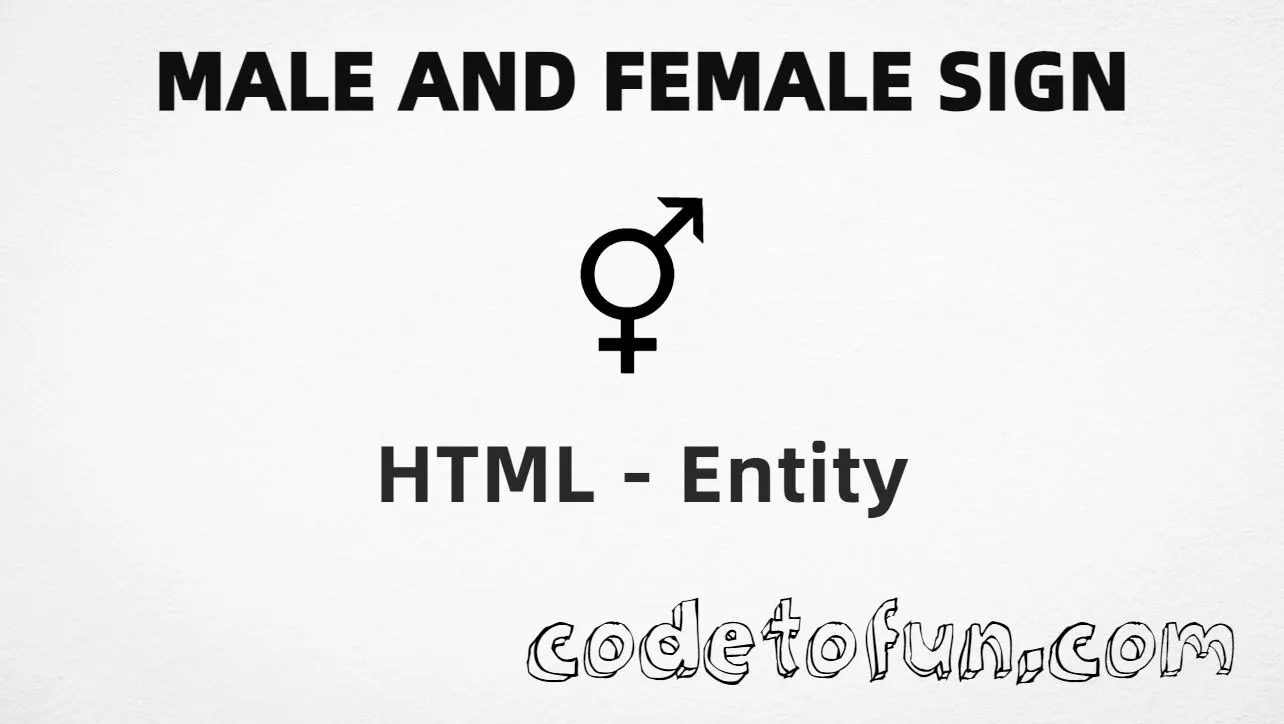
Male female sign (⚥) is the Miscellaneous Symbols character at Unicode U+26A5 (MALE AND FEMALE SIGN). It is the combined gender symbol used in labels, forms, and educational content.
Remember
Character     ⚥
Unicode       U+26A5
Hex entity    ⚥
Decimal       ⚥
CSS escape    \26A5
Named entity  (none)
Hex, decimal, CSS, and a typed character all produce the same glyph: ⚥. Prefer typing ⚥ in UTF-8 HTML when you can; use entities when encoding must be explicit.
Using Hex Code: ⚥
Using HTML Code: ⚥
Using CSS Entity: ⚥
Typed directly: ⚥
How It Works
1. Hex:U+26A5 → ⚥ in HTML. The browser turns it into ⚥.
2. Decimal: same code point as 9893 → ⚥. Same result as hex.
3. CSS: use \26A5 in content (not an HTML entity). #point::after appends that ⚥ after the paragraph text.
4. Typed ⚥: best for normal UTF-8 text. All four lines show the same symbol.
Pitfalls & Tips
Common mistakes when working with the male female sign.
Named?
No named entity
HTML5 does not define a named entity for U+26A5. Use numeric forms.
Related
Not ♂ or ♀ alone
U+26A5 is the combined sign. Male is U+2642; female is U+2640.
A11y
Provide text context
Screen readers may not name the glyph clearly — add visible labels or aria-label where needed.
CSS vs HTML
Do not mix escapes
\26A5 belongs in CSS. ⚥ / ⚥ belong in HTML.
Encoding
Declare UTF-8
If you type ⚥ directly, keep <meta charset="UTF-8"> so the file is not misread.
Semicolon
End references
Always finish with ; — write ⚥, not ⚥.
Compatibility
Browser Support
Male female sign (U+26A5) and its numeric entity forms (⚥, ⚥, CSS \\26A5) are supported in all mainstream browsers with a Unicode-capable font.
✓ Universal support
Male Female Sign (⚥)
Type ⚥, or encode with hex, decimal, or CSS escape — same glyph everywhere.
100%Browser coverage
Google ChromeSupported
Yes
Microsoft EdgeSupported
Yes
Mozilla FirefoxSupported
Yes
Apple SafariSupported
Yes
OperaSupported
Yes
Internet ExplorerIE 9+
Yes*
U+26A5 / entitiesFull support
Bottom line: Type ⚥ for normal UTF-8 text. Prefer ⚥ or ⚥ when encoding must be explicit, and \\26A5 only inside CSS content.
Remember
Key Takeaways
Unicode: male female sign is U+26A5 (decimal 9893).
HTML: use ⚥ or ⚥ when you need an entity.
CSS: use \26A5 inside content for generated text.
Related: ♂ is U+2642; ♀ is U+2640 — different characters.
One line:U+26A5 → type ⚥, or encode as ⚥ / ⚥ / CSS \26A5.
Frequently Asked Questions
Use ⚥ (hex), ⚥ (decimal), or the CSS escape \26A5 in the content property. All render ⚥. There is no named HTML entity for U+26A5.
U+26A5 (MALE AND FEMALE SIGN). Hex 26A5, decimal 9893. It belongs to the Miscellaneous Symbols block.
No. U+26A5 has no named HTML entity. Use numeric references like ⚥ or ⚥.
Use it for gender-related labels, forms, accessibility cues, and educational or UI content that needs the combined male/female symbol ⚥.
HTML entities (⚥ or ⚥) go in markup. The CSS escape \26A5 is used in stylesheets (usually in the content property of ::before/::after). Both render ⚥.
⚥ (U+26A5) is the combined male and female sign. ♂ is the male sign (U+2642) and ♀ is the female sign (U+2640) — separate characters.
🤔
Did you know?
Male female sign is Unicode U+26A5 (decimal 9893) — MALE AND FEMALE SIGN in Miscellaneous Symbols. HTML5 has no named entity for it — use ⚥ or ⚥. Related: male sign U+2642 (♂) and female sign U+2640 (♀).