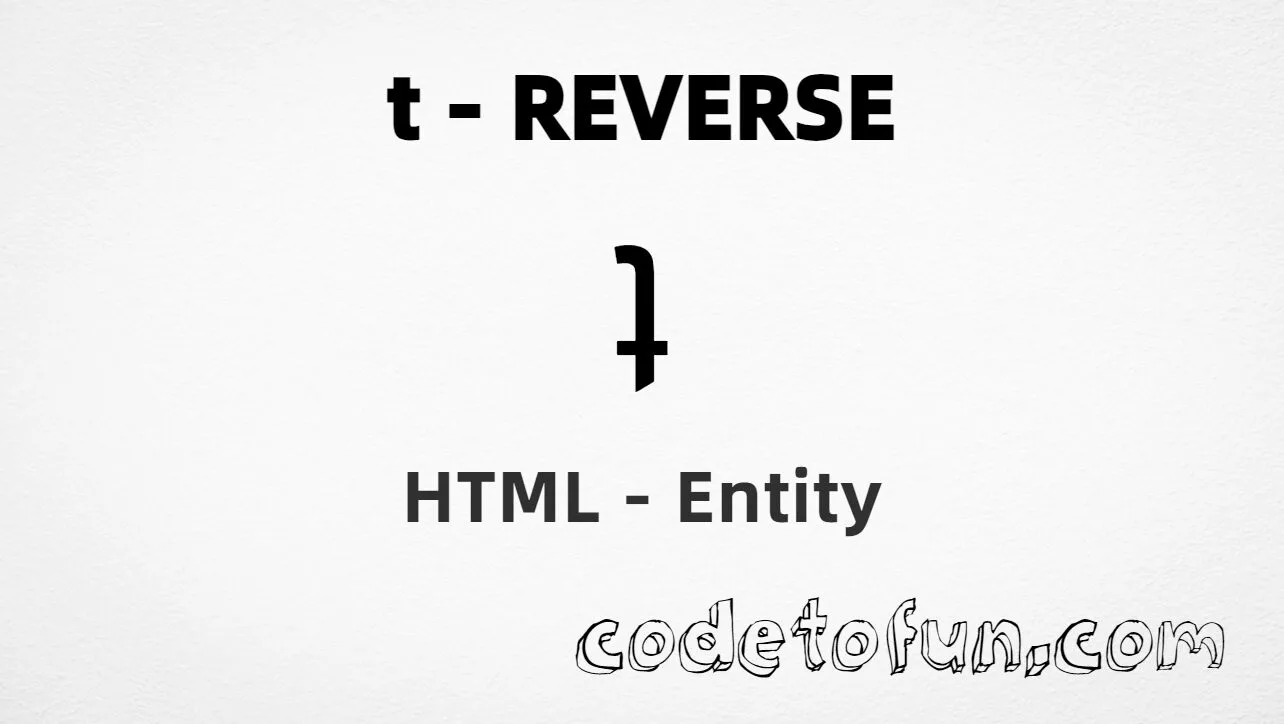
Lowercase t reverse (ʇ) is the IPA Extensions character at Unicode U+0287 (LATIN SMALL LETTER TURNED T). It is a rotated form of the letter t. It is used in phonetic and linguistic notation. HTML5 defines no named entity for it.
Remember
Character     ʇ
Unicode       U+0287
Named entity  (none)
Hex entity    ʇ
Decimal       ʇ
CSS escape    \0287
All of these produce the same glyph: ʇ. Prefer a pasted ʇ in UTF-8 pages; use numeric or CSS forms when you need an escape.
Reference
Quick Reference
One table for every form you will actually use.
Form
Code
Where it goes
Direct character
ʇ
HTML text (UTF-8 default)
Named entity
none
—
Hex entity
ʇ
HTML markup
Decimal entity
ʇ
HTML markup
CSS escape
\0287
Stylesheet content
When to Use Which
Situation
Use
Phonetic / linguistic UTF-8 text
Type or paste ʇ
Numeric entity required
ʇ or ʇ
Generated text via ::before / ::after
content: "\0287"
Plain English letter t
t (U+0074)
T retroflex hook (ʈ)
Different character — see Related Topics
See it
Live Preview
Lowercase t reverse (turned t) rendered in common contexts.
Inline textSample: aʇa
Large glyphʇ
With entitiesHex: ʇ | Decimal: ʇ
Not the samet (U+0074) · ʈ (retroflex hook)
Code
Complete HTML Example
One page that shows lowercase t reverse with hex, decimal, and CSS forms. Use View Output or open the live editor.
Hex + Decimal + CSS
Three ways to produce ʇ in a single document (no named entity).
html
<!DOCTYPE html>
<html lang="en">
<head>
<meta charset="UTF-8">
<title>Lowercase T Reverse (ʇ) in HTML</title>
<style>
#point::after {
content: "\0287";
}
</style>
</head>
<body>
<p>T Reverse using Hex Code: ʇ</p>
<p>T Reverse using HTML Code: ʇ</p>
<p id="point">T Reverse using CSS Entity: </p>
</body>
</html>
T Reverse using Hex Code: ʇ
T Reverse using HTML Code: ʇ
T Reverse using CSS Entity: ʇ
How It Works
1. Hex:U+0287 → ʇ in HTML. There is no named entity for this code point.
2. Decimal: same code point as 647 → ʇ. Same glyph.
3. CSS: use \0287 in content (not an HTML entity). #point::after appends that ʇ after the paragraph text.
Pitfalls & Tips
Common mistakes when working with the t reverse entity.
Named
No named entity
HTML5 does not define a named entity for U+0287. Use ʇ or ʇ.
CSS vs HTML
Do not mix escapes
\0287 belongs in CSS. ʇ / ʇ belong in HTML.
Look-alikes
Not t or ʈ
Plain t is U+0074; retroflex hook ʈ is U+0288. Turned t is a different letter.
Fonts
Need IPA coverage
Some fonts omit IPA Extensions. Prefer a font that includes U+0287 for a reliable glyph.
Semicolon
End references
Always finish with ; — write ʇ, not ʇ.
UTF-8
Declare charset
If you paste ʇ directly, serve the page as UTF-8 with <meta charset="UTF-8">.
Compatibility
Browser Support
Lowercase t reverse (U+0287) and its entity forms (ʇ, ʇ, CSS \\0287) are supported in all mainstream browsers.
✓ Universal support
Lowercase T Reverse (ʇ)
Paste ʇ, or encode with hex, decimal, or CSS escape — same glyph everywhere.
100%Browser coverage
Google ChromeSupported
Yes
Microsoft EdgeSupported
Yes
Mozilla FirefoxSupported
Yes
Apple SafariSupported
Yes
OperaSupported
Yes
Internet ExplorerAll versions
Yes
U+0287 / entitiesFull support
Bottom line: Prefer a pasted ʇ in UTF-8 text. Use ʇ / ʇ when a numeric form is required, and \\0287 only inside CSS content.
Remember
Key Takeaways
Unicode: turned t is U+0287 (decimal 647), IPA Extensions.
HTML: no named entity — use ʇ or ʇ.
CSS: use \0287 inside content for generated text.
Use: phonetic notation — not the same as plain t or ʈ.
One line:U+0287 → ʇ / ʇ / CSS \0287 (no named entity).
Frequently Asked Questions
Use ʇ (hex), ʇ (decimal), type or paste ʇ in a UTF-8 file, or the CSS escape \0287 in the content property. There is no HTML5 named entity for U+0287.
U+0287 (LATIN SMALL LETTER TURNED T). Hex 0287, decimal 647. It belongs to IPA Extensions and is a rotated form of the letter t used in phonetic notation.
No. HTML5 does not define a named entity for this character. Use numeric references ʇ or ʇ when you need an entity form.
Use it for phonetic transcription, linguistic examples, CSS-generated content, or when encoding must be explicit. Prefer a pasted ʇ in UTF-8 text when possible. Use plain t for ordinary English.
HTML entities (ʇ or ʇ) go in markup. The CSS escape \0287 is used in stylesheets (usually in the content property of ::before/::after). Both render ʇ.
Plain t is U+0074. T with retroflex hook ʈ is U+0288. Turned t ʇ is U+0287 — a different IPA letter. Do not substitute one for another.
🤔
Did you know?
Lowercase t reverse (ʇ) is Unicode U+0287 (decimal 647) — LATIN SMALL LETTER TURNED T in IPA Extensions. HTML5 has no named entity for it — use ʇ or ʇ. Used in phonetic and linguistic notation.