HTML Entity for Lowercase O Caron (&ocaron;)

Beginner
5 min read
Updated: Sep 2026
1 example
Unicode U+01D2

What Is the Lowercase O Caron Entity?

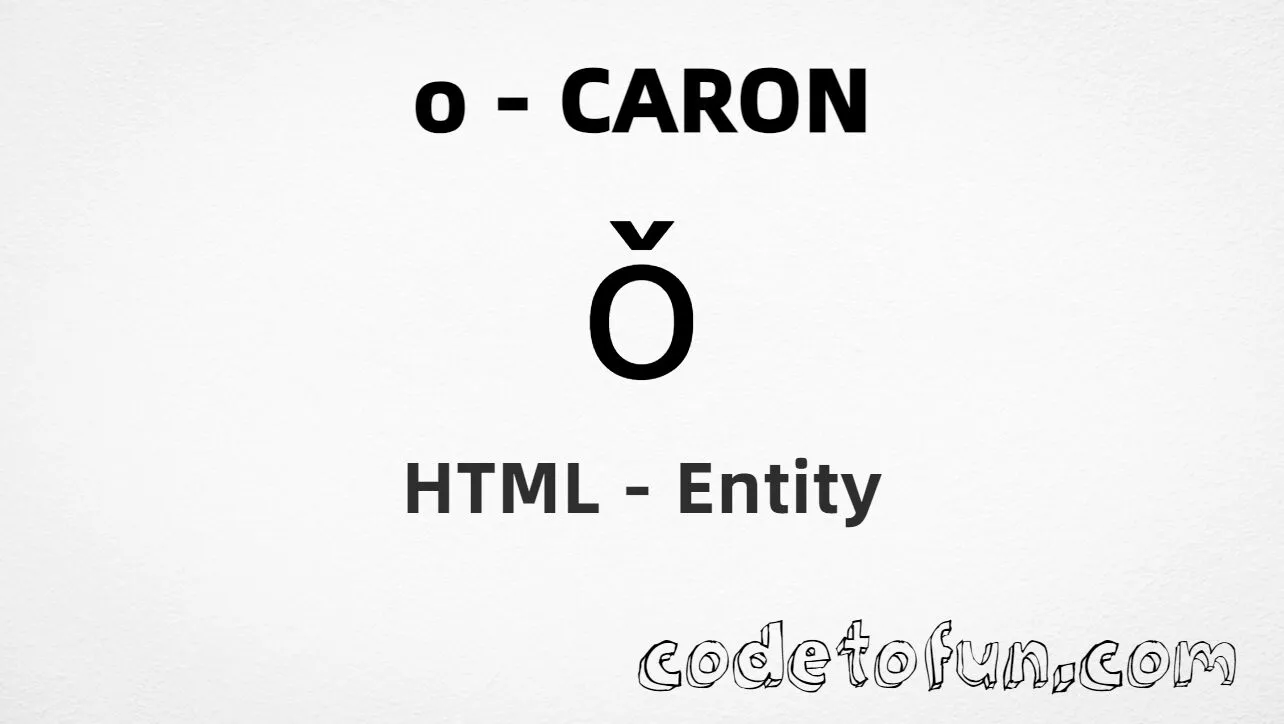
Lowercase o caron (&ocaron;) is the Latin Extended-B character at Unicode U+01D2 (LATIN SMALL LETTER O WITH CARON). It is the letter o with a caron (ˇ) above — used in Hanyu Pinyin for the Mandarin third tone (e.g. w&ocaron;).

Remember
Character     &ocaron;
Unicode       U+01D2
Named entity  &ocaron;
Hex entity    ǒ
Decimal       ǒ
CSS escape    \01D2
Capital       &Ocaron; (Ǒ)

Named, hex, decimal, CSS, and a typed character all produce the same glyph: &ocaron;. Prefer &ocaron; in HTML source for clarity.

Quick Reference

One table for every form you will actually use.

FormCodeWhere it goes
Named entity&ocaron;HTML markup (best default)
Hex entityǒHTML markup
Decimal entityǒHTML markup
CSS escape\01D2Stylesheet content
Direct character&ocaron;UTF-8 HTML text

When to Use Which

SituationUse
Readable HTML source&ocaron;
Numeric entity requiredǒ or ǒ
Generated text via ::before / ::aftercontent: "\01D2"
Capital Ǒ&Ocaron; — see Uppercase O Caron
Breve instead of caronSee Lowercase O Breve

Live Preview

Lowercase o caron in Pinyin and comparison contexts.

Pinyin sample w&ocaron;, k&ocaron;ng
Large glyph &ocaron;
Named entity &ocaron; → &ocaron;
vs o / Ǒ / ŏ &ocaron;  |  o  |  &Ocaron;  |  &obreve;
With entities Named: &ocaron; | Hex: ǒ | Decimal: ǒ

Complete HTML Example

One page that shows this character with named, hex, decimal, and CSS forms. Use View Output or open the live editor.

Named + Hex + Decimal + CSS

Four ways to produce &ocaron; in a single document.

html
<!DOCTYPE html>
<html lang="en">
<head>
  <meta charset="UTF-8">
  <title>Lowercase O Caron (&ocaron;)</title>
  <style>
    #point::after {
      content: "\01D2";
    }
  </style>
</head>
<body>
  <p>Using Named Entity: &ocaron;</p>
  <p>Using Hex Code: &#x01D2;</p>
  <p>Using HTML Code: &#466;</p>
  <p id="point">Using CSS Entity: </p>
  <p lang="zh-Latn-pinyin">Pinyin: w&ocaron;</p>
</body>
</html>
Try It Yourself

How It Works

1. Named: &ocaron; is the clearest HTML form and renders &ocaron;.

2. Hex: U+01D2 → &#x01D2; in HTML. Same result as the named entity.

3. Decimal: same code point as 466 → &#466;. Same result as hex.

4. CSS: use \01D2 in content (not an HTML entity). #point::after appends that &ocaron; after the paragraph text.

Pitfalls & Tips

Common mistakes when working with lowercase o caron.

Case

&ocaron; ≠ &Ocaron;

Named entities are case-sensitive. Lowercase is ǒ; uppercase is Ǒ.

Look-alikes

Caron ≠ breve

Caron (ˇ) is a wedge. Breve (˘) is curved. Do not confuse &ocaron; with &obreve;.

Compose

Prefer precomposed

Use &ocaron; instead of o plus combining caron (U+030C) when the precomposed form exists.

CSS vs HTML

Do not mix escapes

\01D2 belongs in CSS. &ocaron; / &#x01D2; / &#466; belong in HTML.

Encoding

Declare UTF-8

If you type ǒ directly, keep <meta charset="UTF-8"> so the file is not misread.

Semicolon

End references

Always finish with ; — write &ocaron;, not &ocaron.

Browser Support

Lowercase o caron (U+01D2) and its entity forms (&ocaron;, &#x01D2;, &#466;, CSS \\01D2) are supported in all modern browsers.

✓ Universal encoding

Lowercase O Caron (&ocaron;)

Encode with named, hex, decimal, or CSS escape — or type &ocaron; directly in UTF-8 HTML.

100% Browser coverage
Google Chrome Supported
Yes
Microsoft Edge Supported
Yes
Mozilla Firefox Supported
Yes
Apple Safari Supported
Yes
Opera Supported
Yes
Internet Explorer IE 9+
Yes*
U+01D2 Full support

Bottom line: Prefer &ocaron; for readable HTML. Use \\01D2 only inside CSS content.

Key Takeaways

  • Unicode: this character is U+01D2 (decimal 466).
  • HTML: prefer &ocaron; — or use &#x01D2; / &#466;.
  • CSS: use \01D2 inside content for generated text.
  • Watch out: &ocaron; ≠ &Ocaron; ≠ &obreve;.

One line: U+01D2 → &ocaron; / &#x01D2; / &#466; / CSS \01D2.

Frequently Asked Questions

Use &ocaron; (named), &#x01D2; (hex), &#466; (decimal), or the CSS escape \01D2 in the content property. All render ǒ. Prefer &ocaron; in HTML source.
U+01D2 (LATIN SMALL LETTER O WITH CARON). Hex 01D2, decimal 466. It belongs to Latin Extended-B (U+0180–U+024F).
Yes. &ocaron; is the HTML5 named entity for ǒ. The capital form is &Ocaron; (Ǒ, U+01D1) — names are case-sensitive.
Use it for Hanyu Pinyin third-tone syllables (e.g. wǒ), romanization, linguistics pages, and multilingual sites that need ǒ.
HTML entities (&ocaron;, &#466;, or &#x01D2;) go in markup. The CSS escape \01D2 is used in stylesheets (usually in the content property of ::before/::after). Both render ǒ.
Visually similar, but U+01D2 is a precomposed character. Combining caron is U+030C after a base letter. Prefer the precomposed &ocaron; when available.

Did you know?

Lowercase o caron is Unicode U+01D2 (decimal 466) — LATIN SMALL LETTER O WITH CARON in Latin Extended-B. HTML5 provides &ocaron; — the most readable form. Capital is &Ocaron; (Ǒ, U+01D1). In Hanyu Pinyin it marks the Mandarin third tone (e.g. w&ocaron;).

Next: Lowercase O Circumflex

Learn the HTML entity for ô (o with circumflex) — next in this sequence.

Continue tutorial →

About the author

Mari Selvan M P
Mari Selvan M P 🔗

Developer, cloud engineer, and technical writer

  • Experience 12 years building web and cloud systems
  • Focus Full Stack Development, AWS, and Developer Education

I write practical tutorials so students and working developers can learn by doing—from databases and APIs to deployment on AWS.

8 people found this page helpful
