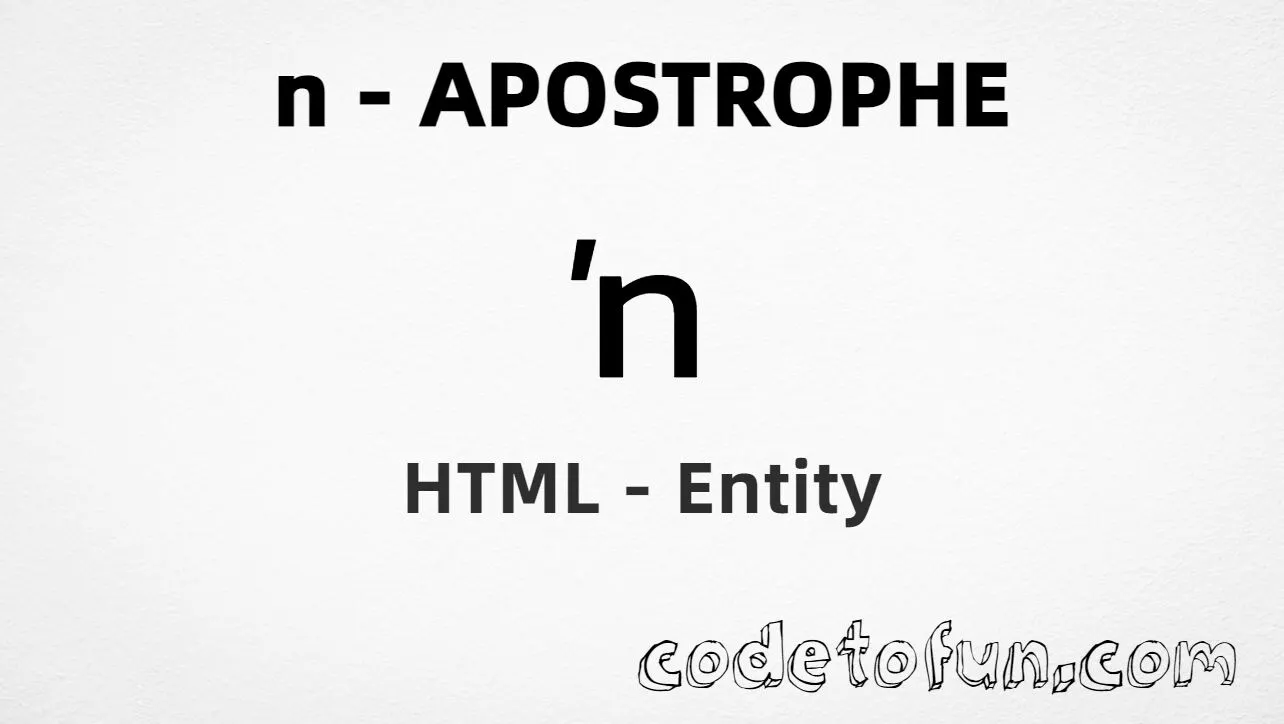
Lowercase n apostrophe (ʼn) is the Latin Extended-A character at Unicode U+0149 (LATIN SMALL LETTER N PRECEDED BY APOSTROPHE). It is a single code point that looks like an apostrophe attached before n — historically used in Afrikaans for the indefinite article.
Remember
Character     ʼn
Unicode       U+0149
Named entity  ʼn
Hex entity    ʼn
Decimal       ʼn
CSS escape    \0149
Note          Deprecated for new text (prefer ' + n)
Named, hex, decimal, CSS, and a typed character all produce the same glyph: ʼn. Prefer ʼn in HTML when you need this precomposed form; for new Afrikaans text, prefer apostrophe + n.
Using Named Entity: ʼn
Using Hex Code: ʼn
Using HTML Code: ʼn
Using CSS Entity: ʼn
Afrikaans: ʼnhuis
How It Works
1. Named:ʼn is the clearest HTML form and renders ʼn.
2. Hex:U+0149 → ʼn in HTML. Same result as the named entity.
3. Decimal: same code point as 329 → ʼn. Same result as hex.
4. CSS: use \0149 in content (not an HTML entity). #point::after appends that ʼn after the paragraph text.
Pitfalls & Tips
Common mistakes when working with lowercase n apostrophe.
Unicode
Deprecated for new text
Prefer 'n or ’n for new content. Use ʼn mainly for legacy U+0149 data.
Look-alikes
Not plain n or ñ
n is U+006E. Spanish ñ is ñ. This character includes a preceding apostrophe in one glyph.
Named
Prefer ʼn
When you do need U+0149, the named entity is clearer than numeric codes.
CSS vs HTML
Do not mix escapes
\0149 belongs in CSS. ʼn / ʼn / ʼn belong in HTML.
Encoding
Declare UTF-8
If you type ʼn directly, keep <meta charset="UTF-8"> so the file is not misread.
Semicolon
End references
Always finish with ; — write ʼn, not &napos.
Compatibility
Browser Support
Lowercase n apostrophe (U+0149) and its entity forms (ʼn, ʼn, ʼn, CSS \\0149) are supported in all modern browsers.
✓ Universal encoding
Lowercase N Apostrophe (ʼn)
Encode with named, hex, decimal, or CSS escape — or type ʼn directly in UTF-8 HTML.
100%Browser coverage
Google ChromeSupported
Yes
Microsoft EdgeSupported
Yes
Mozilla FirefoxSupported
Yes
Apple SafariSupported
Yes
OperaSupported
Yes
Internet ExplorerIE 9+
Yes*
U+0149Full support
Bottom line: Prefer ʼn when you need U+0149. For new text, prefer apostrophe + n. Use \\0149 only inside CSS content.
Remember
Key Takeaways
Unicode: this character is U+0149 (decimal 329).
HTML: prefer ʼn — or use ʼn / ʼn.
CSS: use \0149 inside content for generated text.
Watch out: Unicode prefers 'n for new text — ʼn is mainly for legacy U+0149.
One line:U+0149 → ʼn / ʼn / ʼn / CSS \0149 (or use 'n for new text).
Frequently Asked Questions
Use ʼn (named), ʼn (hex), ʼn (decimal), or the CSS escape \0149 in the content property. All render ʼn. Prefer ʼn in HTML source when you need this character.
U+0149 (LATIN SMALL LETTER N PRECEDED BY APOSTROPHE). Hex 0149, decimal 329. It belongs to Latin Extended-A (U+0100–U+017F).
Yes. ʼn is the HTML5 named entity for ʼn.
Use it for Afrikaans legacy text that already uses the precomposed form (e.g. ʼnhuis), documentation about the character, or when a single code point is required. For new content, Unicode recommends a separate apostrophe followed by n.
HTML entities (ʼn, ʼn, or ʼn) go in markup. The CSS escape \0149 is used in stylesheets (usually in the content property of ::before/::after). Both render ʼn.
Unicode deprecates U+0149. Prefer 'n or ’n (apostrophe + letter n) for new Afrikaans and general text. Keep ʼn when matching legacy data that already stores U+0149.
🤔
Did you know?
Lowercase n apostrophe is Unicode U+0149 (decimal 329) — LATIN SMALL LETTER N PRECEDED BY APOSTROPHE. HTML5 provides ʼn. Unicode deprecates this precomposed form for new text in favor of apostrophe (' or ’) + n. Still useful for Afrikaans legacy content and documentation.