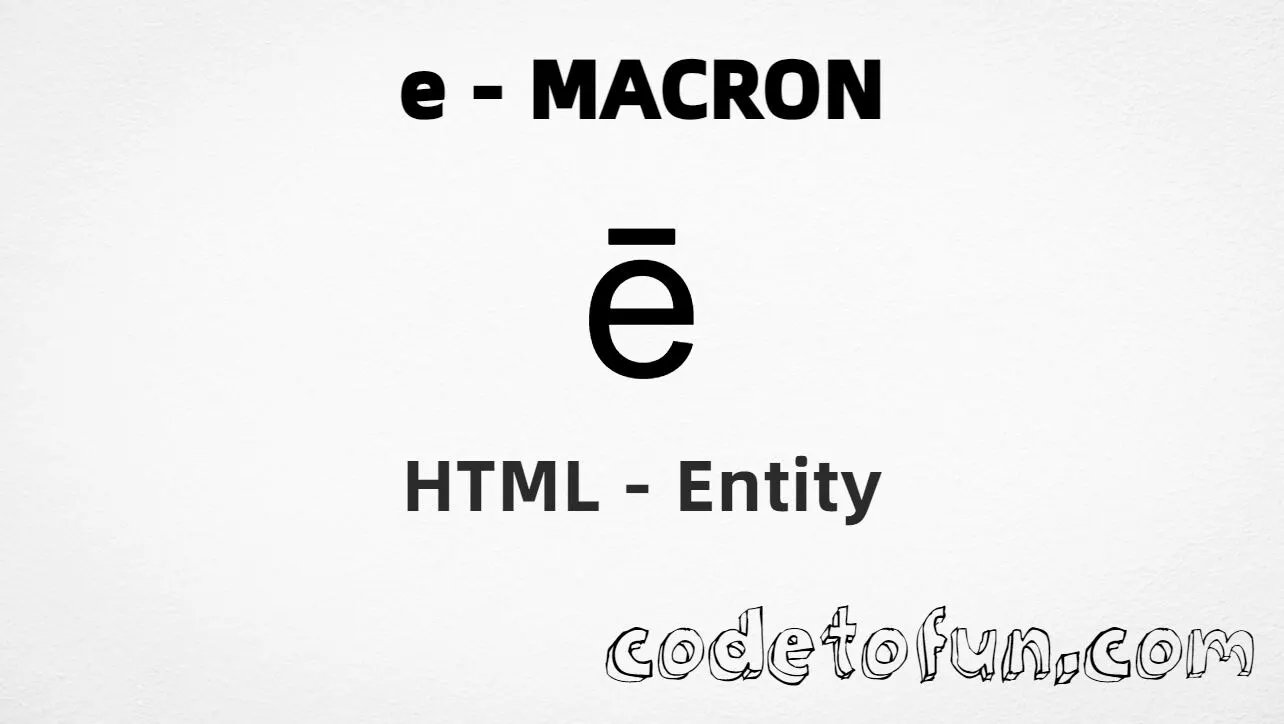
HTML Entity for Lowercase E Macron (ē)

Beginner
⏱️ 5 min read
📚 Updated: Jun 2026
🎯 1 Code Example
Unicode U+0113

What You'll Learn

How to display the lowercase e with macron (ē) in HTML using named entity, hexadecimal, decimal, and CSS escape methods. The macron indicates a long vowel and is used in Latin (e.g. mēns, pēs), linguistic notation, and language learning. It is U+0113 in the Latin Extended-A block.

Render it with ē, ē, ē, or CSS escape \113. The named entity ē is often the most readable option in HTML source.

⚡ Quick Reference — Lowercase E Macron Entity

Unicode U+0113

Latin Extended-A

Hex Code ē

Hexadecimal reference

HTML Code ē

Decimal reference

Named Entity ē

Most readable option

Reference Table
Name           Value
────────────   ──────────
Unicode        U+0113
Hex code       ē
HTML code      ē
Named entity   ē
CSS code       \113
Meaning        Latin small letter e with macron
Related        U+0112 = Ē (uppercase)
Block          Latin Extended-A (U+0100–U+017F)
1

Complete HTML Example

A simple example showing the lowercase e macron (ē) using hexadecimal code, decimal HTML code, the named entity, and a CSS content escape:

html
<!DOCTYPE html>
<html>
<head>
 <style>
  #point:after{
   content: "\113";
  }
 </style>
</head>
<body>
<p>Symbol (hex): &#x113;</p>
<p>Symbol (decimal): &#275;</p>
<p>Symbol (named): &emacr;</p>
<p id="point">Symbol (CSS): </p>
</body>
</html>
Try it Yourself

🌐 Browser Support

The lowercase e macron (ē) and the named entity &emacr; are supported in modern browsers:

Chrome1+
Firefox1+
Safari1+
Edge12+
Opera4+
Android4.4+
iOS Safari1+

👀 Live Preview

See the lowercase e macron (ē) in Latin and linguistic contexts:

Large glyphē
Latinmēns, pēs, cēterī
Uppercase pairĒ (U+0112) / ē (U+0113)
Named entity&emacr; renders as ē
Numeric refs&#x113; &#275; &emacr; \113

🧠 How It Works

1

Hexadecimal Code

&#x113; uses the Unicode hexadecimal value 113 to display the character. The x prefix indicates hexadecimal format.

HTML markup
2

Decimal HTML Code

&#275; uses the decimal Unicode value 275 to display the same character. A common method for Latin Extended-A characters.

HTML markup
3

Named Entity

&emacr; is the standard named entity for ē—readable in source HTML and part of the HTML5 entity set.

HTML markup
4

CSS Entity

\113 is used in CSS stylesheets, particularly in the content property of pseudo-elements like ::before and ::after.

CSS stylesheet
=

Same visual result

All four methods produce the glyph: ē. Unicode U+0113 sits in Latin Extended-A. Uppercase equivalent: U+0112 (&Emacr;). The macron marks a long vowel—do not confuse with plain e (U+0065).

Use Cases

The lowercase e macron (ē) is commonly used in:

📝 Latin

Marking long vowels in Latin (e.g. mēns, pēs). Correct vowel length matters for pronunciation and scansion.

🔤 Linguistics

Phonetic transcriptions and linguistic notation use ē to represent a long vowel.

📚 Language learning

Courses, dictionaries, and educational materials teaching Latin vowel length and macron usage.

🌐 Internationalization

Websites and apps for languages that use the macron to mark long vowels on e.

📄 Publishing

Academic, educational, or editorial content in Latin, linguistics, or classical studies.

🎨 Typography

Headlines and styled text in Latin or linguistic contexts requiring correct spelling.

🔍 Search & SEO

Correct rendering so Latin text and linguistic content can be found and indexed properly.

💡 Best Practices

Do

  • Use &emacr; in HTML when possible for readability
  • Serve pages as UTF-8; you can also type ē directly in UTF-8 source
  • Set lang="la" for Latin content to aid pronunciation
  • Use fonts that support Latin Extended-A characters
  • Distinguish ē (macron) from plain e (U+0065)

Don’t

  • Substitute plain e when ē is required for correct Latin spelling
  • Confuse ē (long vowel) with è (grave) or é (acute)
  • Put CSS escape \113 in HTML text nodes
  • Assume all fonts render Latin Extended-A glyphs identically
  • Omit UTF-8 encoding on pages with accented characters

Key Takeaways

1

Four references render ē; named entity is most readable

&#x113; &#275; &emacr;
2

For CSS stylesheets, use the escape in the content property

\113
3

Unicode U+0113 — LATIN SMALL LETTER E WITH MACRON

4

Essential for Latin, linguistic notation, and language learning

❓ Frequently Asked Questions

Use &emacr; (named), &#x113; (hex), &#275; (decimal), or \113 in CSS content. The named entity &emacr; is the most readable for HTML content.
U+0113 (LATIN SMALL LETTER E WITH MACRON). Latin Extended-A block. Hex 113, decimal 275. Used in Latin, linguistic notation, and languages that mark long vowels.
When writing Latin (long vowels), linguistic and phonetic notation, language learning materials, and any content that requires the long-vowel e for correct representation.
HTML code (&#275; or &#x113;) or the named entity &emacr; is used in HTML content. The CSS entity (\113) is used in CSS, e.g. in the content property of pseudo-elements. Both produce ē but in different contexts.
Yes. The named HTML entity is &emacr;. It is part of the standard HTML5 entity set and is well supported. You can also use &#275; or &#x113; for numeric references.

Explore More HTML Entities!

Discover 1500+ HTML character references — accented letters, symbols, and more.

All HTML Entities →

About the author

Mari Selvan M P
Mari Selvan M P 🔗

Developer, cloud engineer, and technical writer

  • Experience 12 years building web and cloud systems
  • Focus Full Stack Development, AWS, and Developer Education

I write practical tutorials so students and working developers can learn by doing—from databases and APIs to deployment on AWS.

8 people found this page helpful